75–95% of traders lose money long-term. Not because markets are impossible to beat - but because most traders have no idea what they're actually doing wrong. They repeat the same mistakes, abandon strategies too early, overtrade their worst hours, and have nothing but a broker statement to reflect on.
TraderInsight.pro was built to fix that.
It's a high-performance trading journal designed by traders, for traders - giving you the tools to import your trades from any broker, analyse your performance across every dimension, document your decisions, and share your progress with the people who help you grow. Whether you're a day trader, swing trader, paper trader, or running a prop firm evaluation, it's the single platform where your entire trading life lives.
Here are 100 things you can do with it.
- Journal Stocks - long, short, partial fills, and everything in between
- Journal Forex - track every currency pair across every session with full precision
- Journal Crypto - across multiple exchanges, all unified in one place
- Journal Futures - contracts, roll dates, and market-specific patterns all tracked
- Journal Options - single legs, spreads, and complex multi-leg strategies
- Journal Dividends - every payout, re-investment, and yield event accounted for
- Journal Cash Transactions - fees, withdrawals, deposits, interest payments, and every other cash event that affects your real account balance
- Create custom filters - slice and dice your data exactly the way you think about your trading
- Filter by almost every single trading property - profit ranges, strategies, behaviours, holding times, trade direction, asset type, tags, and more
- Create fully custom reports - combine any charts, filters, stats, and KPIs into a single, purpose-built view
- Customize every chart - change type, axes, colours, groupings, and time ranges to match your analysis style
- Customize your KPIs - remove the ones you don't care about, add the ones that actually move the needle for you
- Build reports from scratch or customize pre-built ones - total flexibility, no ceiling on what you can create
- Customize almost every table layout across the entire platform - reorder columns, hide what's irrelevant, surface what matters
- Share your trades on social media - post verified, real performance publicly to build credibility and accountability
- Share your trades privately with specific friends, mentors, or mentees - full control over who sees what
- Share your entire journal with a mentor or trading partner for structured, ongoing feedback
- Access journals that friends or mentors have shared with you - learn from real data, not just advice
- Access public trades from people in your network - see what's working for other traders in real time
- Access privately shared trades from your network - collaborate closely without making everything public
- Create custom tag groups - Strategies, Mistakes, Setups, Market Conditions, Emotional State, and anything else that matters to your process
- Create custom tags within every tag group - e.g. "Momentum", "Breakout", "FOMO", "Revenge Trade", "Pre-Market", and more
- Attach tags and tag groups to any trade - build a rich, searchable record of every decision you make
- Build dedicated reports around your tags and tag groups - find out which strategies actually print and which ones are quietly bleeding you
- Create filters scoped to specific tags and tag groups - isolate any subset of trades instantly
- Compare multiple strategies side-by-side - see exactly how each one stacks up on win rate, R:R, profit, and more
- Run multi-filter analysis - compare multiple filters at once to find your edge across any dimension
- Journal trades in multiple currencies - not USD-only; full localization with custom number and timestamp formatting
- Import trades from countless brokers - drag-and-drop simplicity, no manual entry required
- Import trades from multiple accounts and analyse them side-by-side using a custom filter - perfect for traders running multiple strategies or brokers at once
- Learn how to import trades step by step - get up and running fast regardless of your broker
- Create custom import scripts - handle any broker format, no matter how niche or unusual
- Request a broker that isn't supported yet - it's often added within an hour of your request
- Customize number formatting to match your locale and preference - commas, decimals, exactly as you expect them
- Customize timestamp formatting across the entire platform - your timezone, your format, everywhere
- Reset your entire journal when you need a completely fresh start - no friction, no leftover data
- Generate 3 years of realistic demo data - explore every feature of the platform before committing a single real trade
- Reset only specific resources in your journal - wipe one asset class or one account without touching anything else
- Write notes in Markdown - clean, fast, and structured for traders who know what they want to write
- Write notes in richtext - full formatting, headings, and structure for more detailed post-session journaling
- Create global notes - market observations, session reviews, and big-picture thinking not tied to any one trade
- Create notes directly on individual trades - capture exactly why you entered, what you were thinking, and what you'd do differently
- Connect any existing note to a trade - link your thinking to your execution after the fact
- Disconnect notes from trades without deleting them - reorganize your journal as your process evolves
- Create reusable note templates - Trade Review, Market Review, Emotional State Check, Pre-Session Prep, and anything else you journal regularly
- Re-use note templates to keep your journaling consistent, fast, and structured every single session
- Keep all trade reviews, market observations, and lessons in one place alongside your actual trades - no more switching between apps
- Set stop prices on trades - track your planned risk level on every position so you can measure discipline over time
- Set target prices on trades - track your planned reward level and see how often you actually hit it
- Analyse all your trades with AI - ask questions in plain English and get instant, data-backed answers from your own trading history
- Create custom reports through AI - just describe what you want to see and it builds the report for you
- Ask the AI "What were my most profitable hours last month?" and get a chart back in seconds
- Ask the AI "Which strategies have the best win rate?" - across any time range, any tag group, any asset class
- Ask the AI "What mistakes do I keep repeating?" - surface your costliest habits before they cost you even more
- Ask the AI "How did my profit trend this quarter?" and get a clean visual in response
- Have multi-turn AI conversations where follow-up questions build on prior context - it remembers what you asked
- Get AI responses as charts - line, bar, pie, scatter, area, combo, and more - whatever visualisation fits the question best
- Get AI responses as tables, summaries, or detailed reports - whatever format helps you act on the insight fastest
- Query everything through AI - trades, orders, notes, strategies, mistakes, dividends, cash transactions, and more; all connected
- View your performance on a yearly calendar - the bigger the profit, the greener the day; the bigger the loss, the deeper the red
- View your performance on a monthly calendar - zoom into any month to spot weekly patterns and outlier days
- View your performance on the dashboard calendar - an always-on performance overview right where you start your session
- Custom colour-code every calendar day based on your actual profitability range - deep green for big wins, light green for small ones, light red for small losses, deep red for the ones you most need to learn from
- View win rate and trade count per day directly on the calendar - not just P&L, but the full picture of how you actually traded that day
- Spot which days of the week are consistently profitable or costly - use that knowledge to tighten your schedule and protect your capital
- Identify seasonal and recurring performance patterns over months and years - let the data tell you when you trade best, not gut feel
- See overall performance for every single ticker across stocks, options, forex, crypto, futures, and more - know exactly which instruments you have a real edge on
- Track dividend re-investments - every reinvested payout captured and reflected in your true performance
- Track stock splits - position history stays accurate automatically so your performance data never lies
- Track stock mergers - keep your journal clean and correct through any corporate restructuring event
- Track countless other corporate action events - nothing falls through the cracks, nothing distorts your numbers
- Track interest payments, deposits, and withdrawals - know your true account balance and true returns at every point in time
- See exactly what your broker is really charging you - commissions, fees, and spreads broken down and visible inside your journal
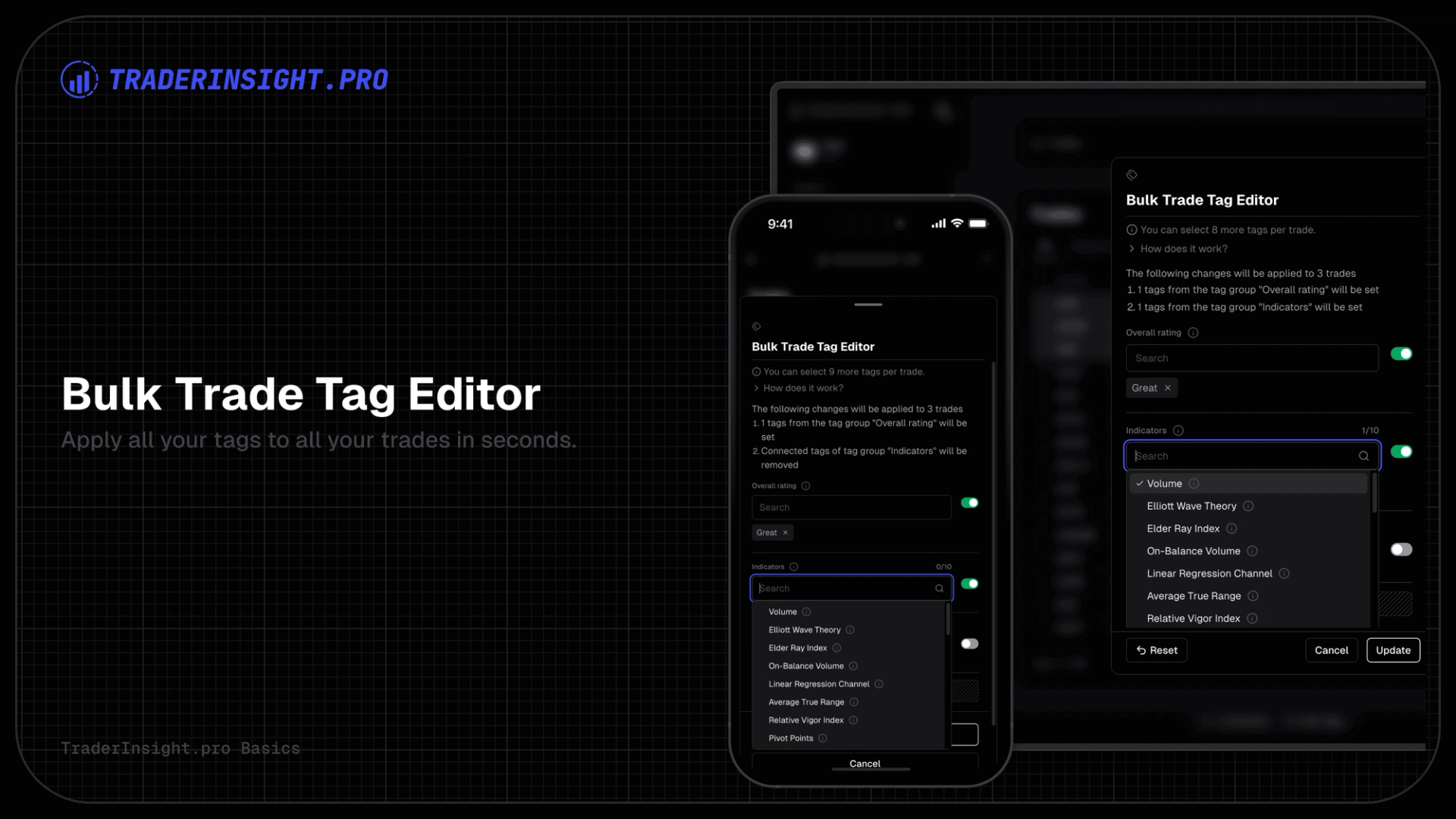
- Apply custom tags to as many trades as you want in bulk - tag an entire month of trades in seconds, not hours
- See the live price chart on every single trade through the native TradingView integration - full context without leaving your journal
- Use the full power of TradingView on every trade - drawings, indicators, replay, and every tool you already use, built right in
- Use TraderInsight as a Day Trader - review intraday performance by strategy, time of day, and session with the granularity you need to genuinely improve
- Use TraderInsight as a Swing Trader - compare performance across hold durations, market conditions, and setups over days and weeks
- Use TraderInsight as a Paper Trader - test your strategies in a real journaling environment and build genuine confidence before putting real money on the line
- Build and validate your edge as a Paper Trader - let the data tell you when you're actually ready to go live
- Demonstrate a verified track record for Prop Firm evaluation - clean, exportable, credible performance data that speaks for itself
- Analyse which option strategies yield the best R:R - covered calls, spreads, straddles; know what actually works specifically for you
- Track crypto performance across multiple exchanges - all unified, all comparable, all in one journal
- Analyse currency pair performance and session timing - find out which pairs and which sessions you genuinely trade best
- Track futures contracts and analyse market-specific patterns - including rollovers and the full contract history you need for accurate analysis
- Review student trades and give structured feedback as a mentor - feedback grounded in real data, not opinion
- Share verified performance publicly as a community leader - build trust, grow your audience, and teach with real results that can't be faked
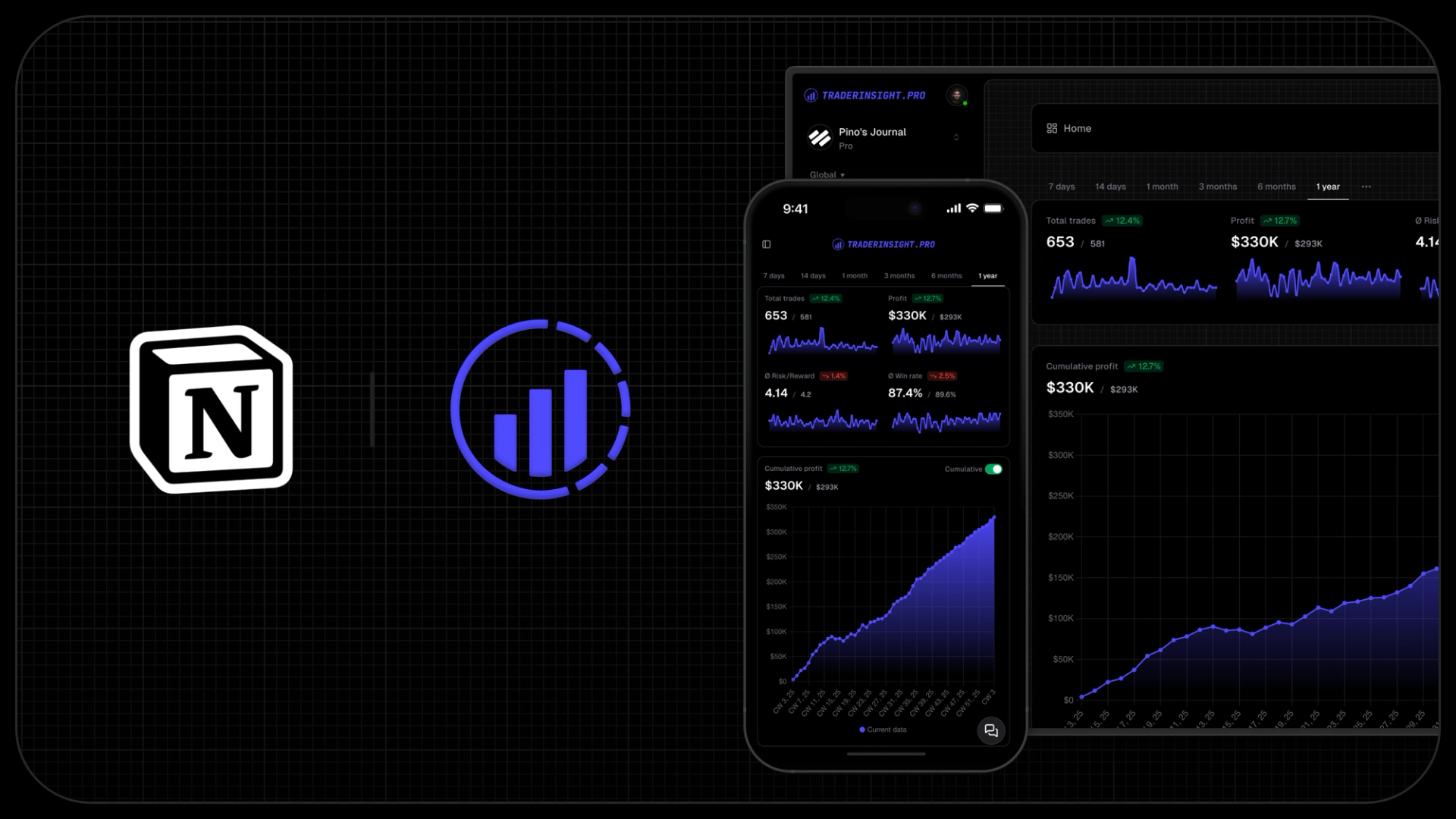
- Access your full journal on mobile with 100% feature parity - every single feature available, not a stripped-down "lite" version
- Access your complete journal on tablet - the full platform, optimised for larger touch screens
- Sync instantly across web, mobile, and tablet - pick up exactly where you left off on any device, any time
- Identify your most profitable time-of-day windows - see exactly which hours consistently make you money and which ones you should stop trading altogether
- Track your win rate, average R:R, and profit factor across every strategy simultaneously - know your real edge, not just your gut feel
- Measure how your performance changes over time - spot whether you're genuinely improving week over week and month over month, or just getting lucky
- Analyse your behaviour around losing streaks - see if your position sizing, strategy, or discipline breaks down after consecutive losses
- Find your best and worst performing setups across any time period - then double down on what works and cut what doesn't
- Understand exactly how long you should be holding trades - analyse whether your hold duration is helping or hurting your profitability
- Pinpoint which mistakes are costing you the most in real dollar terms - not just frequency, but actual financial impact
- Discover whether you trade better in certain market conditions - filter by volatility, trend, or any custom condition tag you define
- Build a complete, searchable history of every trade you've ever made - one source of truth for your entire trading career, across every broker, account, and asset class
- Join the 1% of traders who actually profit consistently - get started today