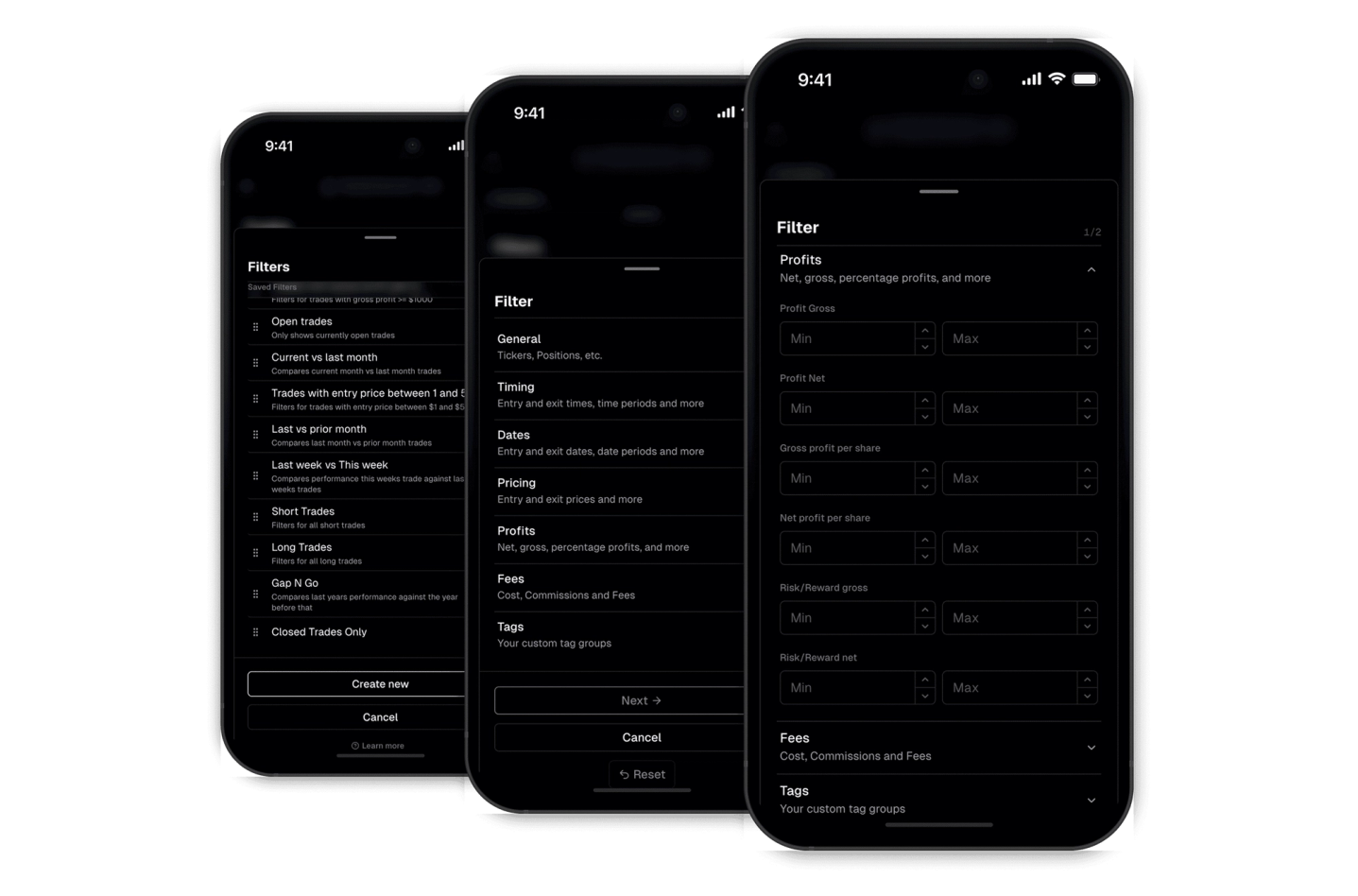
Filter everything
Filter trades by 100+ properties
Effortlessly find what you're looking for with our robust filtering system. The custom filters empower you to drill down and extract meaningful insights.
Most trading feedback happens in a vacuum. You describe a trade in a Discord message, paste a screenshot into a chat, or try to explain a losing streak without any real data behind it. The person trying to help you is working blind.
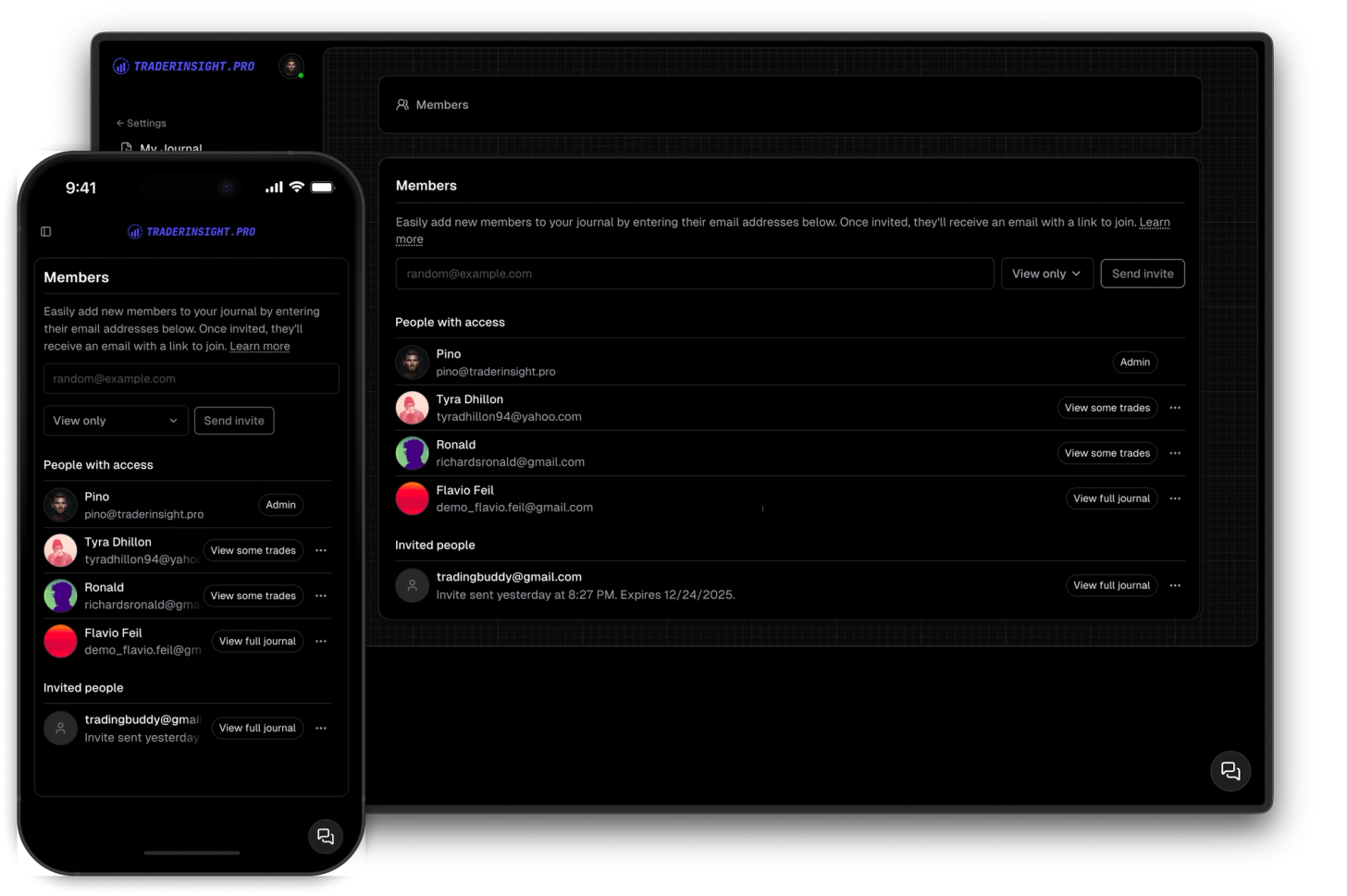
TraderInsight.pro lets you invite anyone - a mentor, a coach, a friend, your whole trading group - to view your journal directly. They see exactly what you see: your trades, your tags, your notes, your reports. No more describing what happened. No more cherry-picked screenshots. Just the full picture, always up to date.
Access is view-only and covers everything in your journal. You stay in control - invite who you want, remove them anytime.
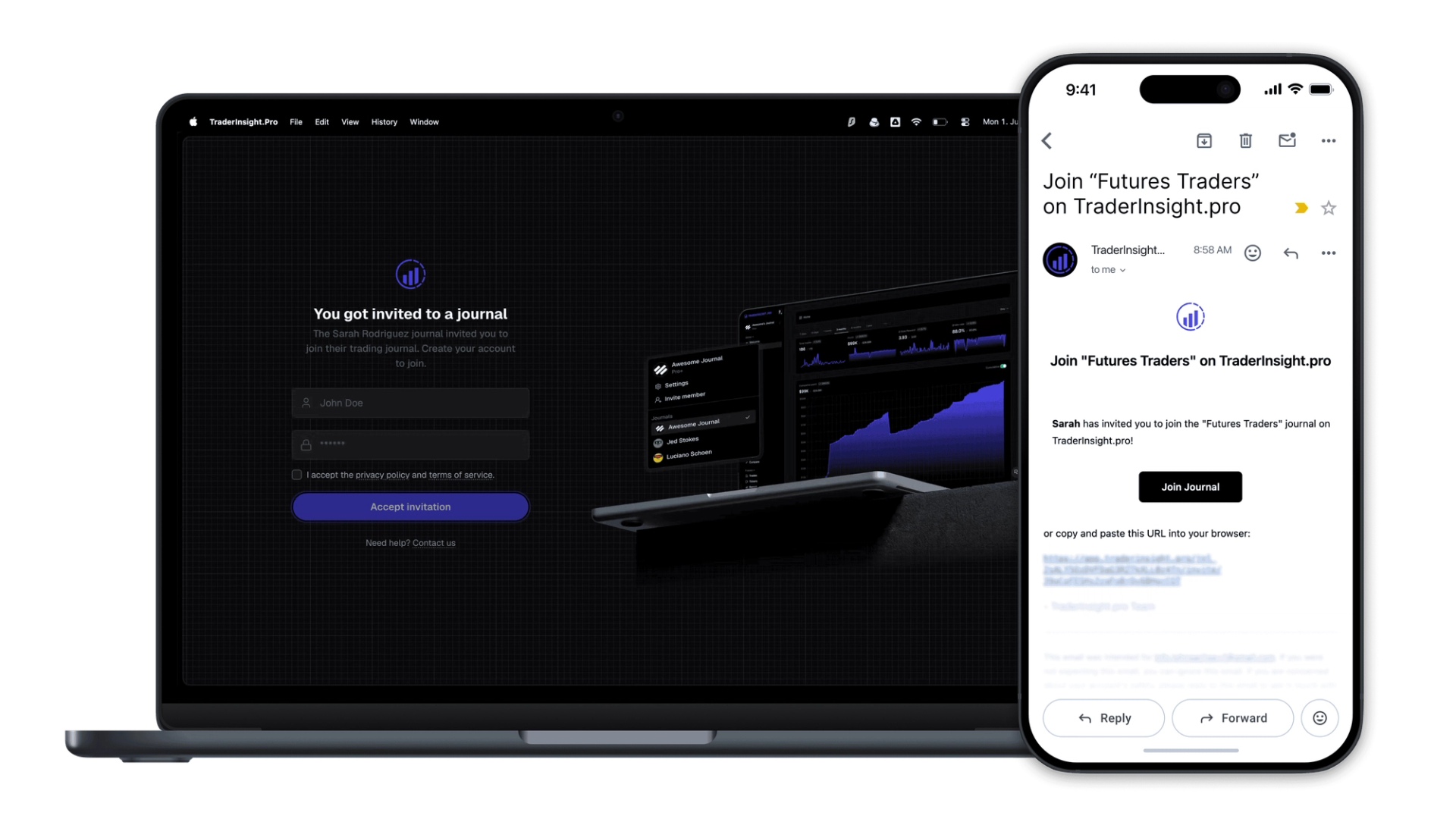
Invite your mentor or coach in seconds and they're in. No exports, no screenshots, no explaining - they can explore your trades, read your notes, and look at your reports themselves. The feedback you get is based on reality, not the version of events you remembered to share.
Stop relying on what traders tell you. With journal access you can review their actual performance - what strategies they're running, what mistakes keep showing up, how their edge is developing over time. One mentor can oversee multiple students, each with their own journal, without any of them needing to do anything extra.
Add your trading group members to each other's journals and accountability becomes automatic. Everyone can see how the group is performing, patterns get spotted faster, and there's nowhere to hide from a bad week - which is exactly the point.
Discover answers to frequently asked questions right here. If you can't find what you're looking for then reach out.
Everything in your journal - trades, reports, tags, notes, and the trading calendar. If you wish to restrict to specific trades consider private trade sharing, otherwise feel free to open a feature request for granular access controls.
No. Members have view-only access. They can browse your full journal but cannot add, edit, or delete trades, notes, or anything else - your data is safe and secure.
No. They'll receive an invite email and get a free account automatically when they accept. They don't need to sign up separately and they do not need a paid account to view your journal.
Yes. A mentor or coach can be invited to multiple journals and switch between them freely. Each journal belongs to its owner and is managed independently.
Not yet - journal access is currently view only on every report and resource. For granular trade sharing consider private trade sharing, otherwise feel free to open a feature request for granular access controls.
Go to Journal Settings → Members and remove them in one click. Their access is revoked immediately.
You can invite multiple members. Invite your coach, your trading group, a friend - whoever you want reviewing your journal. Limits might depend on your membership tier.
Effortlessly find what you're looking for with our robust filtering system. The custom filters empower you to drill down and extract meaningful insights.
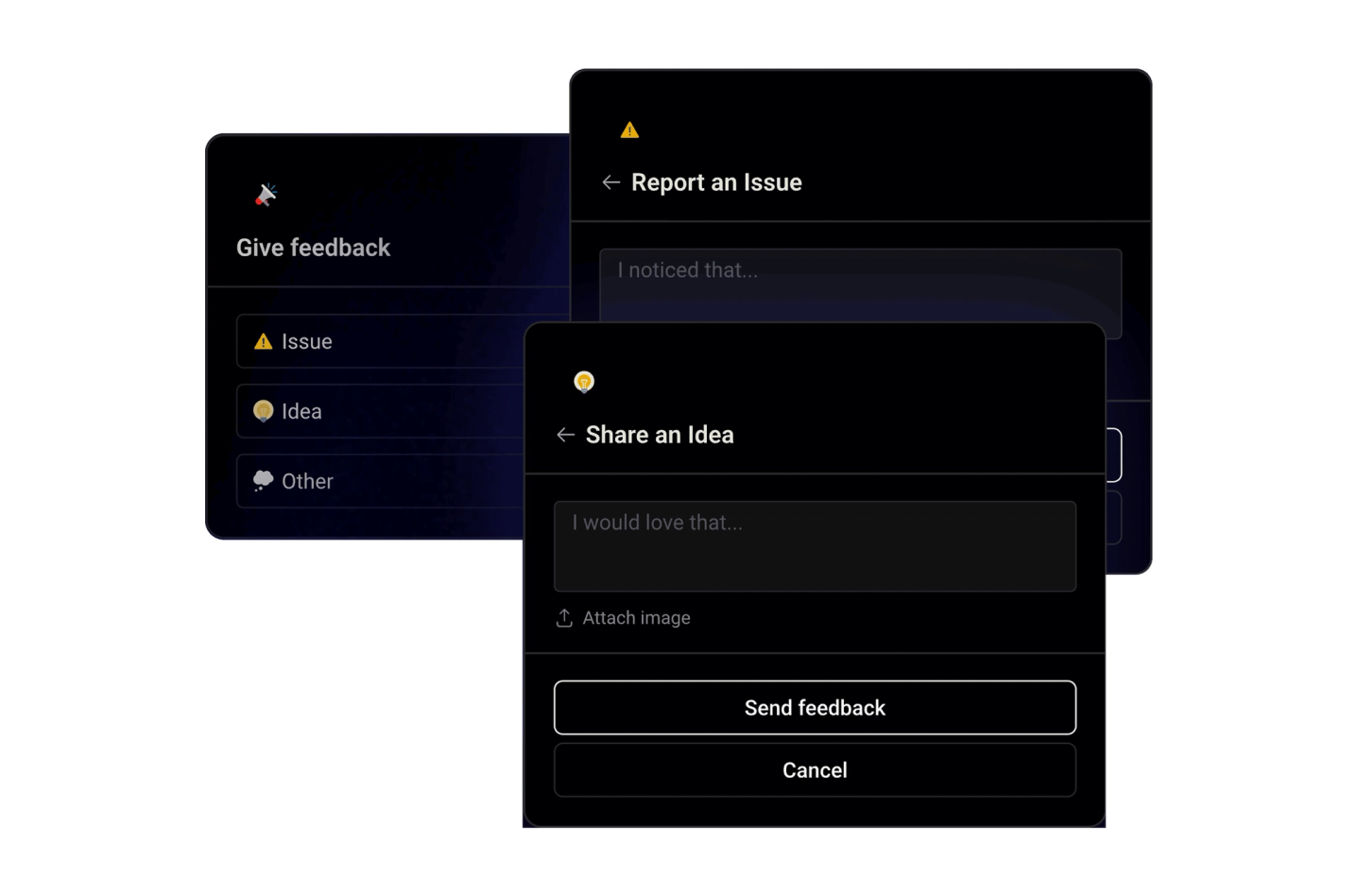
Shape the future of your trading journaling experience by sharing your ideas, suggestions, or critiques directly within the app. Your feedback drives our continuous improvement efforts.
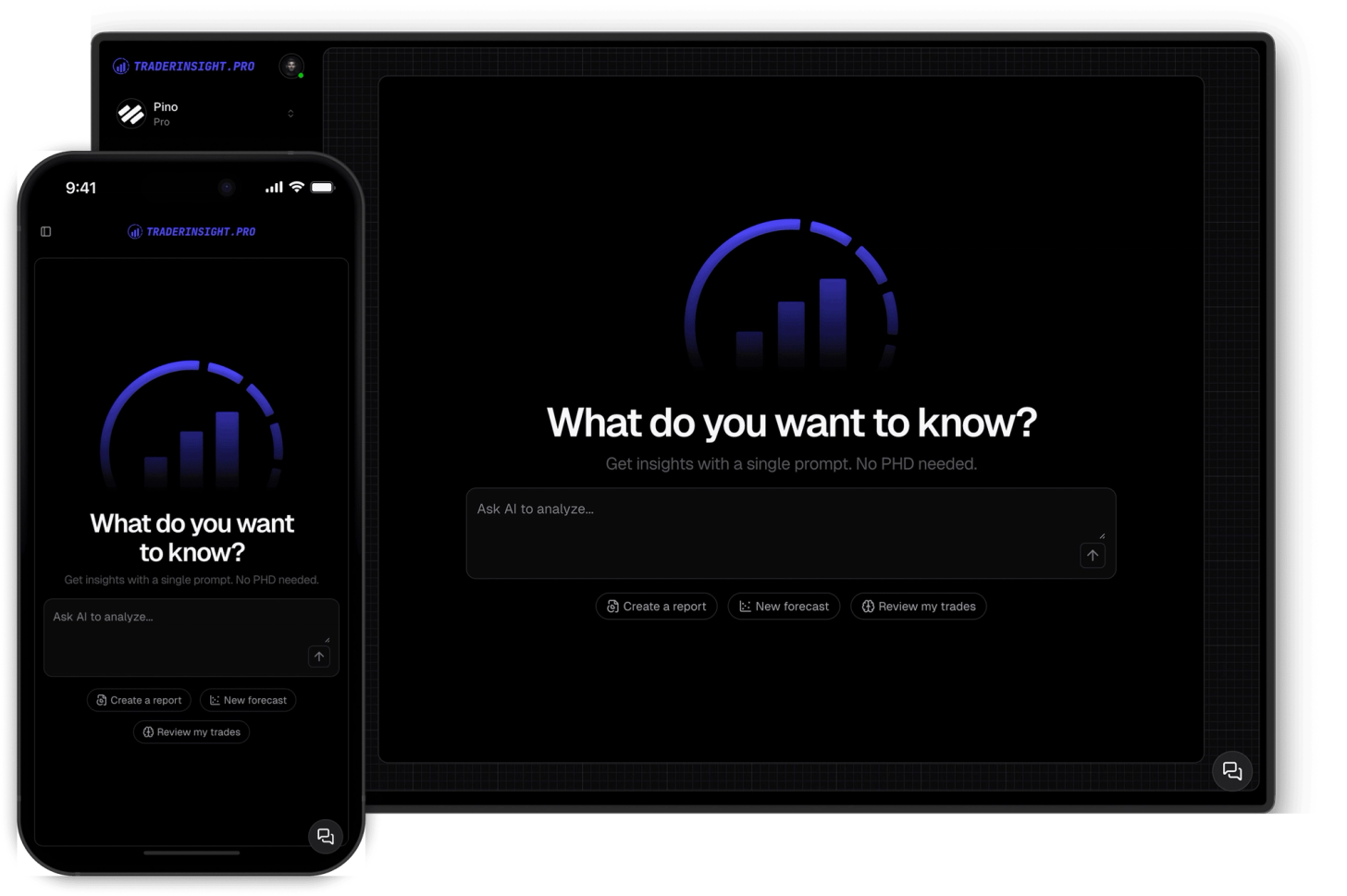
Chat with your journal. Query your trades, strategies and more. Built reports, get insights and more with AI.
