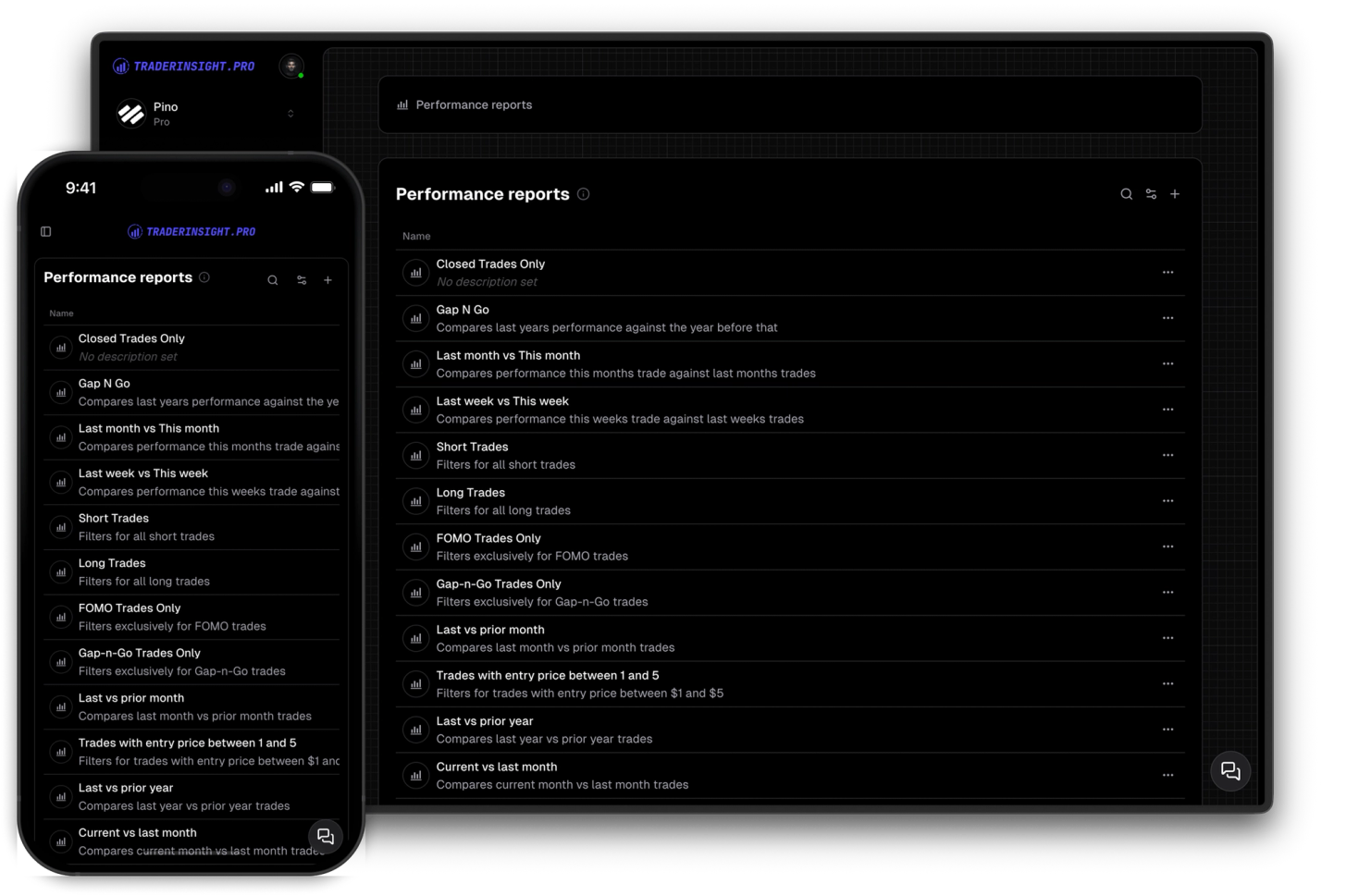
Performance Reports
Performance reports for every strategy and mistake
Uncover valuable insights into your trading behavior, strategies, and common pitfalls. Gain valuable insights and enhance your trading.
Most trading journals are a black box - useful for the person keeping them, but invisible to everyone else. That makes it hard to get real feedback, stay accountable, or share your edge with others who could learn from it.
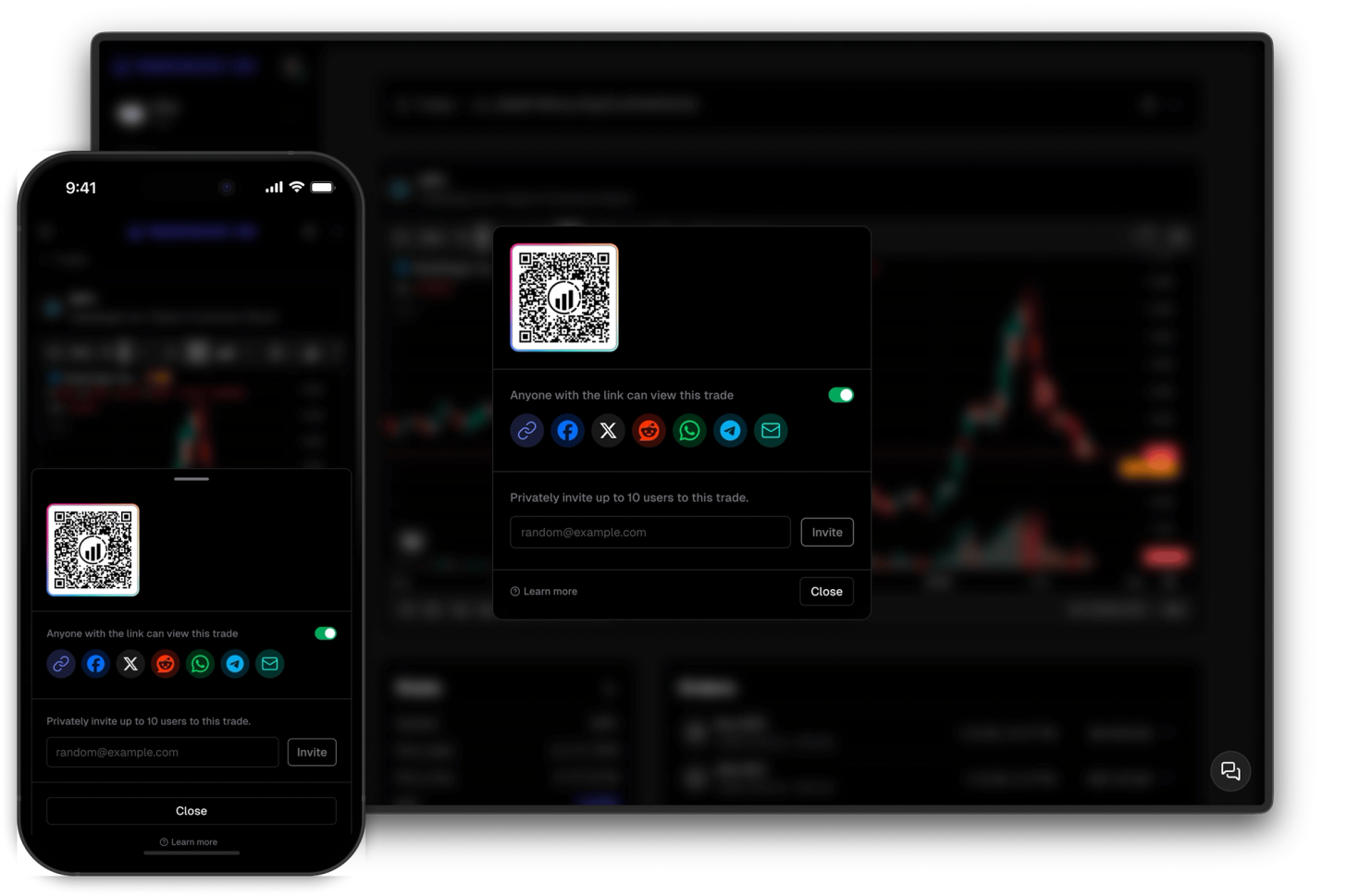
TraderInsight.pro gives you three distinct ways to share: make individual trades public for anyone on the internet, share specific trades privately with a select few, or invite mentors and coaches into your full journal. You stay in control at every level - nothing is shared unless you choose to share it.
Whether you're building an audience, trading in public, working with a trading coach, or just want a second pair of eyes on a tough week, the tools are there for you to use.
One toggle and your trade has a public URL that works for anyone, no account needed. Post it on social media, link it from a YouTube video, drop it in your newsletter - your full trade details, always at that same link.
Send specific trades to specific people without exposing the rest of your journal. Perfect for submitting a tough week to your mentor or getting a second opinion on a setup you're not sure about.
Invite anyone to view your entire journal - reports, trades, tags, notes, all of it. They get read-only access, you keep full control. It's the fastest way to get meaningful coaching feedback and stay accountable to someone who can actually see what's going on.
Discover answers to frequently asked questions right here. If you can't find what you're looking for then reach out.
No. Public trade links work for anyone with the URL - no account, no sign-up required. You can share them anywhere.
Private trade sharing lets you share specific trades with specific people - they only see what you send them. Journal member access gives someone full read-only access to your entire journal including reports, tags, and notes.
Yes. Public and private trade sharing works for all asset types - stocks, options, futures, crypto, forex, and more.
No. Shared trades show the trade data and any notes you've attached - not your account balance or other private information.
No. Private sharing works for any trade, public or private.
Yes. Toggle any public trade back to private at any time, or remove a journal member from your settings instantly.
You can invite multiple members - coaches, mentors, teammates - and manage them all from the Members tab in your journal settings. The exact limit depends on your membership tier.
No. Journal members get view-only access. They can see everything but cannot edit, add, or delete anything in your journal.
Uncover valuable insights into your trading behavior, strategies, and common pitfalls. Gain valuable insights and enhance your trading.
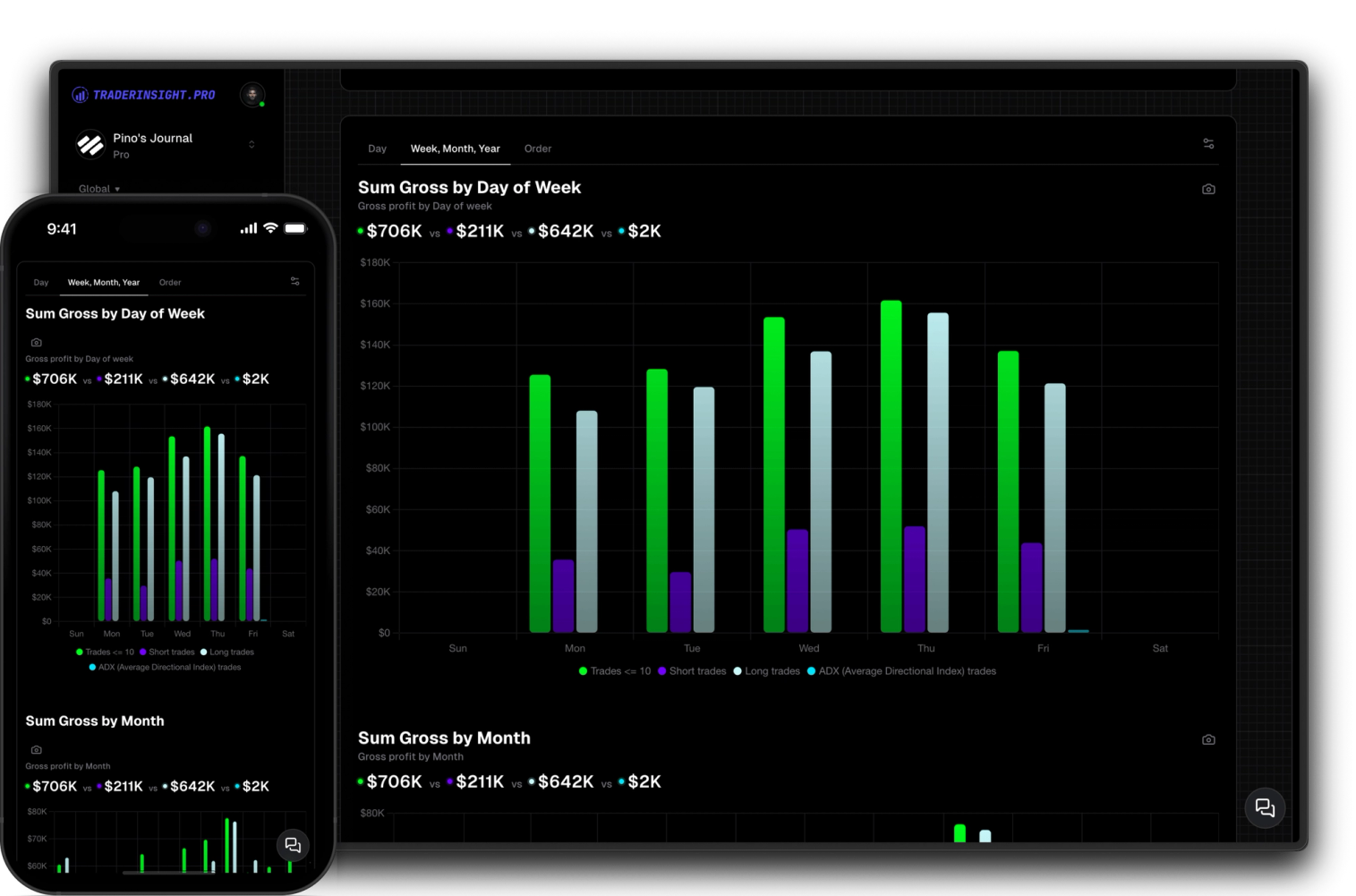
Harness the power of comparisons to optimize your trading. Easily compare your custom filters, not just strategies, to identify what works best for you.

Access all features seamlessly across your main machine and your mobile device with our downloadable apps. Enjoy full functionality wherever you go.
