Your P&L tells you how your trades performed. It doesn't tell you why your account balance looks different from what you expected. The gap is usually cash - fees quietly compounding, interest payments you forgot about, withdrawals, deposits, tax deductions happening in the background.
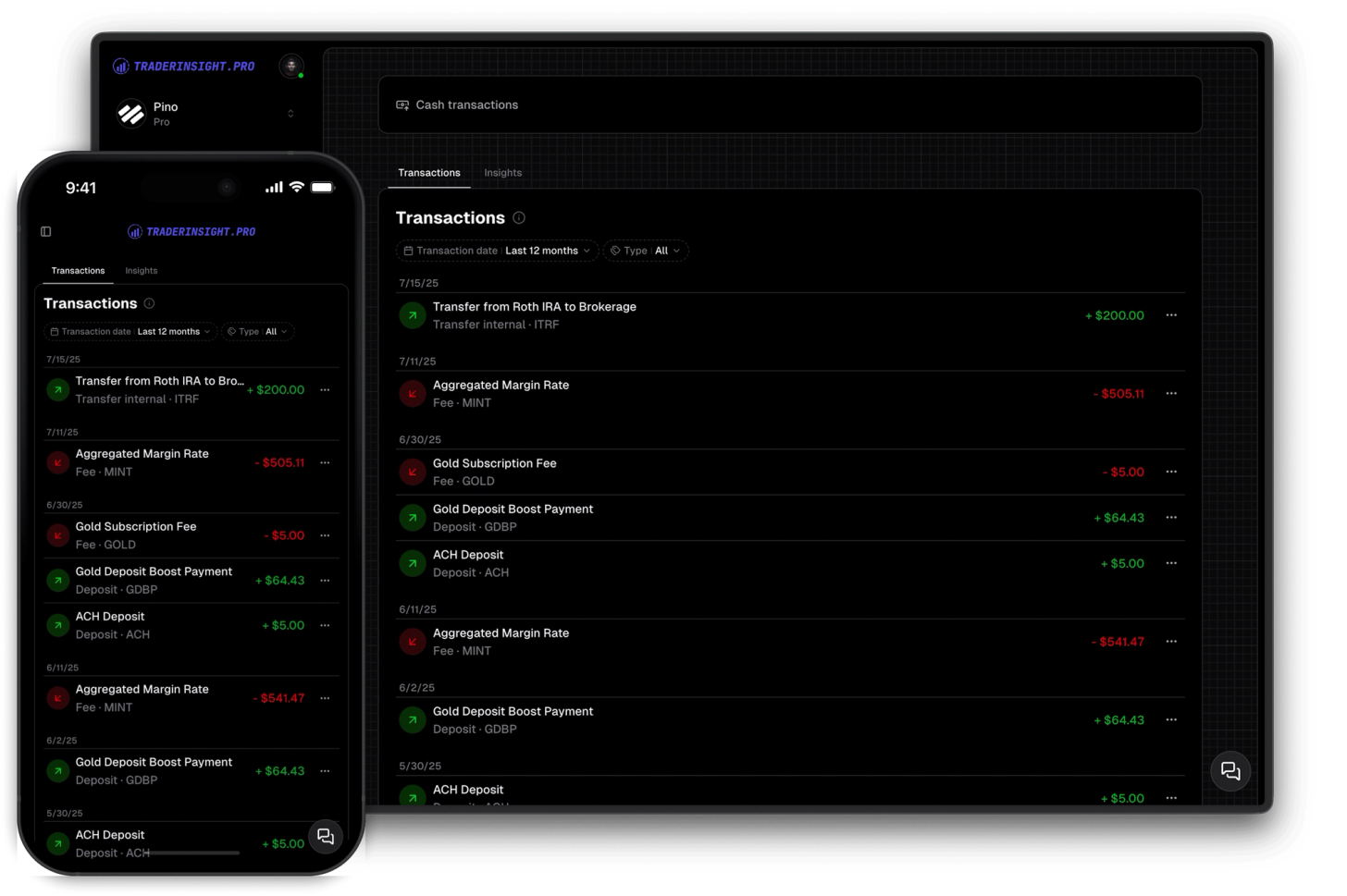
TraderInsight.pro imports cash transactions automatically alongside your trades for brokers that export them - Robinhood and others included. Every deposit, withdrawal, interest payment, fee deduction, promotion, and reward shows up in a dedicated cash transactions page, separate from your trades, so nothing gets buried or missed.
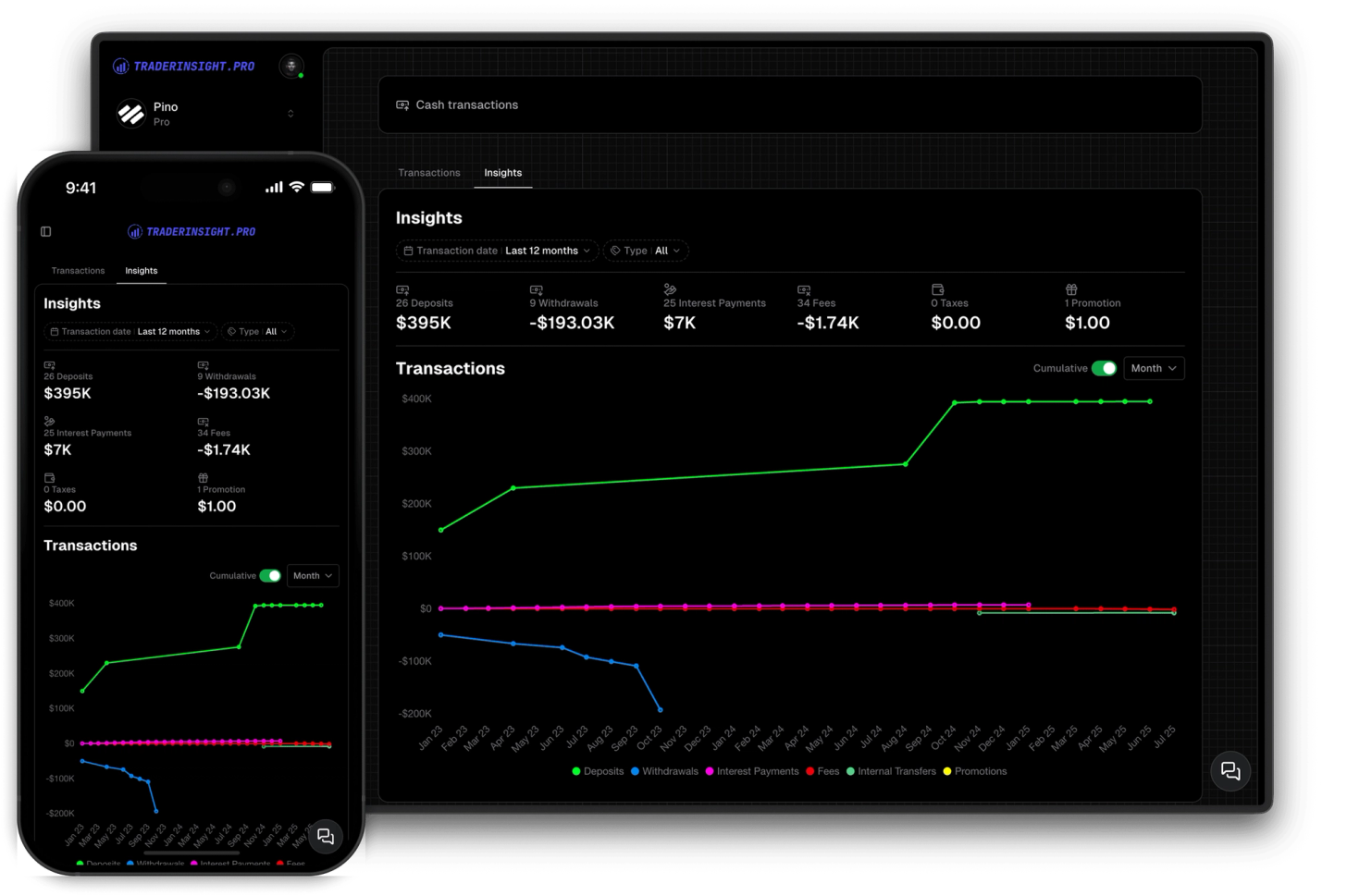
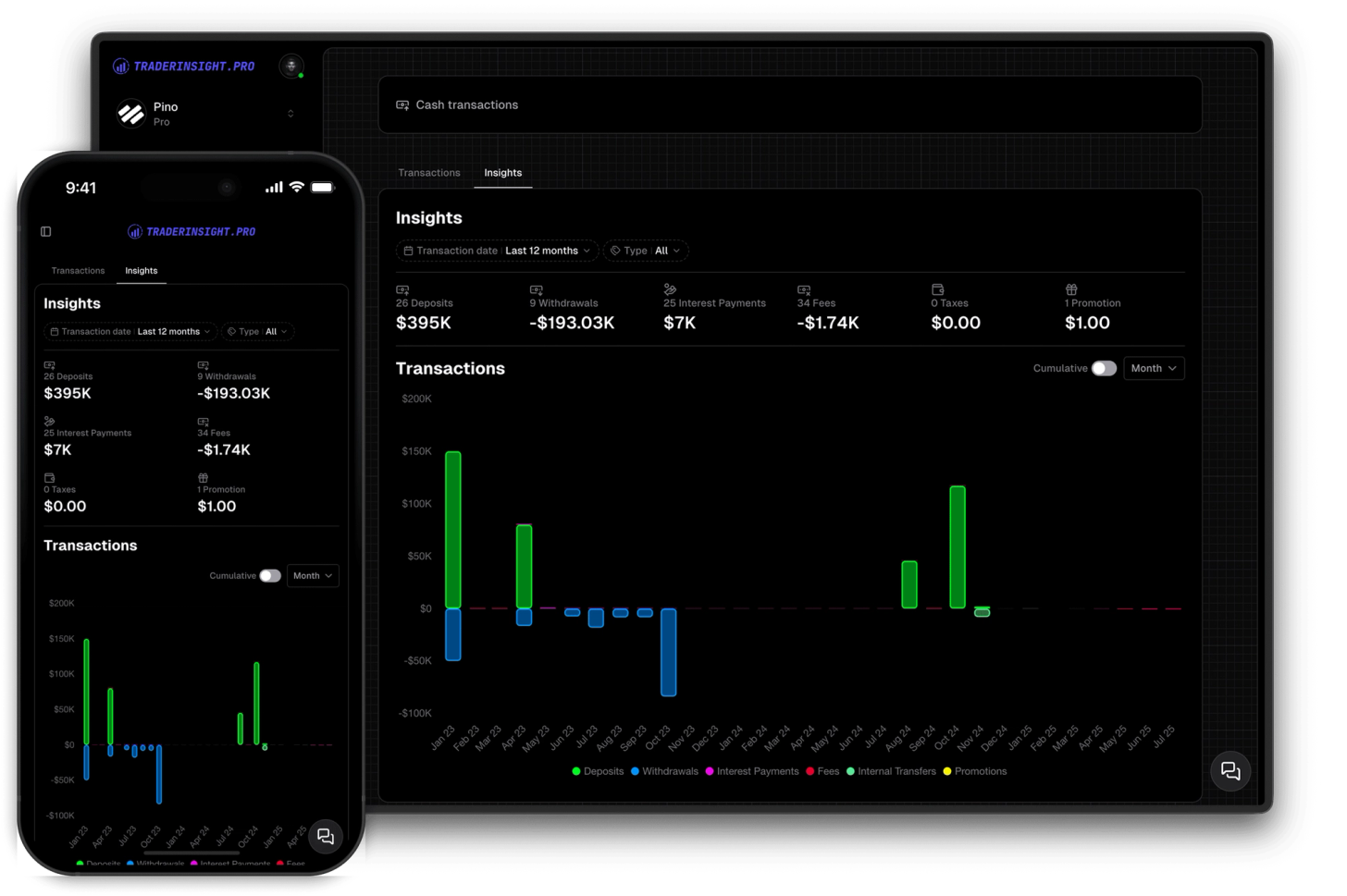
There's also a cash insights report that summarizes everything - total deposits, total withdrawals, interest received, fees paid, taxes, promotions - with a chart you can toggle between cumulative and non-cumulative, grouped by day, week, month, or year. It's the clearest picture you'll ever have of what's actually flowing in and out of your account.
Every cash transaction, automatically imported
For brokers that export cash activity, TraderInsight.pro pulls it in alongside your trades. Deposits, withdrawals, interest payments, fee deductions, taxes, gifts, and promotions all appear automatically - no manual logging, no hunting through broker statements.

A dedicated page for all things cash
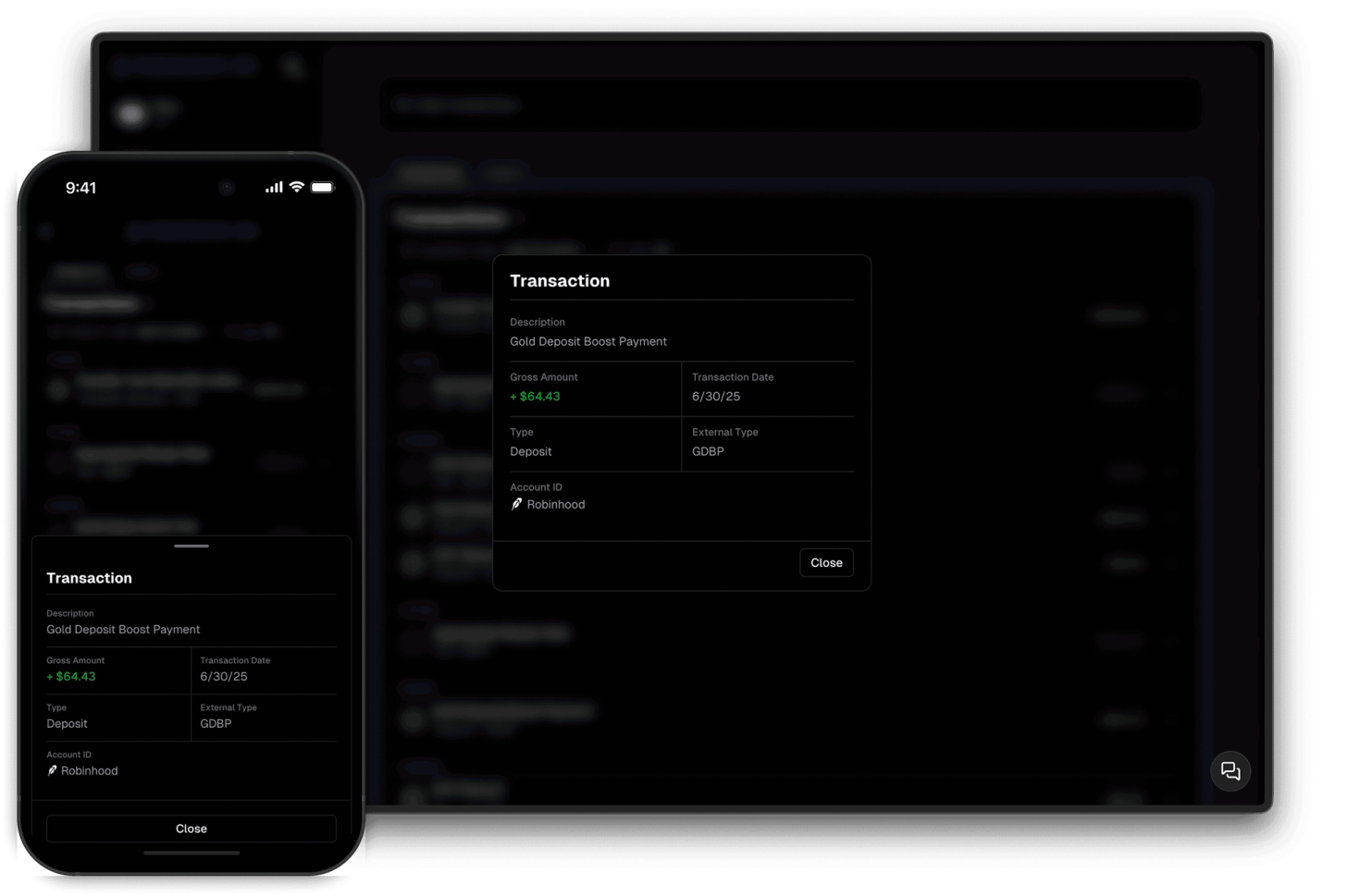
Cash transactions live on their own page, separate from your trades and orders. Filter by transaction type - deposit, withdrawal, interest, fee, tax, promotion - and by date range. Click any transaction to inspect the full detail.

Cash insights report with full breakdown
The cash insights report shows you totals and counts for every transaction type - how much you've deposited, withdrawn, earned in interest, paid in fees and taxes, and received in promotions. Everything is visualized in a chart you can toggle between cumulative and non-cumulative, grouped by day, week, month, or year.

Understand what's actually draining your account
Fees and deductions rarely show up in trade P&L - they happen in the background and quietly erode your balance over time. Cash transactions make them visible, trackable, and impossible to ignore. If your account balance doesn't match your trading performance, this is where you'll find out why.

How to get the most out of Cash Reporting
Import broker exports that include cash
Brokers like Robinhood export cash transactions alongside trades. Import your full export and cash activity is pulled in automatically - no extra steps.Check your fees regularly
Filter by fee transactions and look at the cumulative chart. Small per-trade fees compound quickly - knowing the real number often changes how you think about trading costs.Use the insights report monthly
Run the cash insights report at the end of each month to see exactly what came in and went out. Deposits, withdrawals, interest, fees - all in one summary.Toggle cumulative to see the long-term picture
Switch the chart to cumulative mode to see how fees, interest, or withdrawals have stacked up over time. The long-term view is often more revealing than the monthly one.Inspect unusual transactions
Click into any transaction to see the full detail. Useful for reconciling account balances or tracking down a deduction you don't recognize.Filter by date range to compare periods
Compare how much you paid in fees this quarter versus last, or how your interest payments have changed as your account has grown.Track promotions and rewards
Broker bonuses, referral rewards, and promotions show up as their own transaction type. Easy to track what you've actually received versus what was advertised.Reconcile your account balance
If your account balance doesn't match your trading P&L, cash transactions are where you'll find the difference. Fees, taxes, and withdrawals are the usual culprits.Track interest income separately
If your broker pays interest on idle cash, those payments appear as their own transaction type. Useful for tracking yield on uninvested capital over time.Understand the real cost of trading
Add up your fees, taxes, and commissions for the year in the insights report. The total is often surprising - and worth factoring into your strategy decisions.Add missing transactions manually
If a broker doesn't export certain cash activity, log it manually. Keeping your cash record complete ensures your account balance always makes sense.Use cash data for tax preparation
The cash insights report gives you a clean breakdown of deposits, withdrawals, interest, and taxes paid - a useful starting point when preparing your annual tax filing.FAQ's
Discover answers to frequently asked questions right here. If you can't find what you're looking for then reach out.
What types of cash transactions does TraderInsight.pro support?
Deposits, withdrawals, interest payments, fee deductions, taxes, promotions, gifts, and rewards - any cash activity exported by your broker is imported and categorized automatically.
Which brokers export cash transactions?
Brokers like Robinhood export cash activity alongside trades. If your broker includes cash transactions in their export, TraderInsight.pro will import them automatically. Missing a broker? Request it here and we'll get it added.
Where do cash transactions appear in TraderInsight.pro?
On a dedicated cash transactions page, separate from your trades and orders. You can filter by transaction type and date range, and click any transaction to inspect the full detail.
What does the cash insights report show?
Total counts and amounts for every transaction type - deposits, withdrawals, interest received, fees paid, taxes, and promotions - plus a chart you can toggle between cumulative and non-cumulative, grouped by day, week, month, or year.
Can I filter cash transactions by type?
Yes. Filter by deposit, withdrawal, interest, fee, tax, promotion, or any other transaction type - and combine with a date range filter to narrow down exactly what you're looking at.
Can I add cash transactions manually?
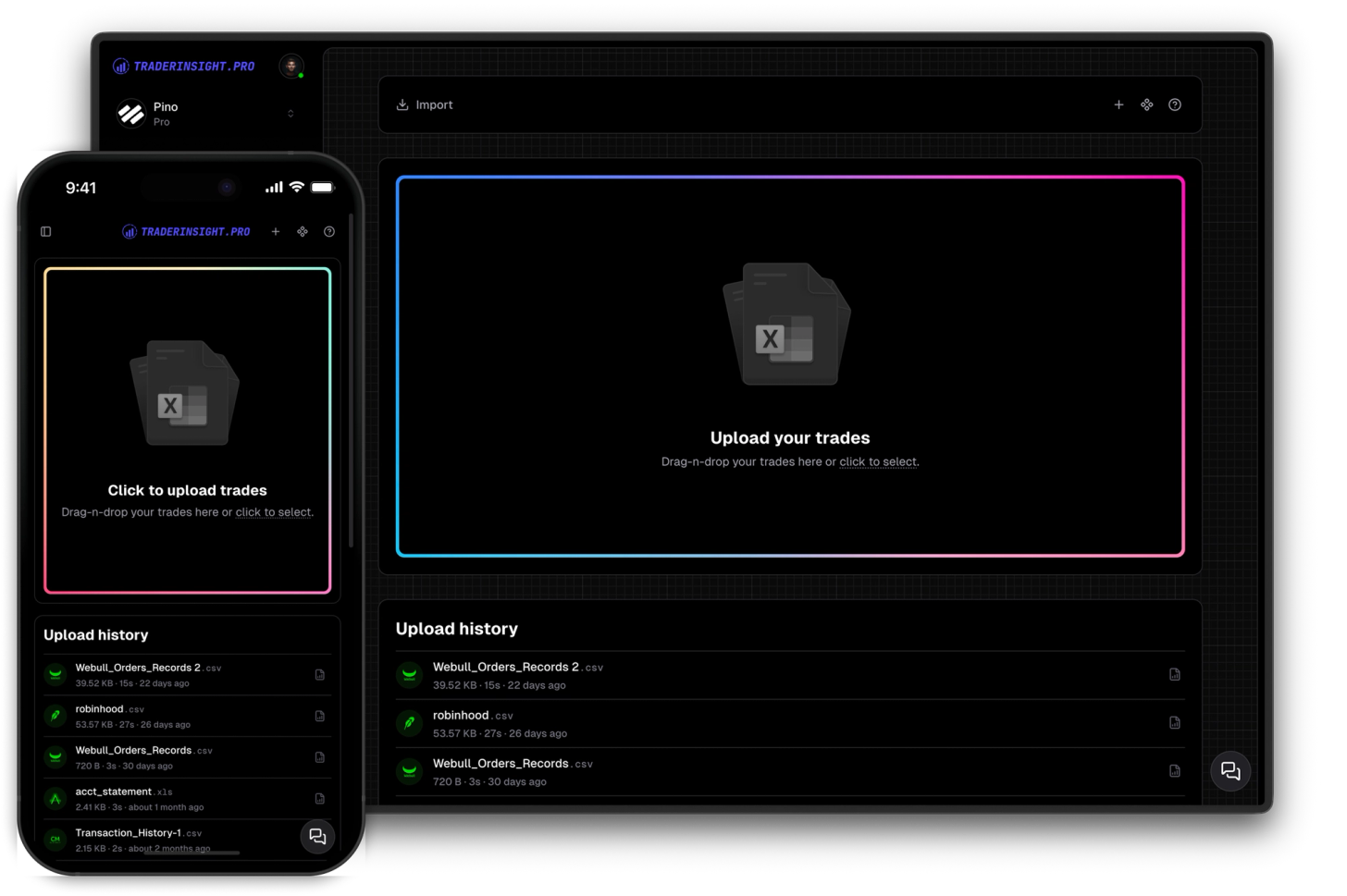
Yes. If your broker doesn't export cash activity or you want to log something manually, you can add cash transactions by hand with full type and date support through the import page (click on the "+" icon in the top right corner).
Why doesn't my account balance match my trading P&L?
The difference is almost always cash - fees, taxes, withdrawals, or deposits that don't appear in trade P&L. The cash transactions page and insights report are the fastest way to find and reconcile the gap.
Cash flow tracked. P&L optimized.