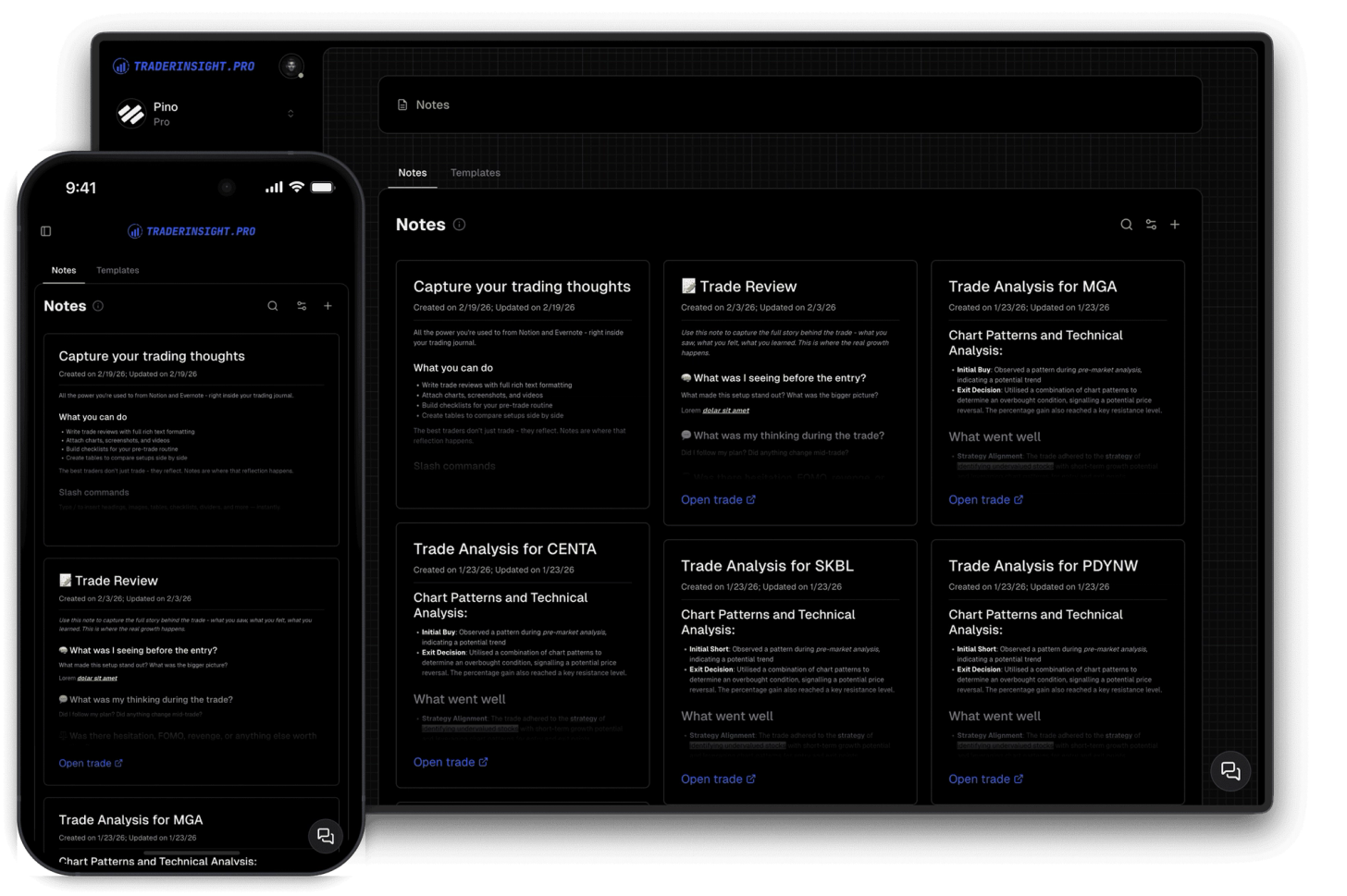
Powerful notes
Capture every trade decision and insight
Enhance your trading insights by adding notes to trades. Enjoy rich-text formatting capabilities straight out of the box.
Automatic API imports, drag-and-drop CSV imports, and manual entry - every trade from every broker in one journal, always up to date in your Trading Journal.
Most traders juggle multiple brokers and asset classes - but their journal only ever shows part of the picture.
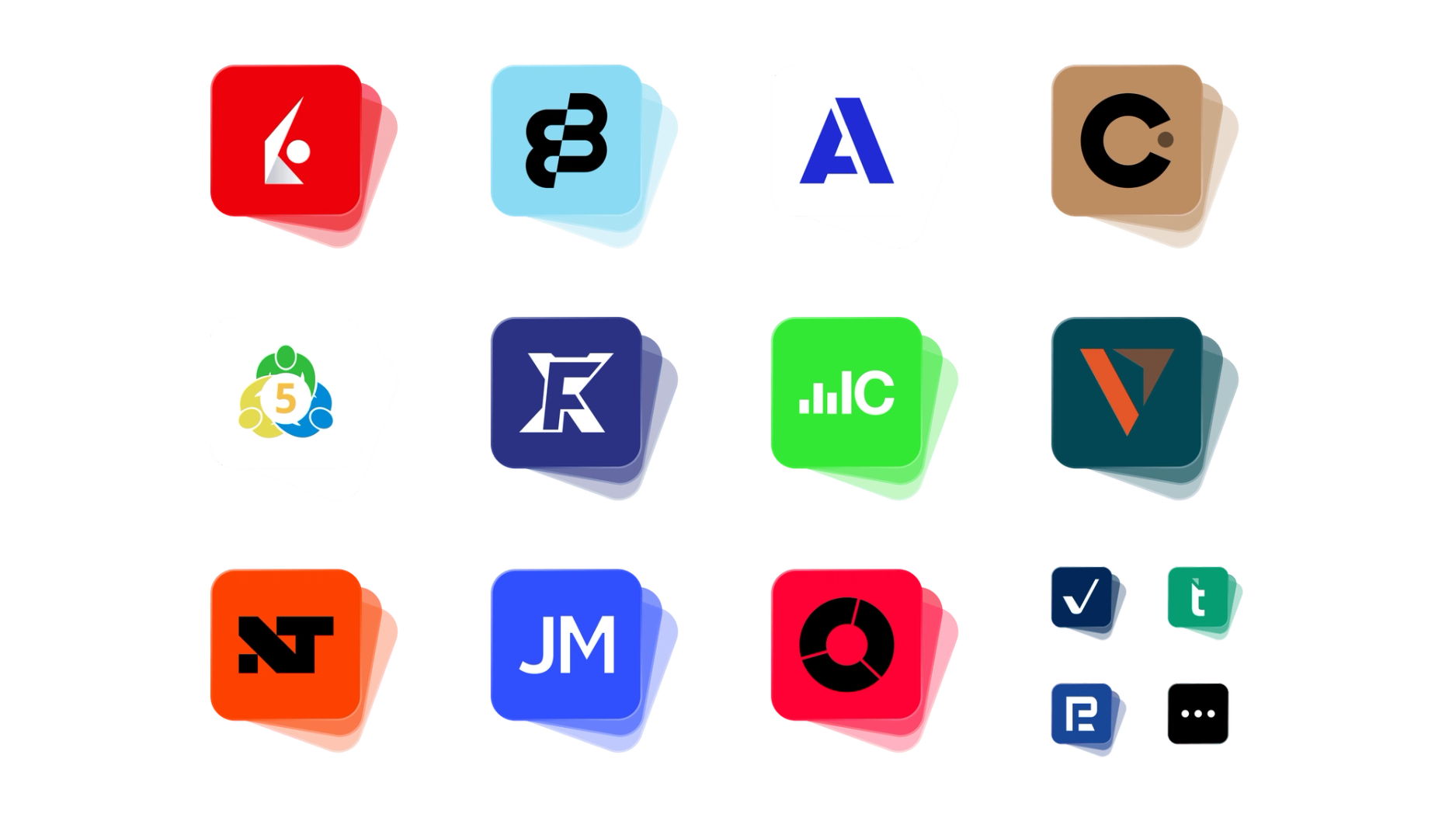
TraderInsight.pro supports every major asset class - stocks, options, futures, crypto, forex, dividends, and cash transactions. Drop a broker export and it's imported instantly. Connect Interactive Brokers once and your journal syncs automatically every night. Add trades manually when you need to.
New brokers are added daily based on user requests - submit yours here and it's usually done within a few hours. The more complete your data, the more your reports, calendar, and AI insights reflect how you actually trade.
Connect your IBKR, MT5, NinjaTrader, etc. account once and TraderInsight.pro fetches your trades automatically every night. Stocks, options, futures, forex, dividends, corporate events - all of it, without touching a file.
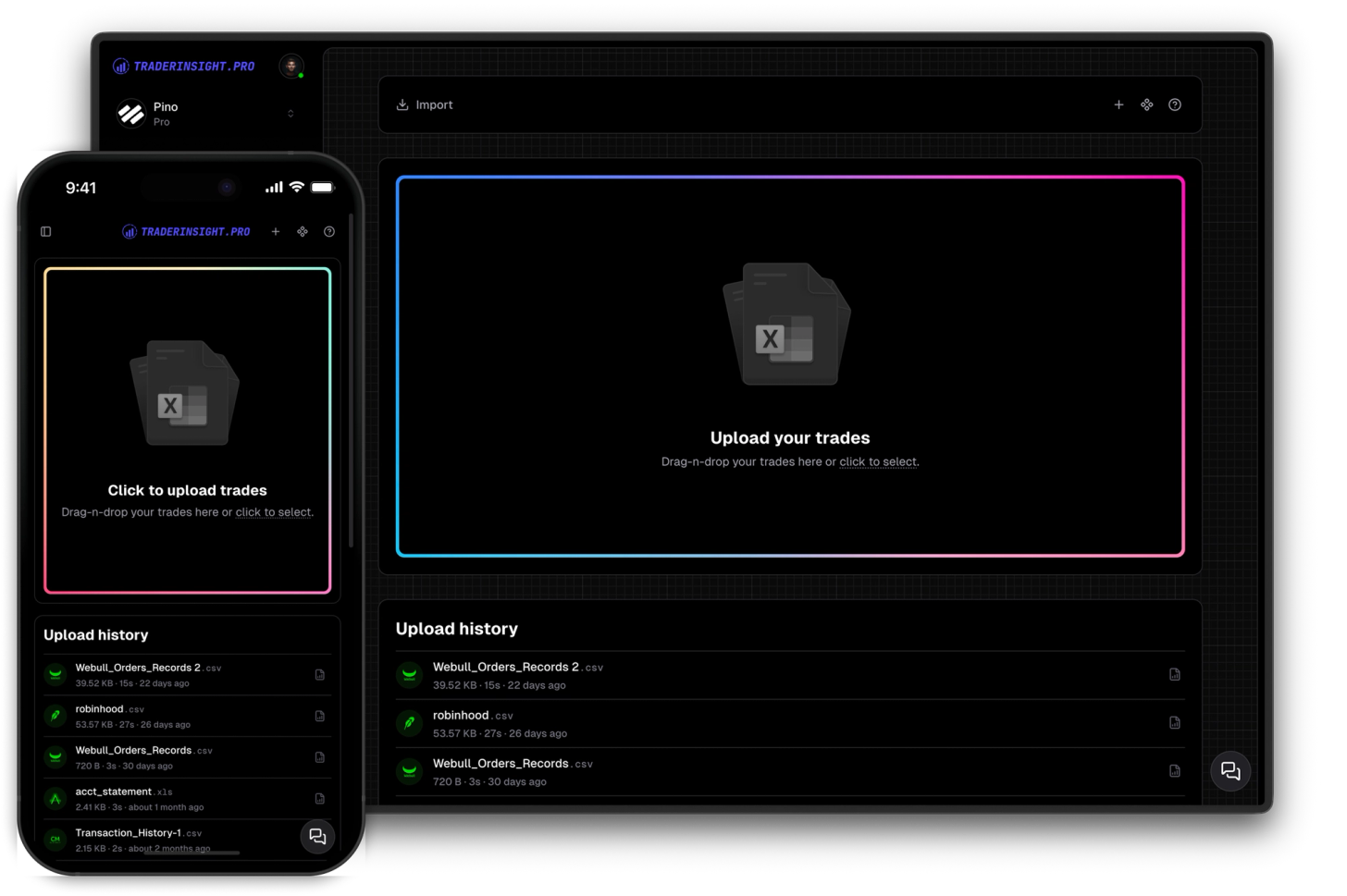
Drop your broker's export file and you're done. TraderInsight.pro automatically detects the format, maps every field, and populates your journal instantly. No setup, no column mapping, no guesswork. Supports countless brokers across all asset classes.
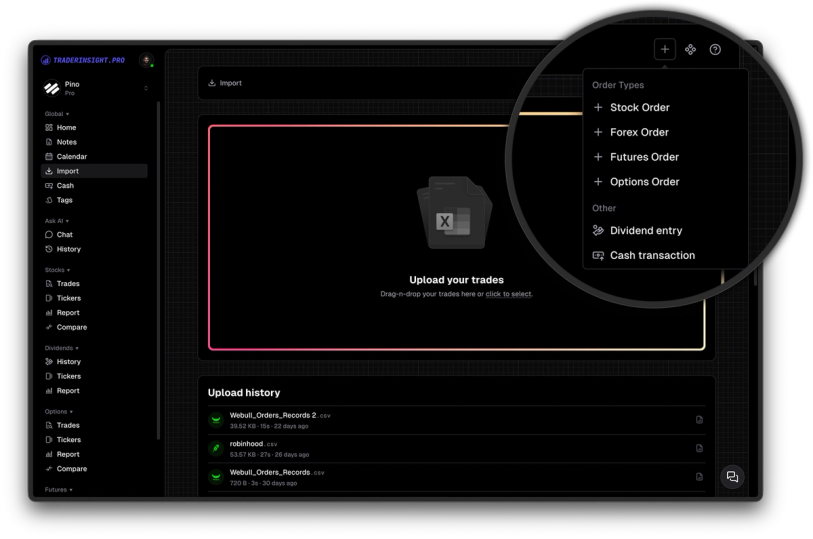
Not everything comes from a file. Log trades by hand with full support for prices, commissions, asset type, and tags - and they flow straight into every report and dashboard alongside your imports.
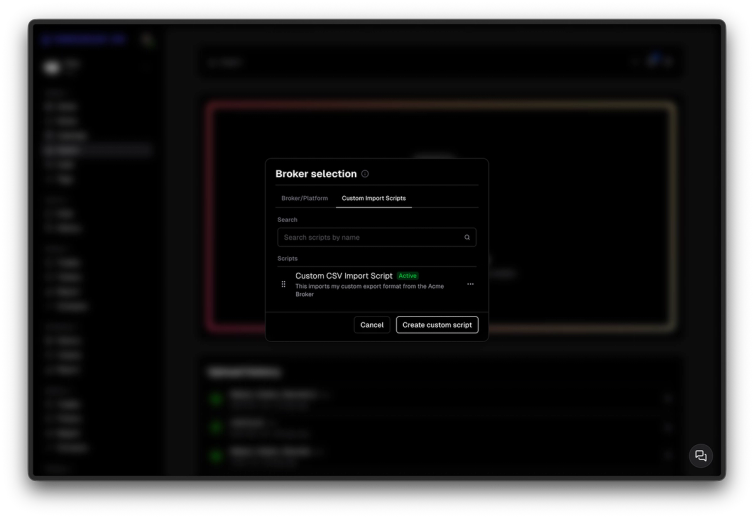
Got a non-standard export format? Write a custom script to transform it and import it into TraderInsight.pro. Total flexibility - no data left behind.
Discover answers to frequently asked questions right here. If you can't find what you're looking for then reach out.
Yes. TraderInsight.pro supports automatic nightly sync with various brokers and platforms such as Interactive Brokers (IBKR), MetaTrader5 (MT5) and NinjaTrader, just to name a few. Connect your account once and your journal updates automatically every night - stocks, options, futures, forex, dividends, and corporate events all included. Even more direct broker connections are coming soon.
TraderInsight.pro supports countless brokers including Interactive Brokers, Charles Schwab, Fidelity, E-Trade, Robinhood, Webull, Moomoo, Binance, Pepperstone, Tradovate, NinjaTrader, MetaTrader 5, Lightspeed, Revolut, and many more. New brokers are added daily. If yours isn't listed, request it here - typically added within a few hours.
No. Drop your broker export file and the system automatically detects the format and maps every field. No column configuration, no manual mapping, no setup required.
Yes. TraderInsight.pro consolidates imports from any number of brokers into a single unified journal. All trades appear together in reports, the calendar, and dashboards regardless of where they originated.
Submit a broker request with a sample export file and the team will typically have your broker added within a few hours. You can also use manual trade entry or a custom import script in the meantime.
Yes. The import feature is fully available across web, mobile, and tablet with identical functionality on every device. There is no lite version - you always get the full feature set regardless of platform.
Yes. Manual trades are fully integrated with all reports, the calendar, tags, and AI analysis - exactly like imported trades.
No. TraderInsight.pro includes automatic duplicate detection. You can safely re-import the same file or re-run an API sync without worrying about double-counting trades.
Enhance your trading insights by adding notes to trades. Enjoy rich-text formatting capabilities straight out of the box.
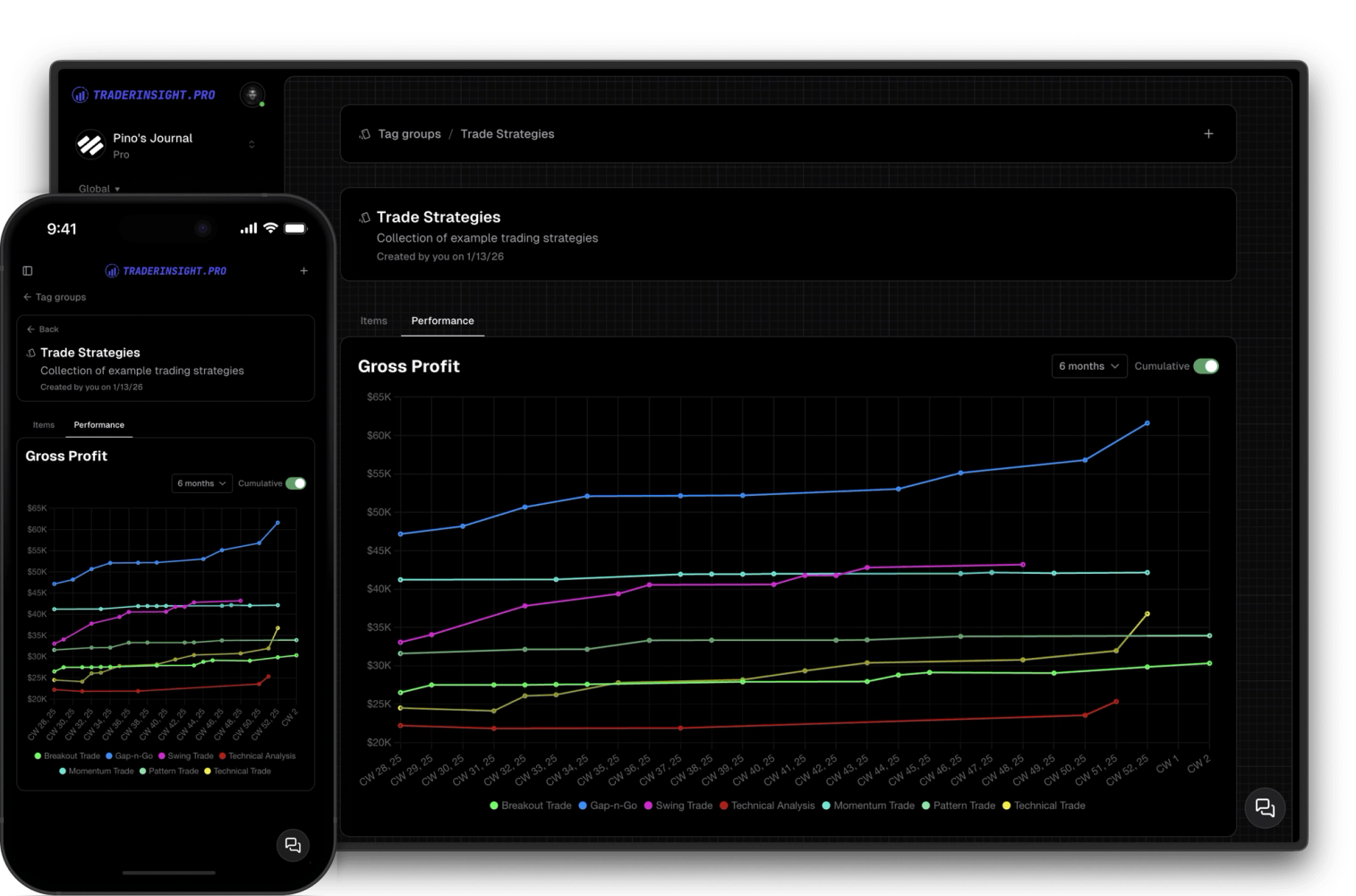
Create and use custom tag groups to simplify tracking and analyzing your strategies and trade details.
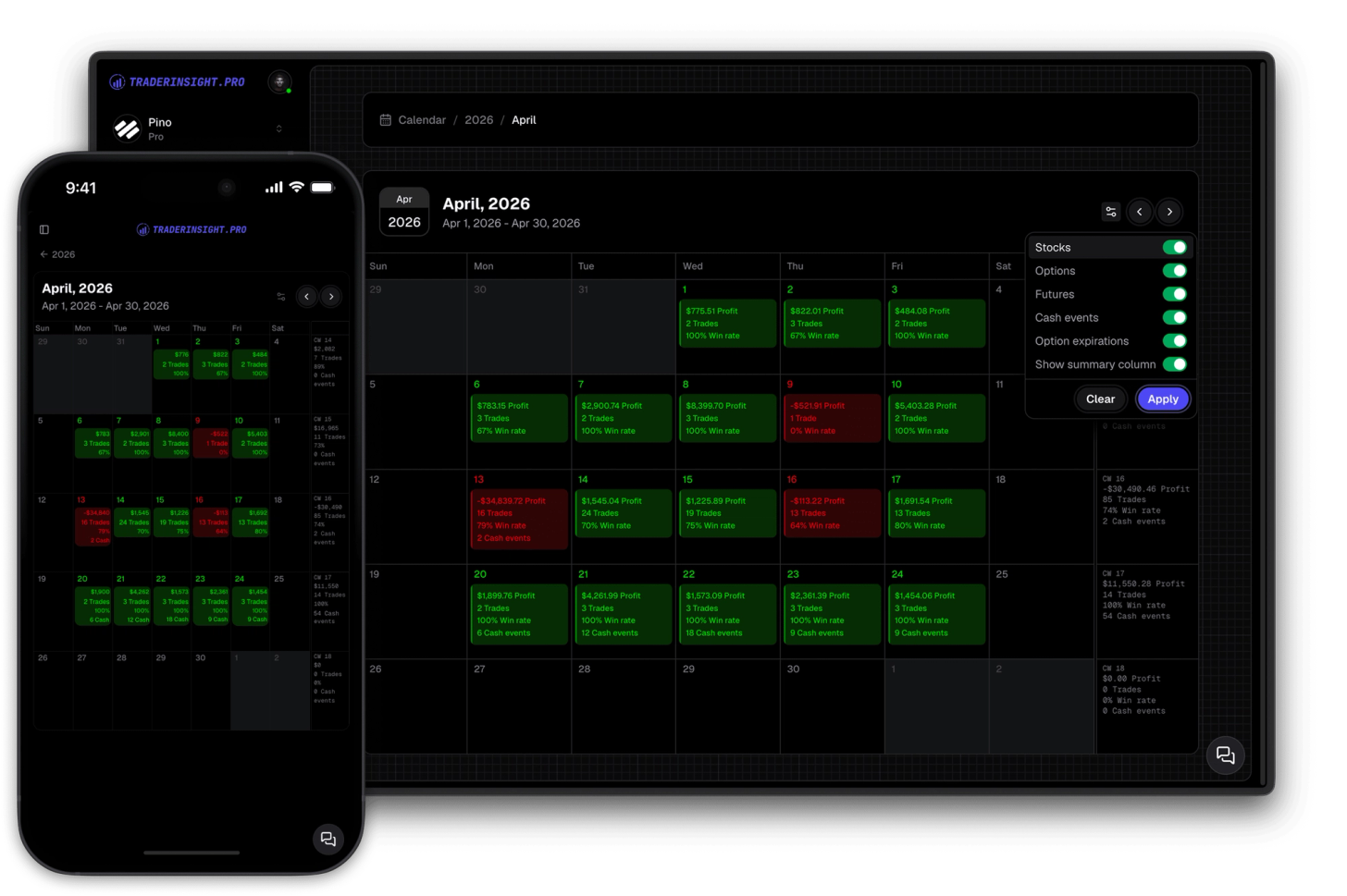
Gain comprehensive insights into your trading history with yearly and monthly summaries. Dive deeper into specific days with just a single click.
