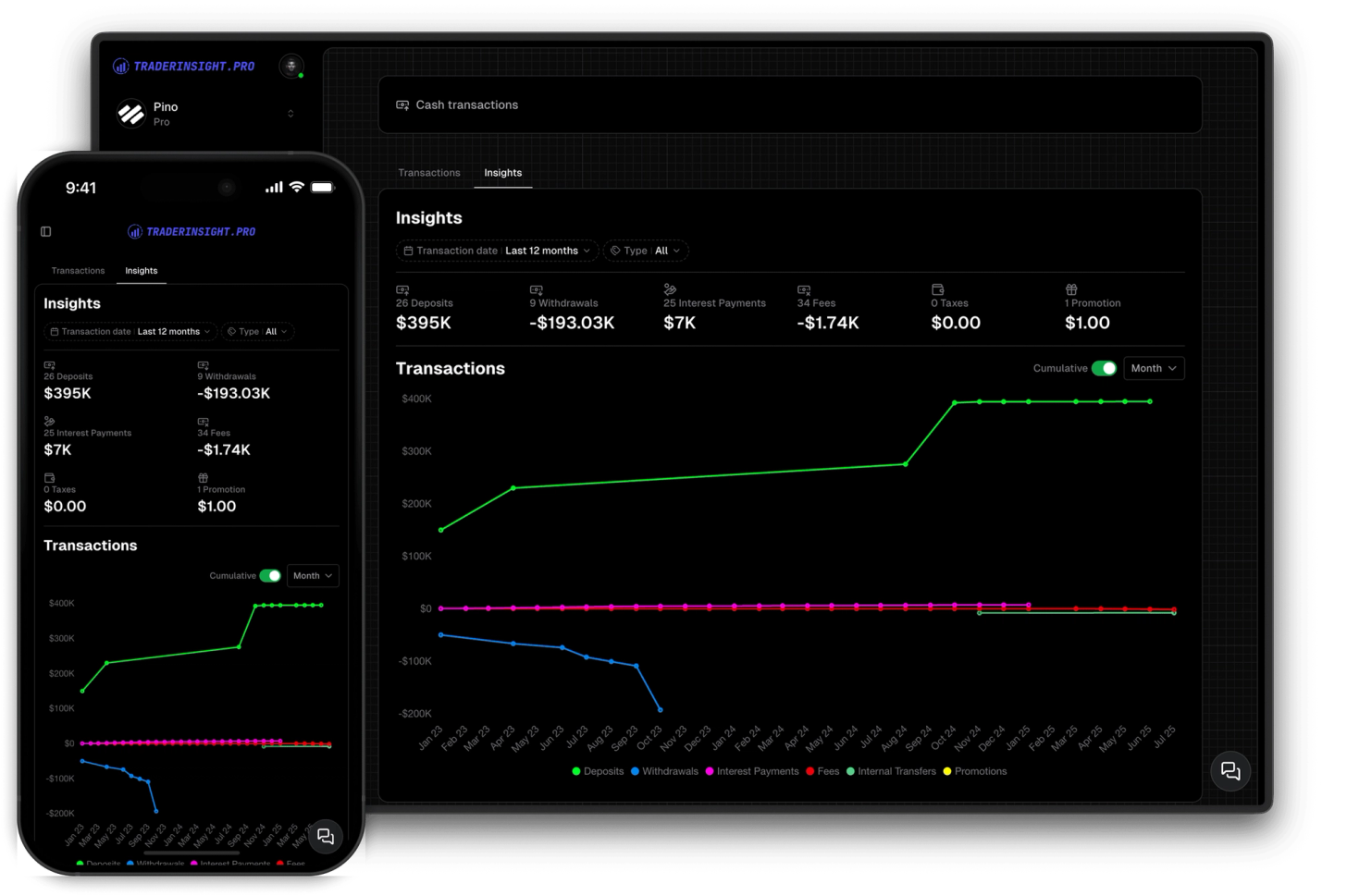
Cash Reporting
Track every deposit, withdrawal and fee in your journal
Track your cash balances and transactions. Get insights into your cash flow and performance.
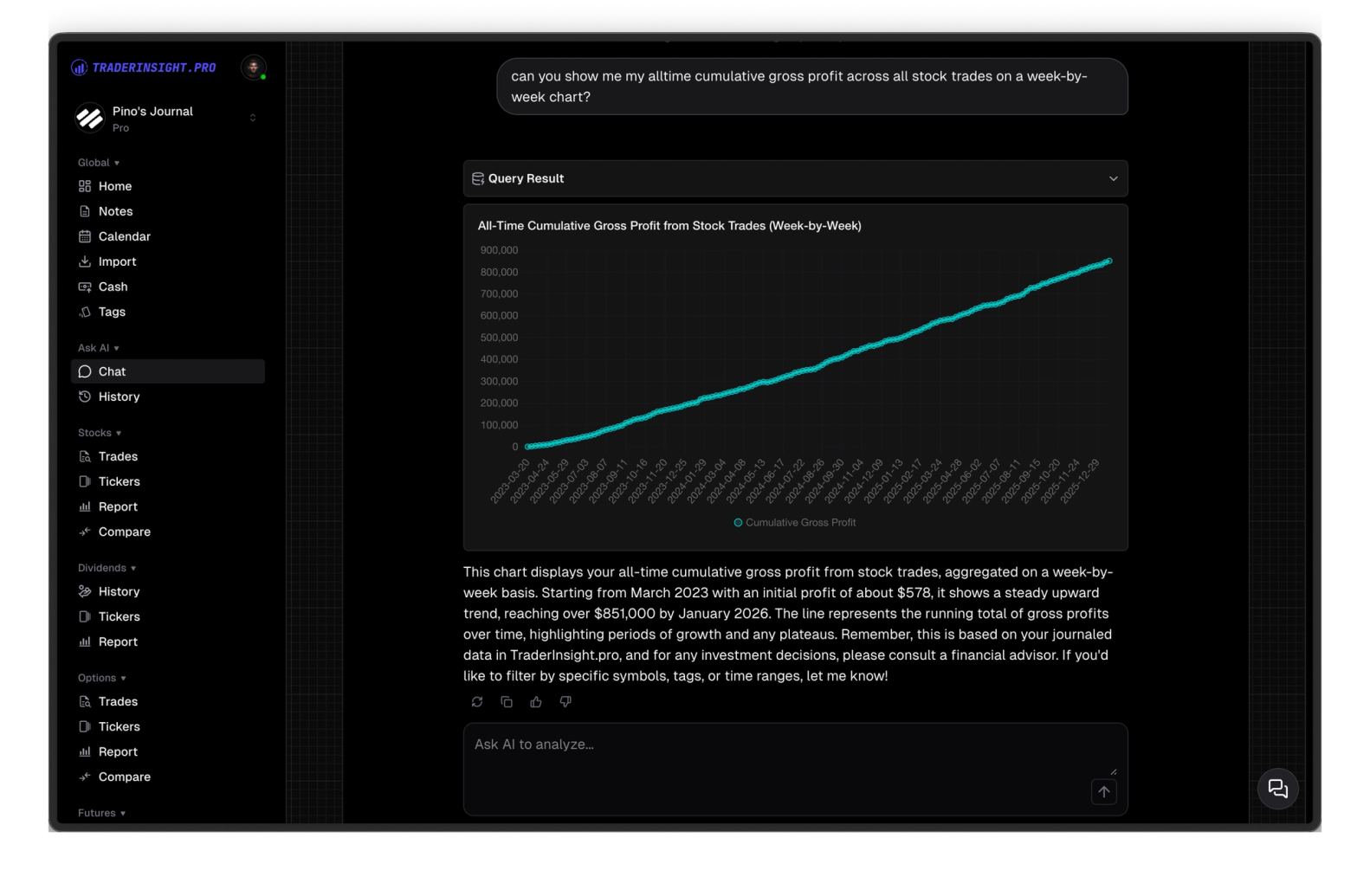
Ask your trading data anything in plain English - get instant answers as charts, tables, and reports backed by your actual trade history.
Most traders have all the data they need to improve - they just can't access it.
Your trade history, notes, tags, and performance data are all sitting there. But getting a real answer means building reports from scratch, writing filters, or exporting to a spreadsheet. By the time you have the insight, the moment is gone.
TraderInsight.pro's AI lets you ask questions the way you actually think about them - 'what's my win rate on breakouts in the last 30 days?', 'which strategies are costing me the most?', 'how did my P&L trend this month and why?' - and get instant answers as charts, tables, or written summaries. No formulas. No SQL. Just answers.
The AI has access to your full trading history - stocks, options, futures, crypto, forex, dividends, and cash transactions - plus your notes, tags, and strategies. Ask across all of it at once or drill into a specific asset, timeframe, or setup.
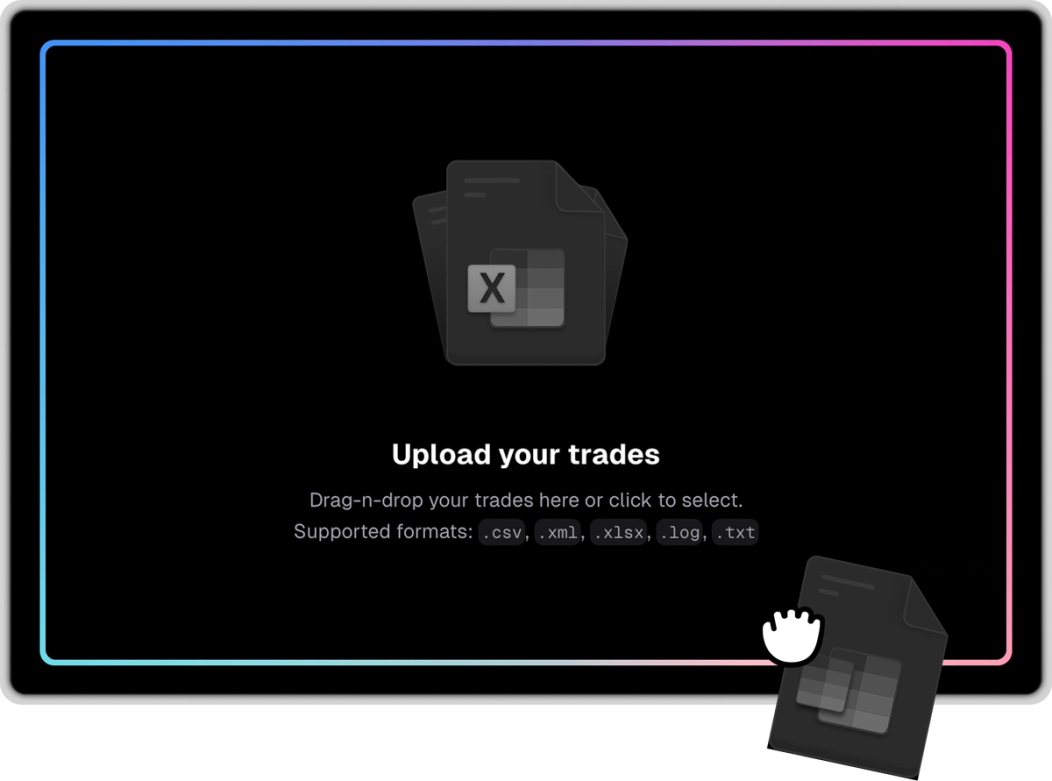
Type the question the way you'd ask a trading coach - 'what time of day do I perform worst?', 'which setups have the best R:R?', 'am I overtrading after red days?' The AI queries your data, joins the relevant records, and delivers a real answer.
Get answers in whatever format makes the insight clearest - line charts, bar charts, scatter plots, tables, or written summaries. Ask for a specific format or let the AI choose the best one for the question.
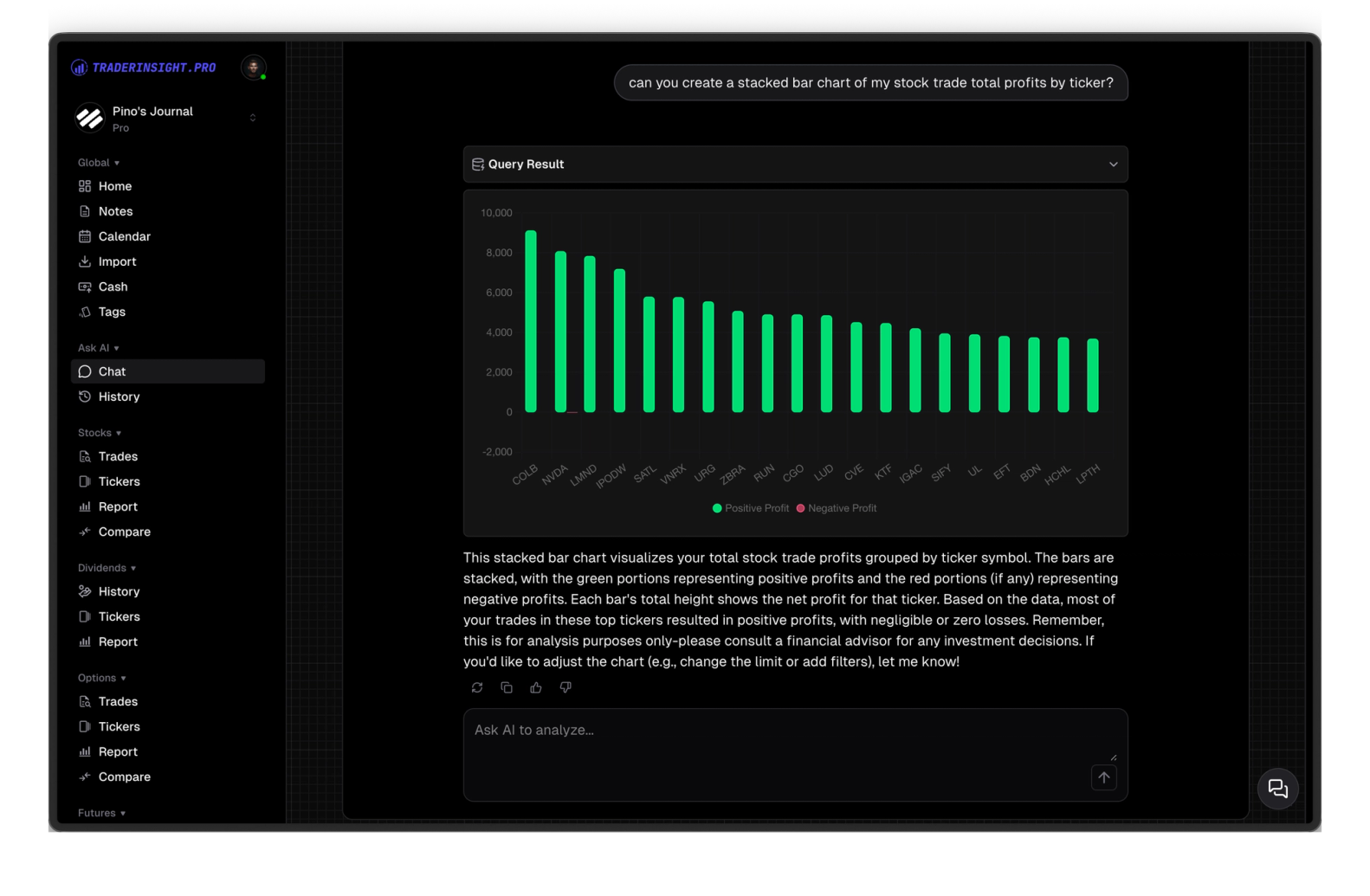
Ask a broad question, then drill deeper without repeating yourself. 'Show me my best strategies' → 'now filter to just the last 60 days' → 'which of those had the best R:R?' Each follow-up builds on the last. No resetting, no re-explaining.
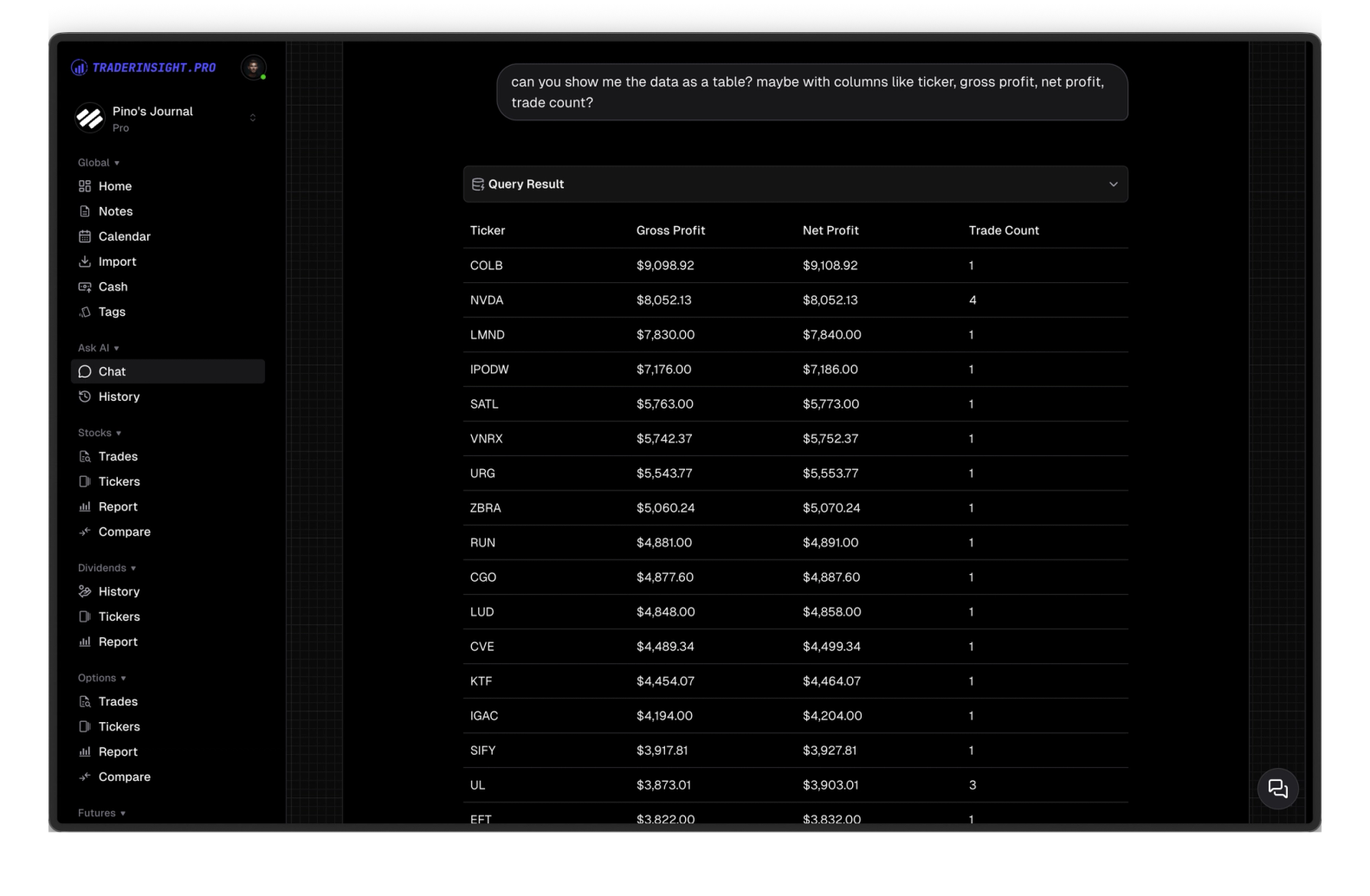
No SQL, no pivot tables, no custom formulas. Ask in plain English and get a real answer from your actual trading data in seconds. The same insight that would take 30 minutes in a spreadsheet takes 10 seconds here.
Discover answers to frequently asked questions right here. If you can't find what you're looking for then reach out.
An AI trading journal lets you query your trade history, notes, and performance data in plain English instead of building reports manually. TraderInsight.pro's AI answers questions like 'what's my win rate on breakouts?' or 'which strategies have the best R:R?' instantly - as charts, tables, or written summaries backed by your actual performance data.
You can ask anything about your trading performance - 'what's my win rate by strategy tag?', 'which time of day am I most profitable?', 'what mistakes keep appearing?', 'compare my stock vs. crypto performance', 'show me my worst drawdown periods'. Broad questions and specific drilldowns both work.
Yes. Day traders use TraderInsight.pro's AI to instantly analyze time-of-day performance, identify overtrading patterns, find which setups produce the best results, and spot mistakes that repeat across sessions - without manually building reports.
Yes. Swing traders use TraderInsight.pro's AI to analyze hold duration performance, compare strategies across different market conditions, and identify which setups produce the best risk/reward - without building manual comparison reports.
Manual performance reports require you to know what question you're asking before you build them. AI lets you ask questions you didn't know to look for - and follow up instantly without rebuilding filters. An insight that takes 30 minutes in a spreadsheet takes 10 seconds with the AI.
Track your cash balances and transactions. Get insights into your cash flow and performance.
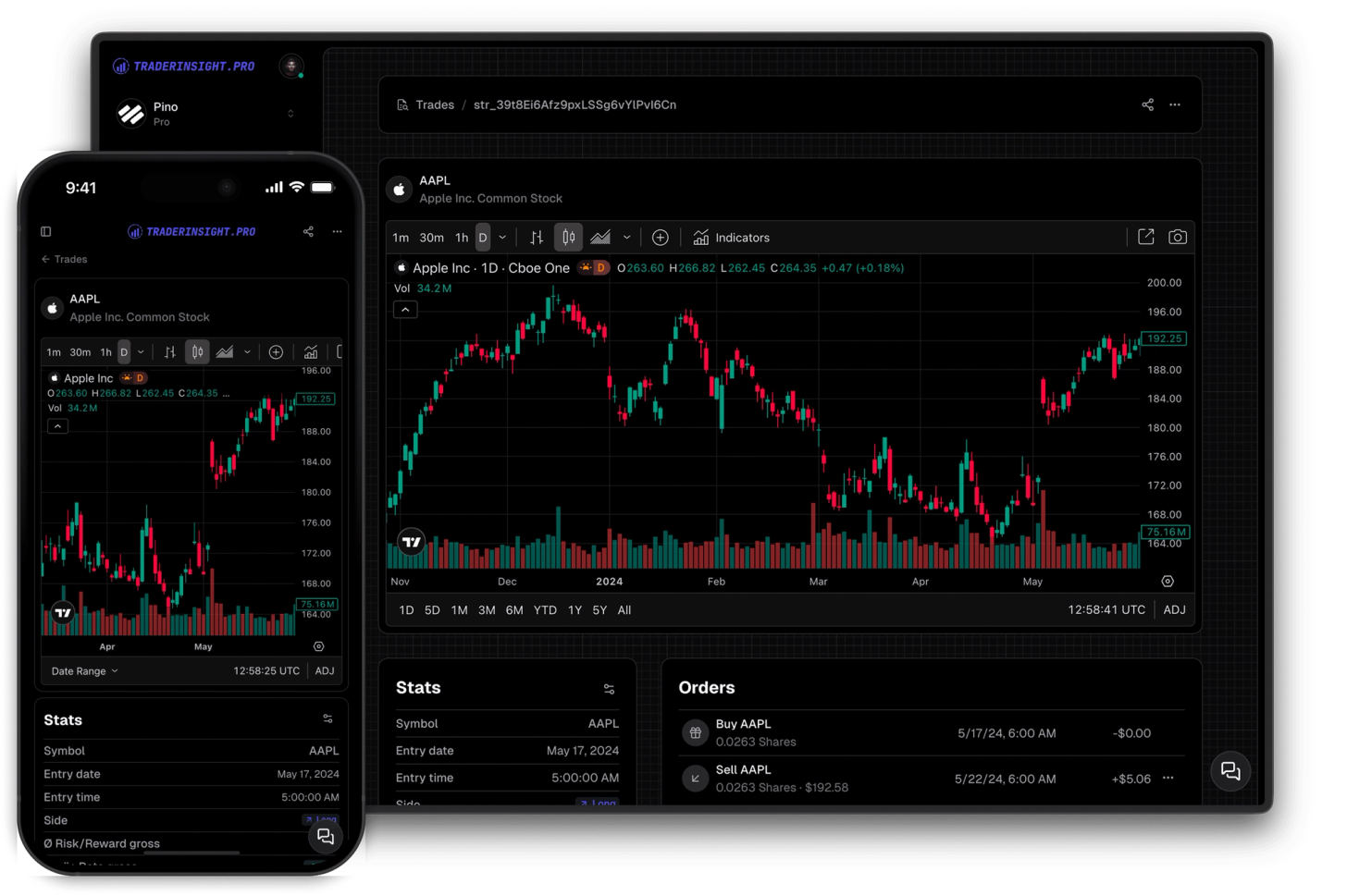
Open any trade and find a full TradingView chart waiting for you - indicators, drawing tools, and timeframe switching included. Review your entries and exits in context without ever leaving your journal.
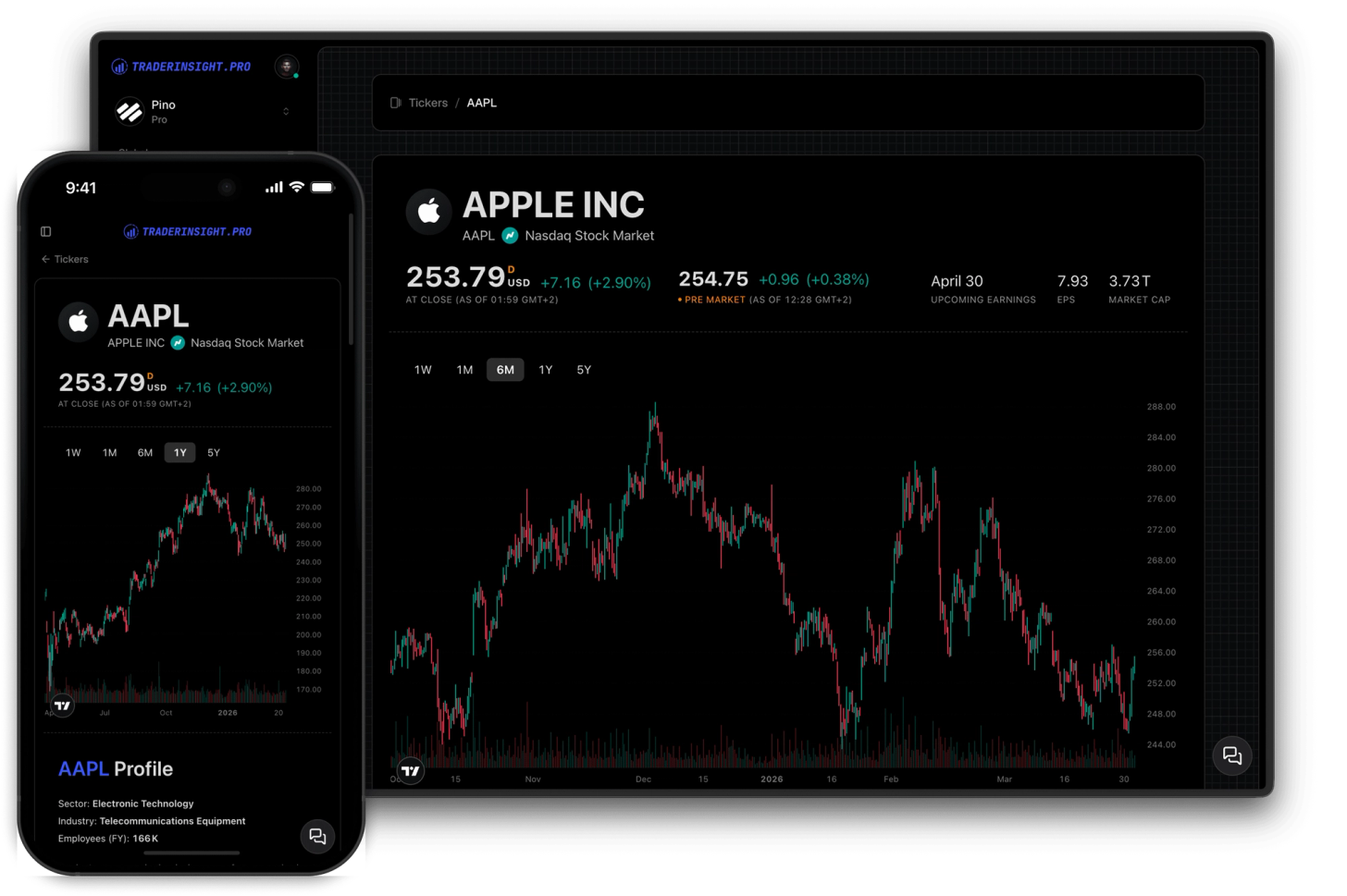
Open any symbol and instantly see your P&L, win rate, live chart, fundamentals, analyst ratings, dividend dates, and news - all in one place.
