Advanced tags
Custom trade tags for strategies, mistakes and more
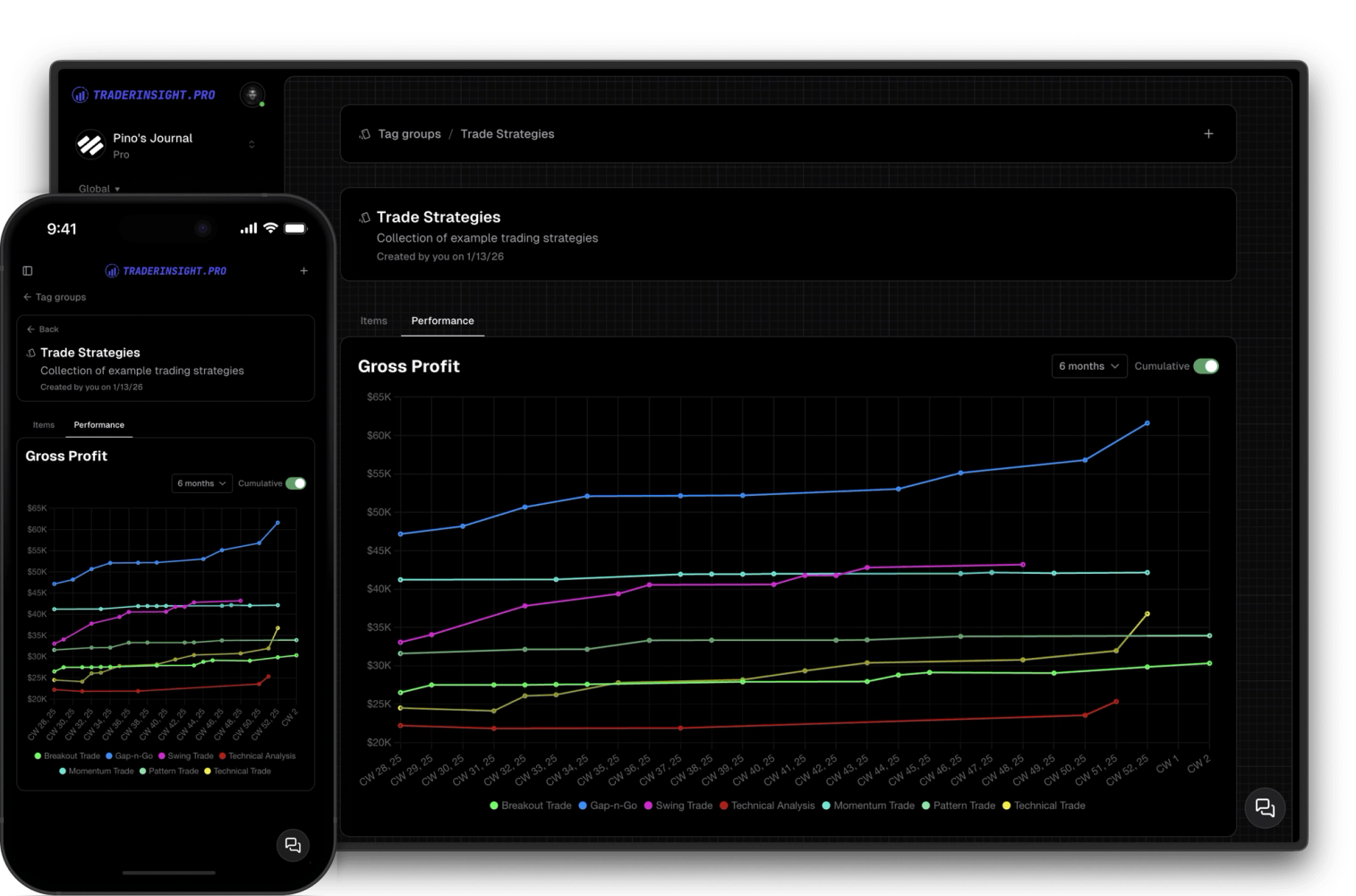
Create and use custom tag groups to simplify tracking and analyzing your strategies and trade details.
Most traders remember the setup. Almost none of them remember the why - the hesitation before entry, the reason they sized up, the thing they told themselves right before they broke their rules after 72 hours. Without notes, that context is gone the moment the trade closes.
TraderInsight.pro's notes editor gives you a fast, flexible place to capture all of it. Write a global note for a market observation, attach a detailed review directly to a specific trade, or build a template for your weekly review and fill it out every Friday. Everything lives in your journal - no separate apps, no scattered docs, no switching tabs.
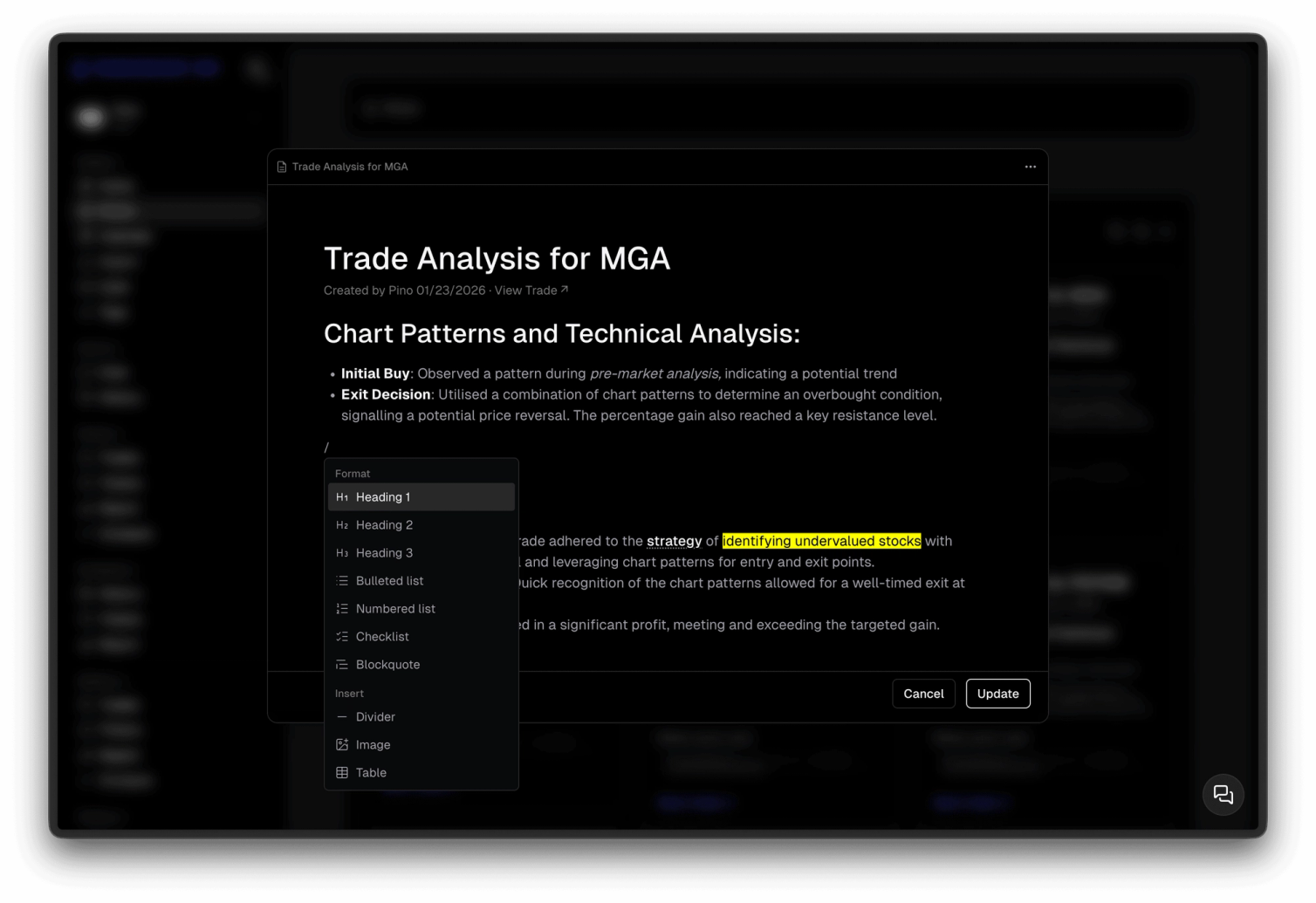
The editor supports full rich text and markdown like Notion, slash commands, images, videos, tables, checklists, and more. It's the writing experience you'd expect from a dedicated notes tool, built directly into your trading journal.
Full markdown support, slash commands, headings, bullet lists, numbered lists, checklists, blockquotes, images, videos, tables, and dividers. Write the way you think - formatted or freeform - without fighting the tool to do it.
Market observations, strategy ideas, psychology check-ins, end-of-week reviews - create notes that live in your global notes page, independent of any specific trade. Everything in one place, always searchable.
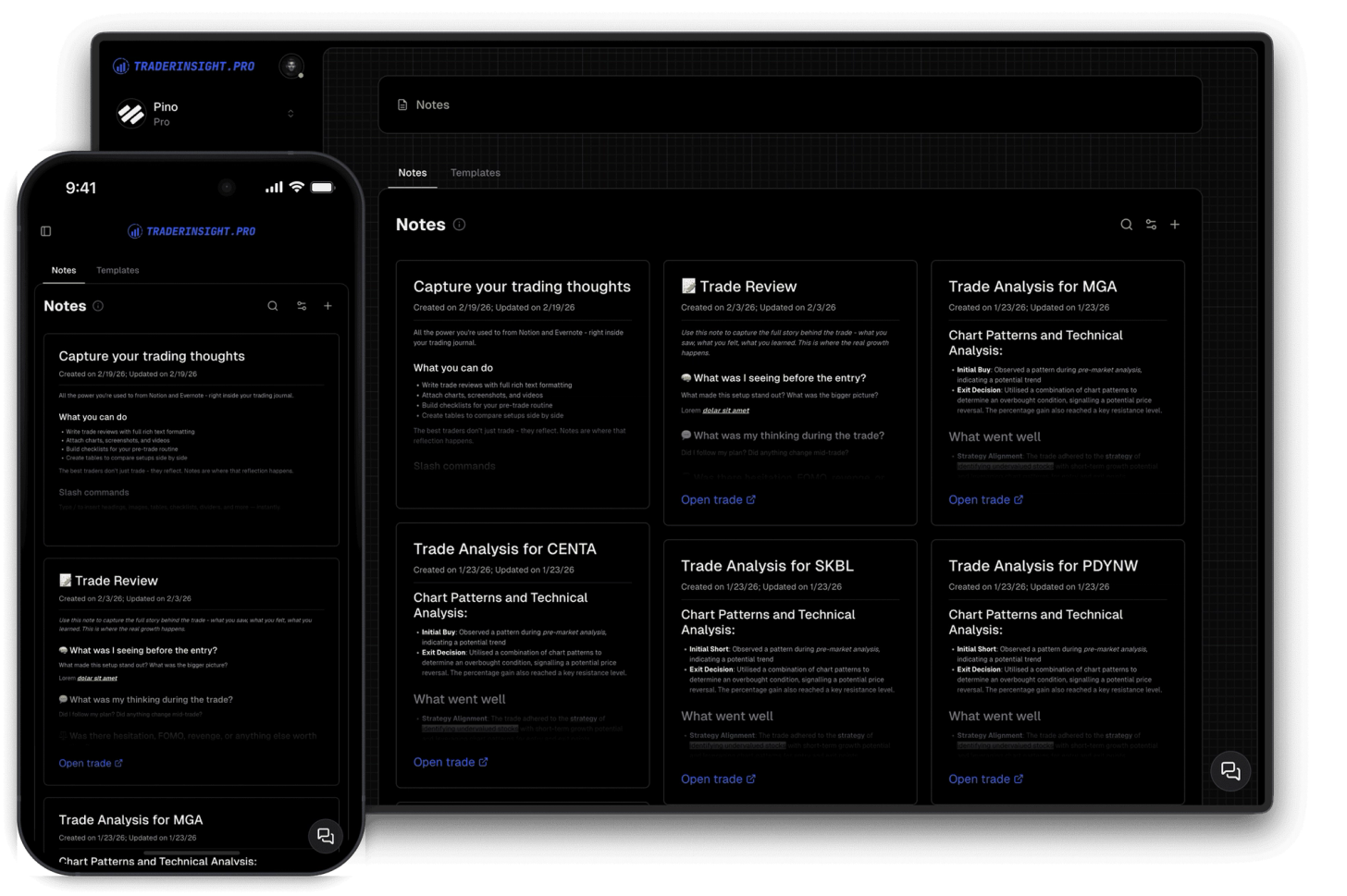
Open any past trade and write a note directly on it. That note stays attached to the trade forever - visible every time you open it, and also visible on your global notes page with a direct link back to the trade for easy navigation.
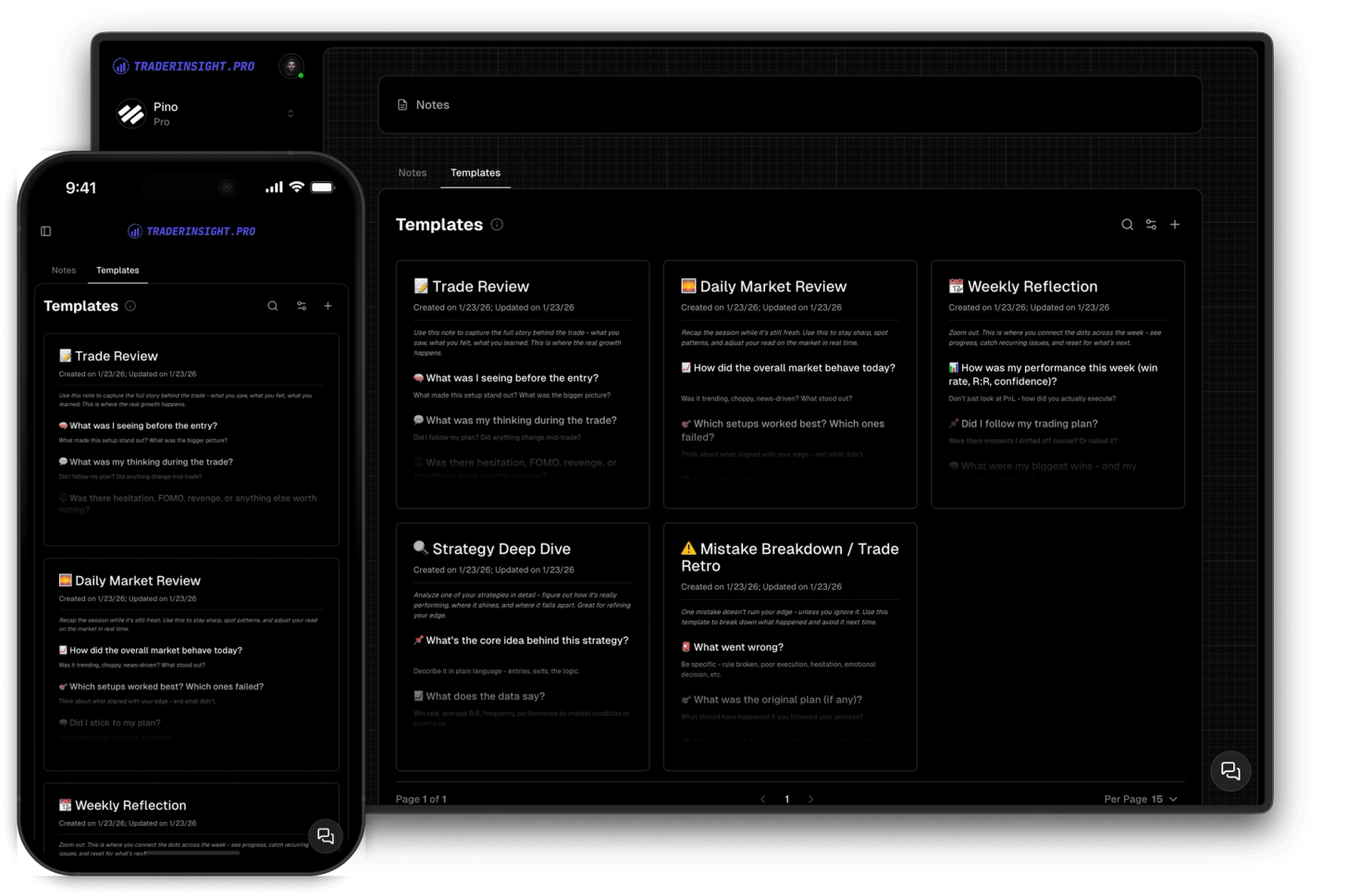
Create templates for trade reviews, strategy reviews, weekly and monthly check-ins, or anything you want to fill out on a regular basis. Pick a template, fill it in, and build the kind of review habit that actually compounds over time.
Discover answers to frequently asked questions right here. If you can't find what you're looking for then reach out.
Full rich text and markdown, headings, bullet and numbered lists, checklists, blockquotes, dividers, images, videos, tables, and slash commands. Everything you'd expect from a dedicated notes tool. It's quite similar to Notion and Evernote.
A global note is a standalone note not tied to any specific trade - useful for market observations, strategy ideas, or review sessions. A trade note is attached directly to a specific trade and always appears when you open that trade.
Yes. All notes - global and trade-linked - appear on your global notes page. Trade-linked notes include an 'Open Trade' link so you can navigate directly to the trade in one click.
Create a template with your preferred structure - headings, sections, checklists - and save it. When you want to write a new note of that type, pick the template and fill it in. Useful for trade reviews, weekly check-ins, strategy documentation, and more.
Yes. Paste or upload images directly into any note and embed videos. Useful for attaching chart screenshots, annotated setups, or video walkthroughs of a trade.
Yes, fully. The notes editor works on every device with the same features and real-time sync across all your devices.
No. Create as many global notes, trade notes, and templates as you need.
Create and use custom tag groups to simplify tracking and analyzing your strategies and trade details.
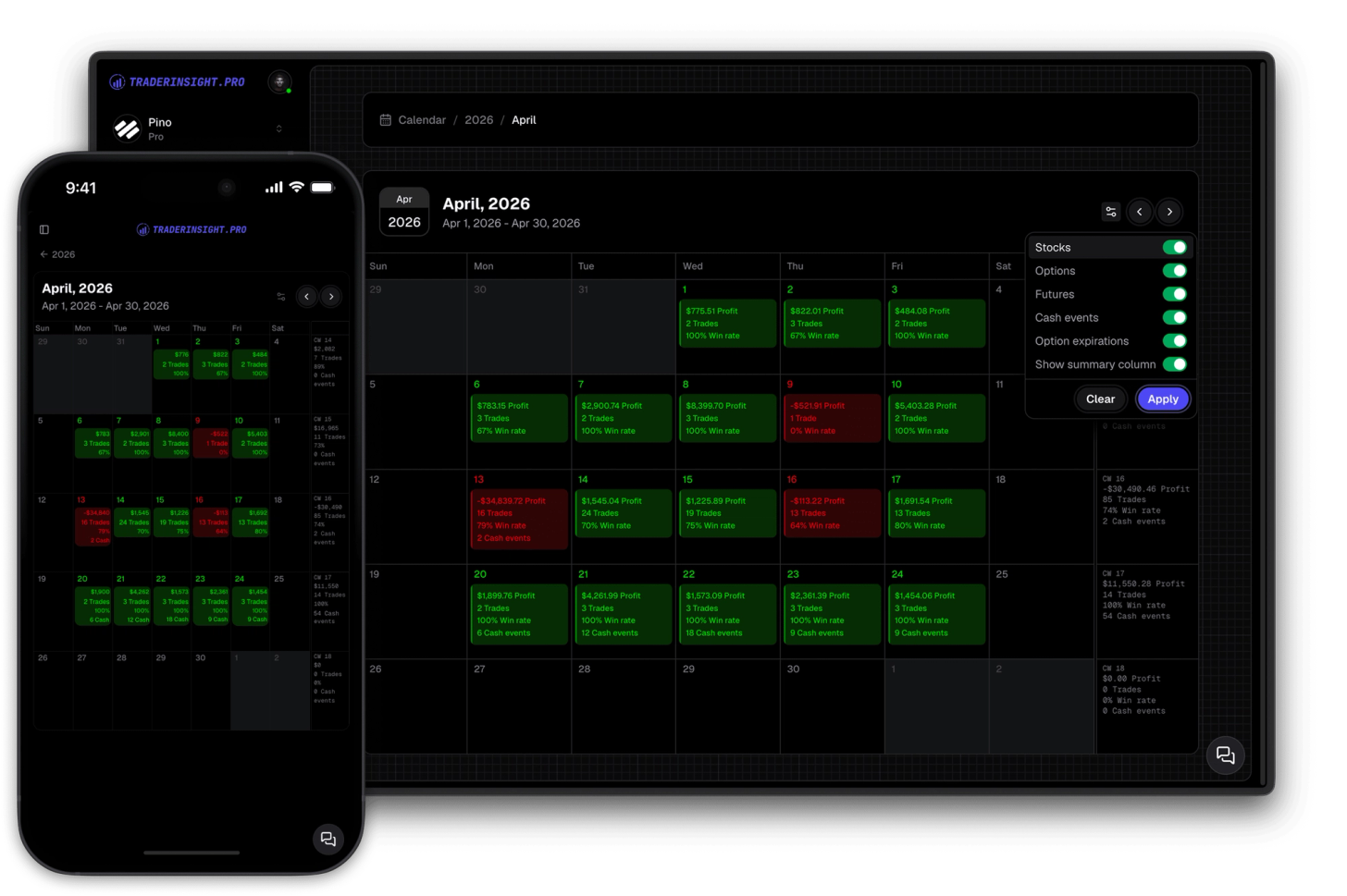
Gain comprehensive insights into your trading history with yearly and monthly summaries. Dive deeper into specific days with just a single click.
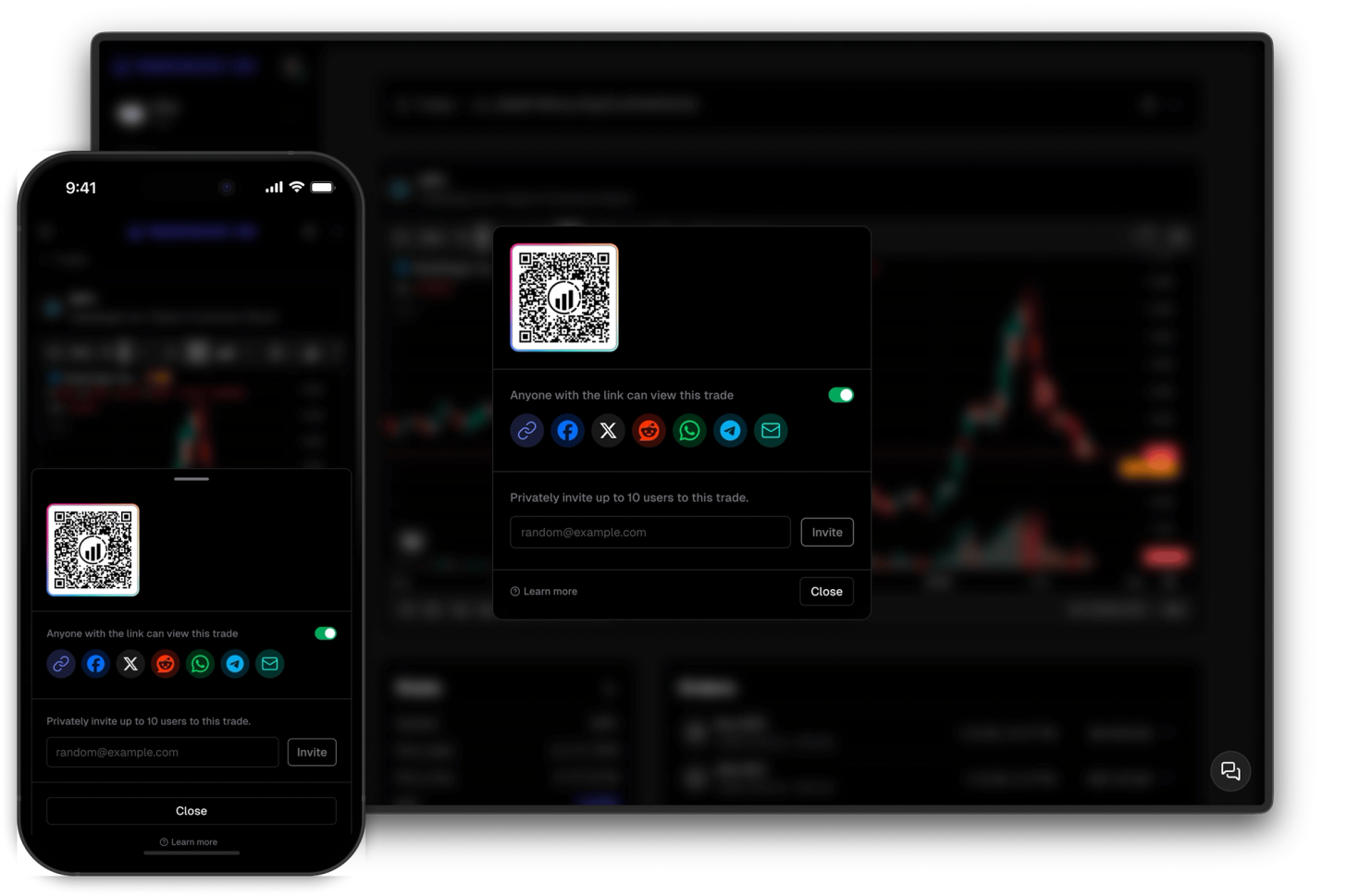
Share your trades privately with selected individuals or showcase them to the world with ease.
