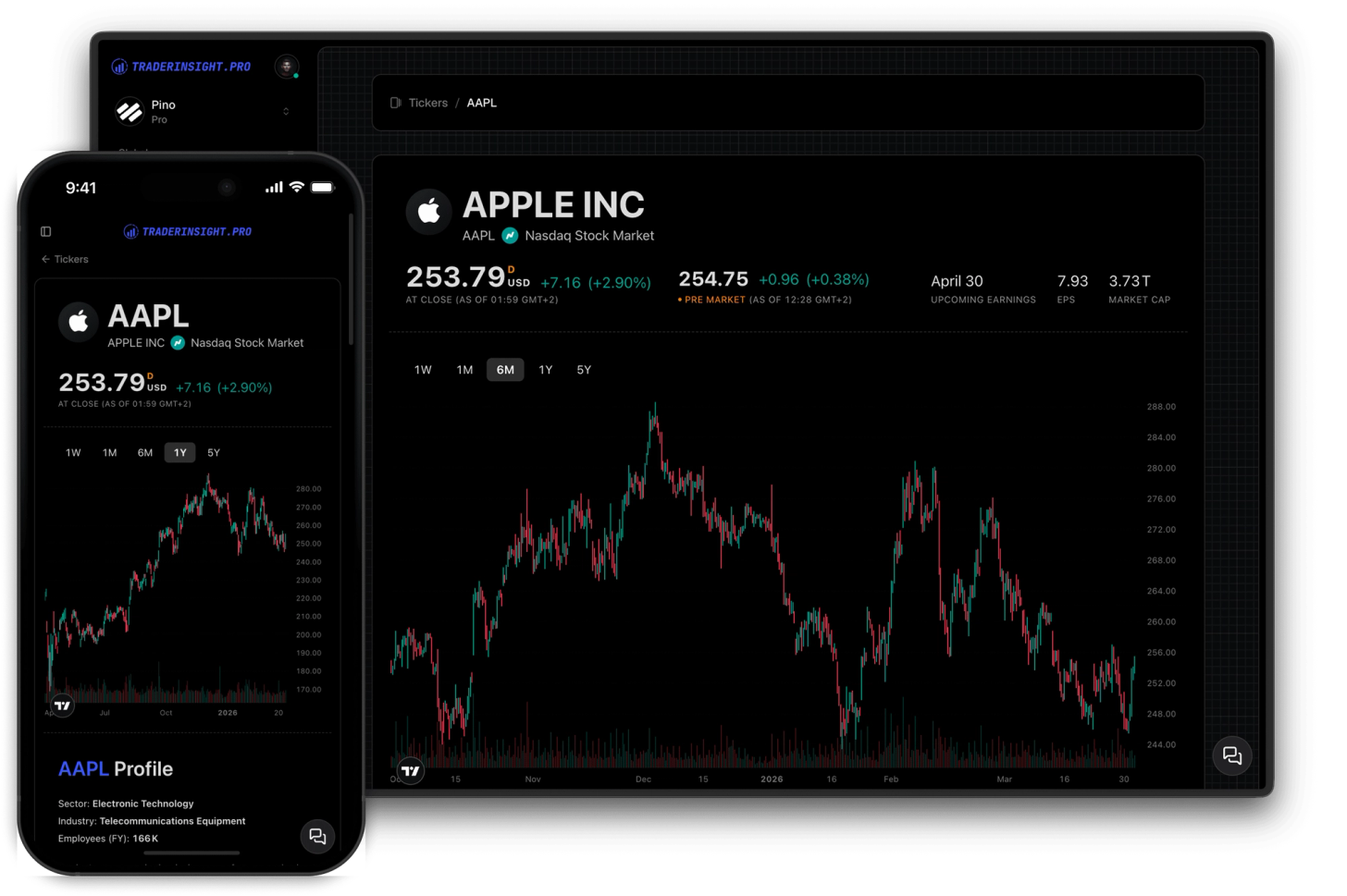
Ticker Reports
Analyze every ticker you trade in one report
Open any symbol and instantly see your P&L, win rate, live chart, fundamentals, analyst ratings, dividend dates, and news - all in one place.
TradingView is where most traders do their charting. TraderInsight.pro is where they do their journaling. Until now, that meant switching between two tabs every time you wanted to review a trade in context - pulling up the chart, finding the right date, trying to remember exactly where you entered and exited.
TraderInsight.pro embeds a full TradingView chart directly inside every trade in your journal. Open any trade - a stock from six months ago, a forex position from last week - and the chart is already there, loaded to the right ticker, ready to explore. All the tools you're used to in TradingView are available: indicators, drawing tools, timeframe switching, chart types, and more.
It's the closest thing to having your charting platform and your trading journal in the same place. Review what the market was doing when you entered, see how price moved after your exit, and add a note with your observations - all without opening another tab.
Open any stock, forex, crypto, options or futures trade in your journal and a full TradingView chart loads automatically for that ticker. Switch timeframes, apply your indicators, draw levels - everything works exactly as it does in TradingView. The best charting platform for stocks, built directly into your journal.
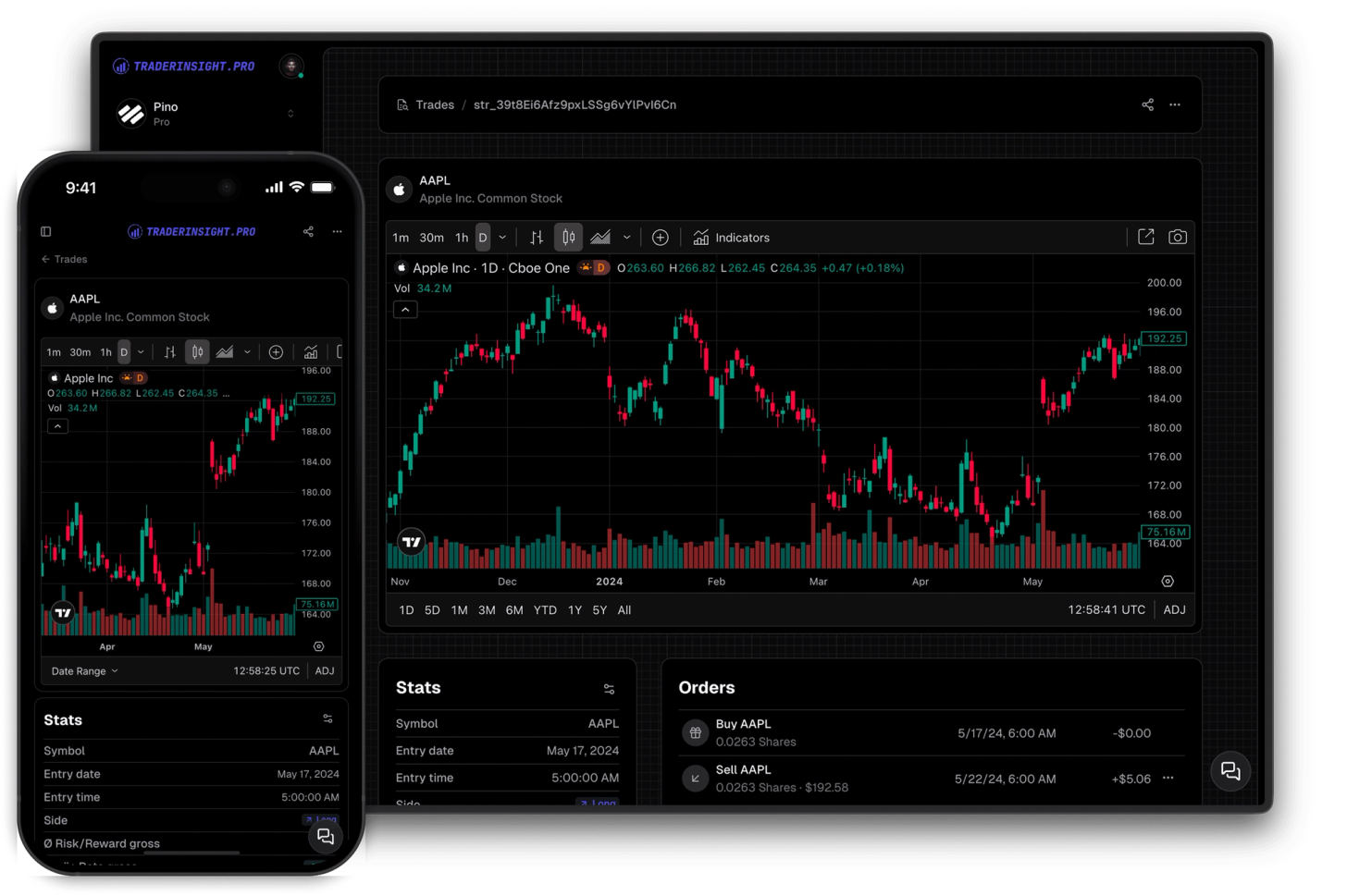
See something worth remembering on the chart? Write it down without leaving the trade. Add a note directly alongside the TradingView chart - your observations, annotations, screenshots, and key levels all stored in one place, attached to the exact trade they belong to.
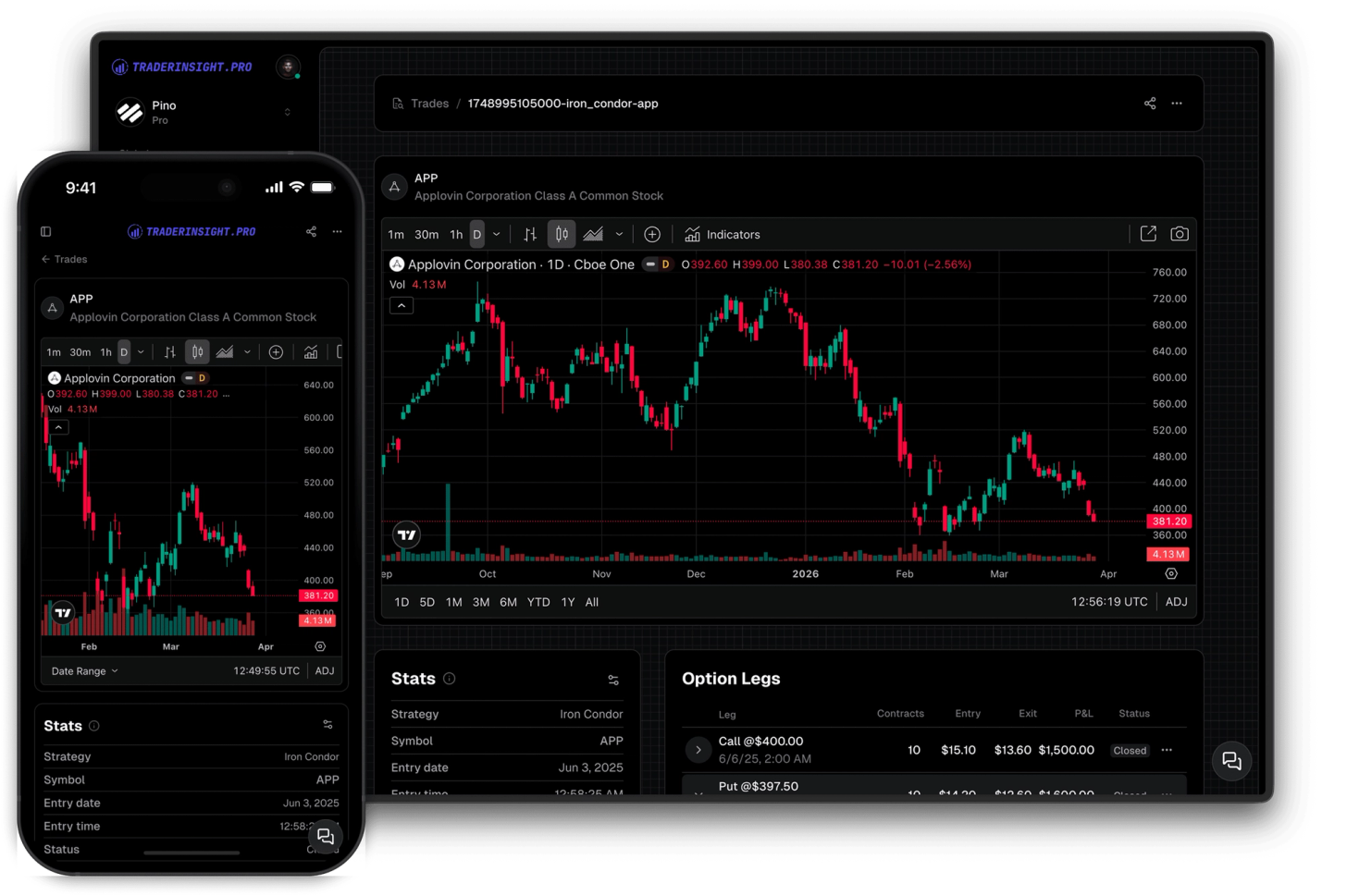
Options and futures trades load TradingView charts for the underlying asset so you can review the price context behind every position. Charts display the full picture of what the market was doing around your trade - useful for reviewing setup quality and timing.
If TradingView is your charting platform of choice, TraderInsight.pro is the natural home for your trading journal. Import trades from any broker, analyze performance with fully customizable reports, and review every trade with a TradingView chart - all in one place. No other trading journal integrates TradingView this deeply.
Discover answers to frequently asked questions right here. If you can't find what you're looking for then reach out.
Every trade in your journal includes an embedded TradingView chart loaded to the correct ticker. All standard TradingView tools are available - indicators, drawing tools, timeframe switching, chart types, and more - without leaving your journal.
No. The TradingView chart is embedded directly in TraderInsight.pro and works without a separate TradingView account. A TradingView account unlocks additional indicators and saved layouts if you have one.
Stocks, forex, crypto, and options trades all load TradingView charts reliably. Futures charts are also available but may not display correctly for all contracts depending on TradingView's coverage - stocks and forex work best.
TradingView's coverage of futures contracts varies by exchange and broker symbol format. Most major futures contracts display correctly, but some may not load as expected. Stocks, forex, and crypto are fully reliable.
Yes. The embedded chart supports TradingView's full indicator library. If you're logged into TradingView, your saved indicators and layouts may also be available.
Yes - it's the best trading journal for TradingView users. Import trades from any broker, analyze performance with fully customizable reports and filters, and review every trade with a built-in TradingView chart. Everything TradingView traders need in one place.
Yes. Take a screenshot of the TradingView chart with your annotations and paste it directly into the trade note. It's one of the most effective ways to document your trade reviews.
Yes. The embedded chart works on mobile and tablet with the same functionality as desktop. Review trades and their charts from any device.
Open any symbol and instantly see your P&L, win rate, live chart, fundamentals, analyst ratings, dividend dates, and news - all in one place.
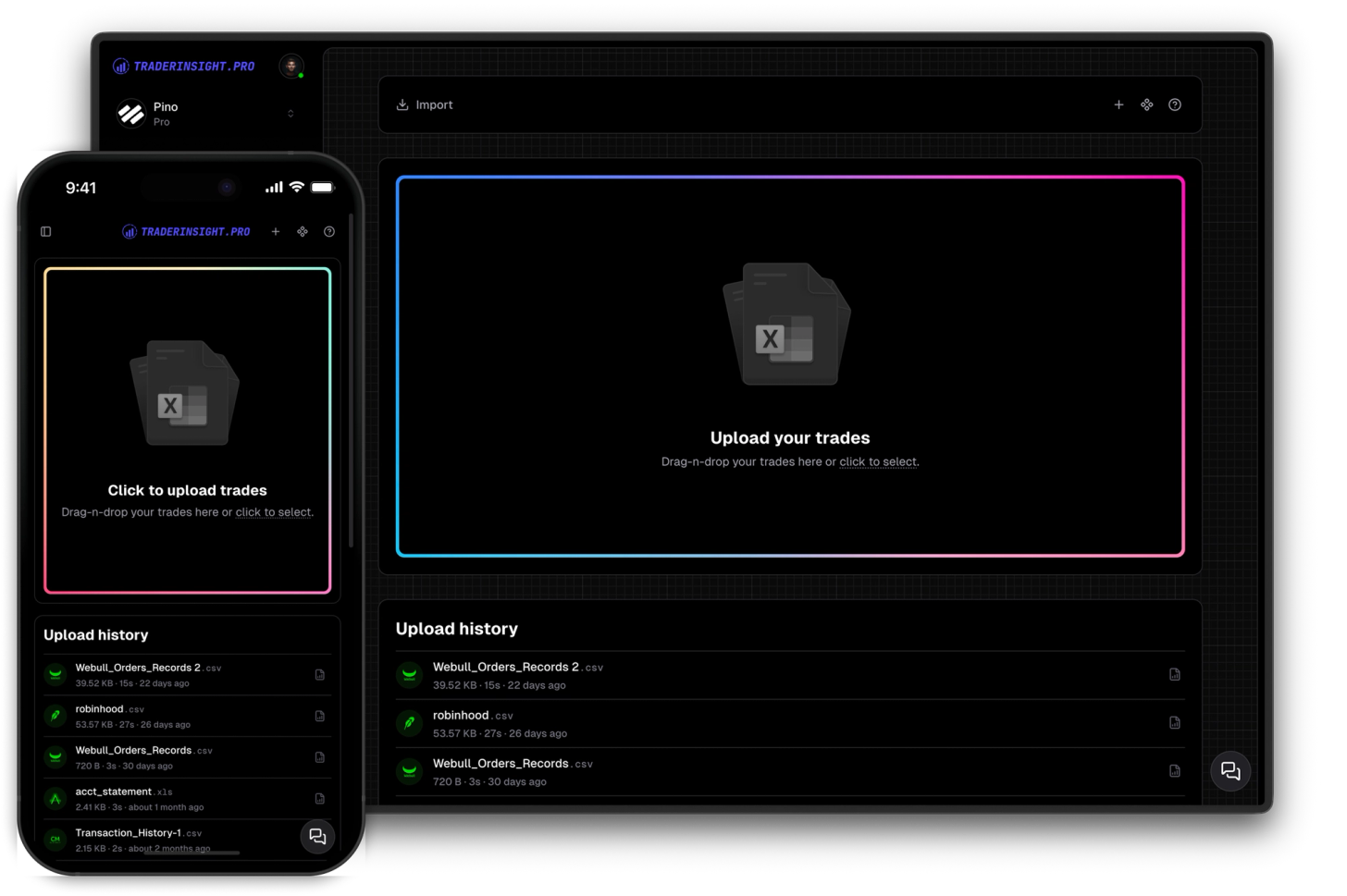
Journaling starts with data. You can import from countless brokers through simple auto-sync and drag-and-drop. And if your broker is not yet supported, we can add it in a few clicks.
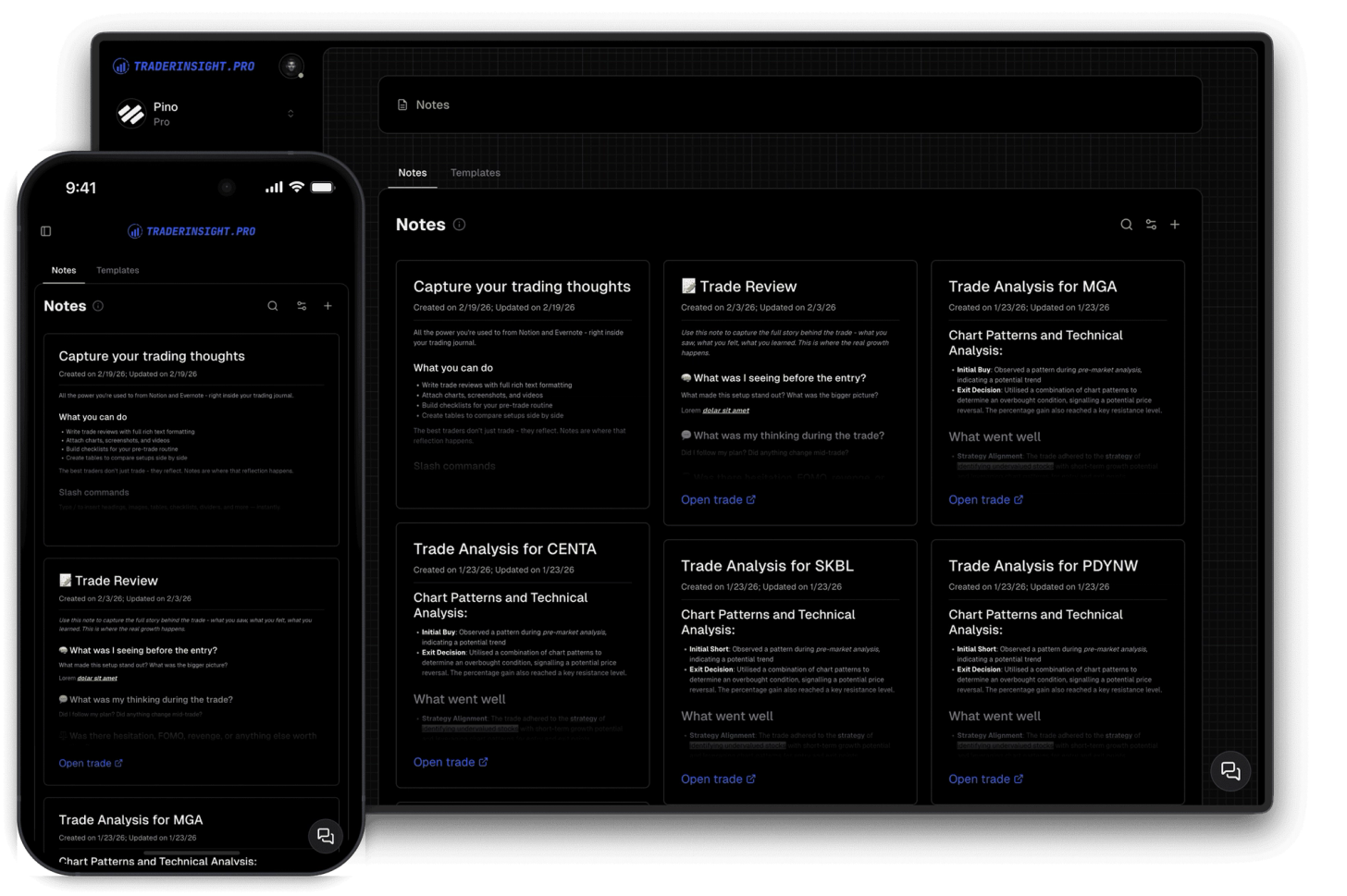
Enhance your trading insights by adding notes to trades. Enjoy rich-text formatting capabilities straight out of the box.
