Mentors and Coaches
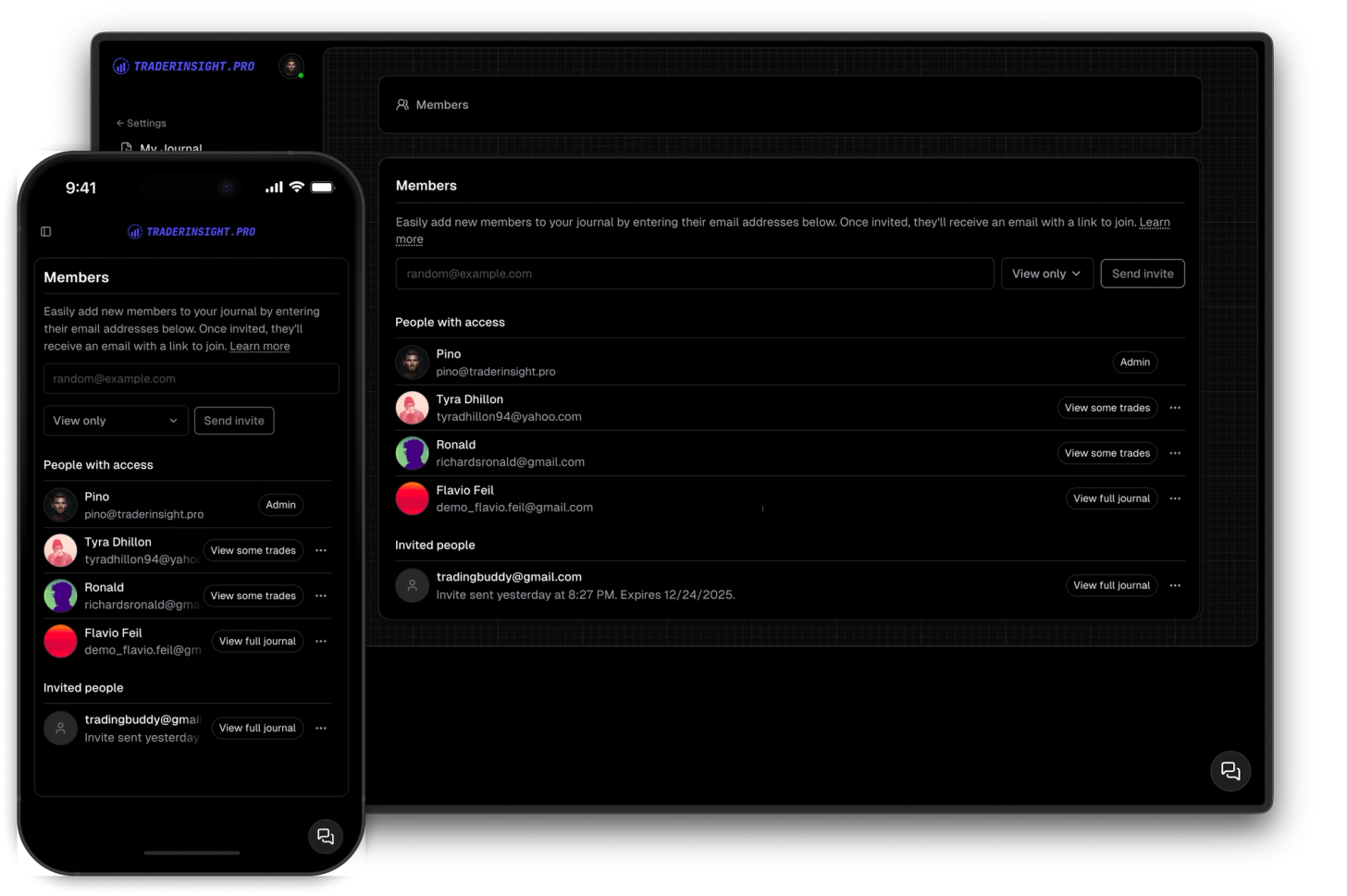
Invite mentors and coaches to your trading journal
Share your journal with your friends, teammates, mentors or mentees so tha they can follow your trading journal.
Most trading tools are built for a desk. The mobile version is an afterthought - stripped down, slow, and missing half the features you actually need. You end up doing real work on your laptop and hoping you remember to log everything later.
TraderInsight.pro works the same everywhere. The reports you build on your desktop are the same ones you review on your phone. The trades you import on your laptop show up on your tablet. The notes you write between sessions on your phone are there when you sit down to do a proper review. Everything syncs across every device you use.
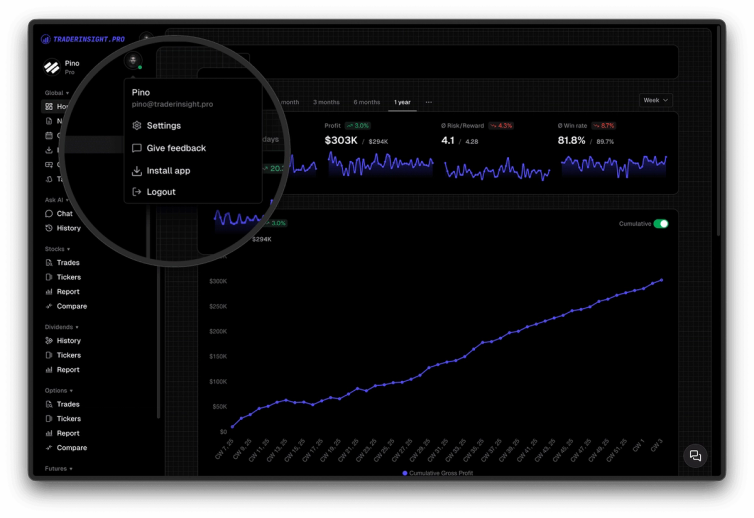
Install the app in seconds from your browser - no app store, no waiting for approval updates, no storage bloat. Open TraderInsight.pro, click your profile icon in the sidebar, hit Install App, and it's on your home screen. From there it behaves exactly like a native app - full screen, fast, always up to date.
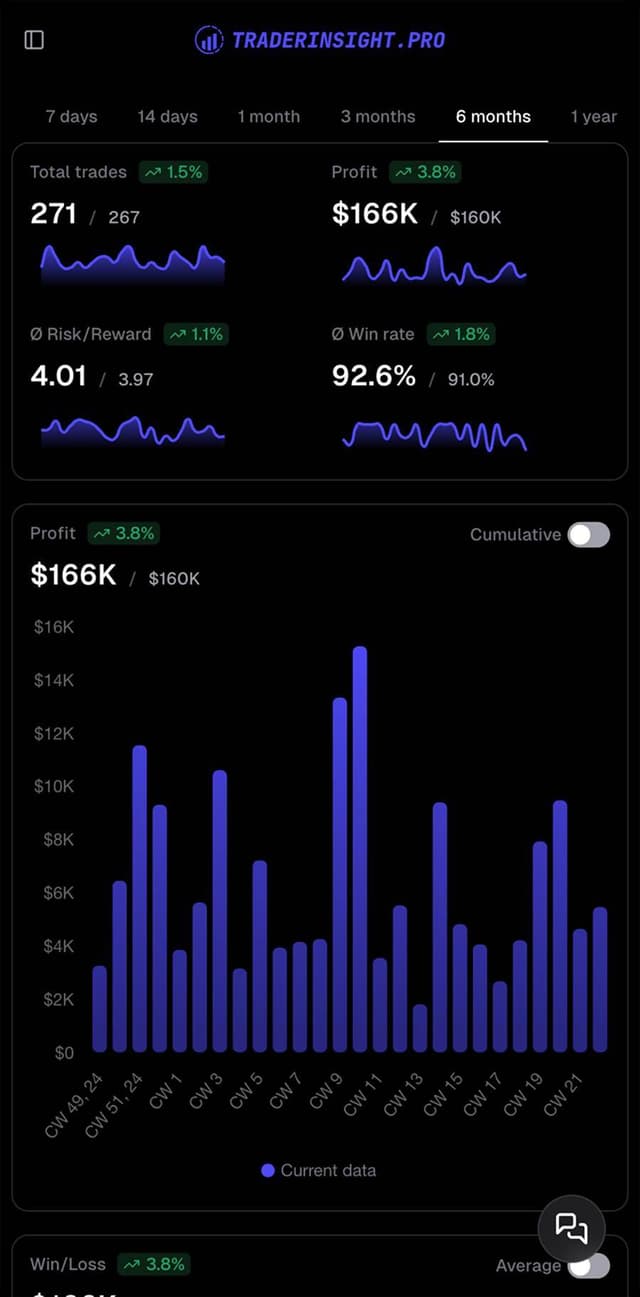
Nothing is locked to desktop. Performance reports, comparison reports, filters, tags, notes, the trading calendar, AI insights, sharing - all of it works on phone and tablet exactly as it does on web. If you can do it on your laptop, you can do it on your phone.

Log a trade on your lunch break, review last week's performance on the couch, check your calendar on the way to your desk. Your journal is always with you and always current - no syncing required, no version conflicts, no waiting.
No app store. Open TraderInsight.pro in your browser, click your profile icon in the sidebar, and tap Install App. It lands on your home screen and opens full screen like any other app - fast, clean, and always running the latest version automatically.
Discover answers to frequently asked questions right here. If you can't find what you're looking for then reach out.
Open TraderInsight.pro in your browser, click your profile icon in the sidebar, and tap Install App. The app is added to your home screen instantly and opens full screen like any native app.
Chrome gives you the best install experience and overall performance across all devices. Most other modern browsers work fine for using the app, though the install option may not be available in all of them.
No. The app always runs the latest version automatically - there are no manual updates, no app store approvals to wait for, and nothing to download.
Yes, fully. The app is designed to work great on phone, tablet, and desktop with the same complete feature set on every screen size.
Yes. Everything syncs in the background. Import on desktop and it's on your phone. Add a note on your tablet and it's in your desktop journal shortly afterwards. If not, just reload the page and it will be there.
Some older browsers don't support the install option. Try using Chrome for the best experience.
An internet connection is required to sync trades, load reports, and access your journal data. The app is designed for fast, reliable performance on any modern device and connection.
Share your journal with your friends, teammates, mentors or mentees so tha they can follow your trading journal.
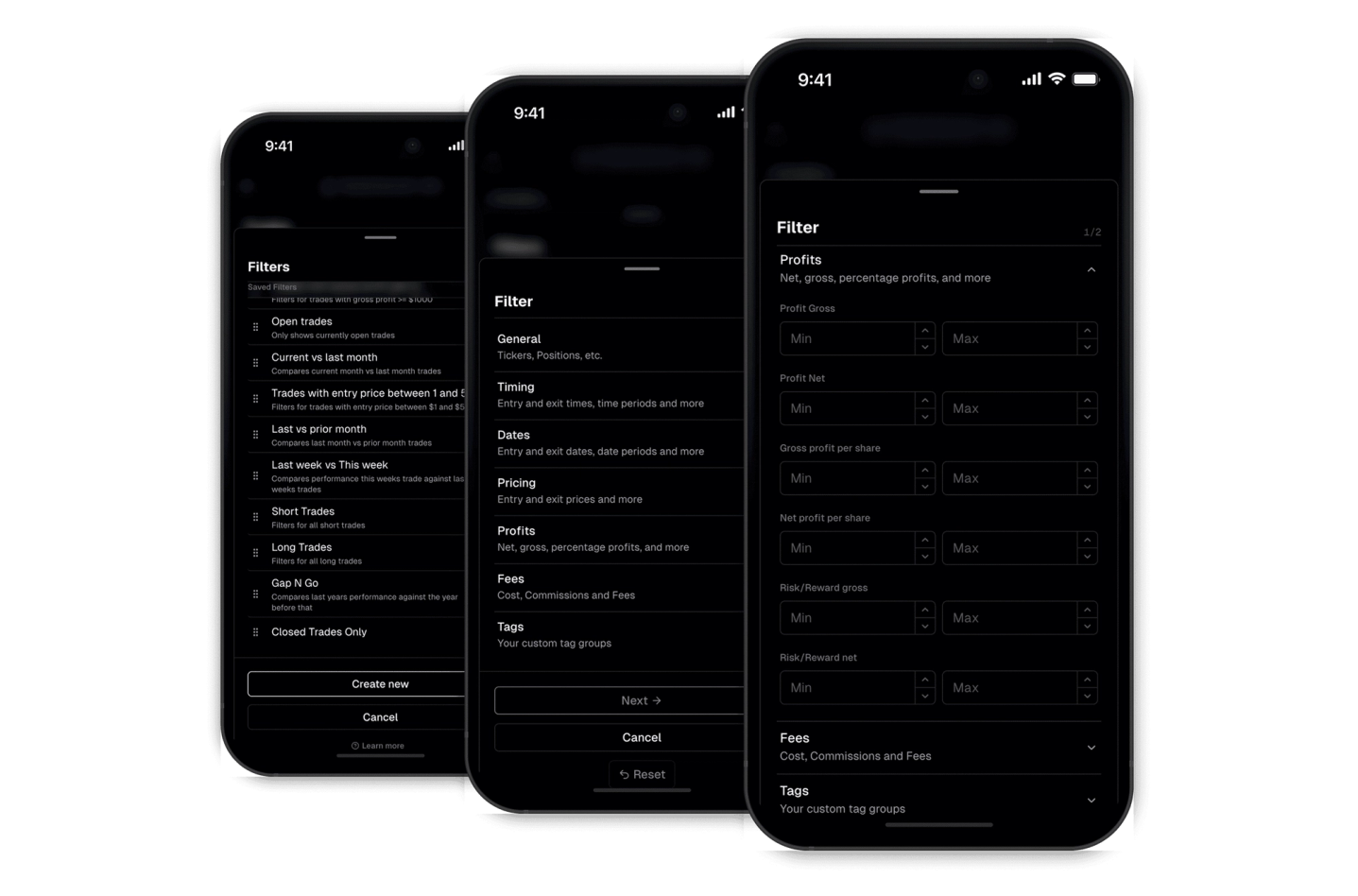
Effortlessly find what you're looking for with our robust filtering system. The custom filters empower you to drill down and extract meaningful insights.
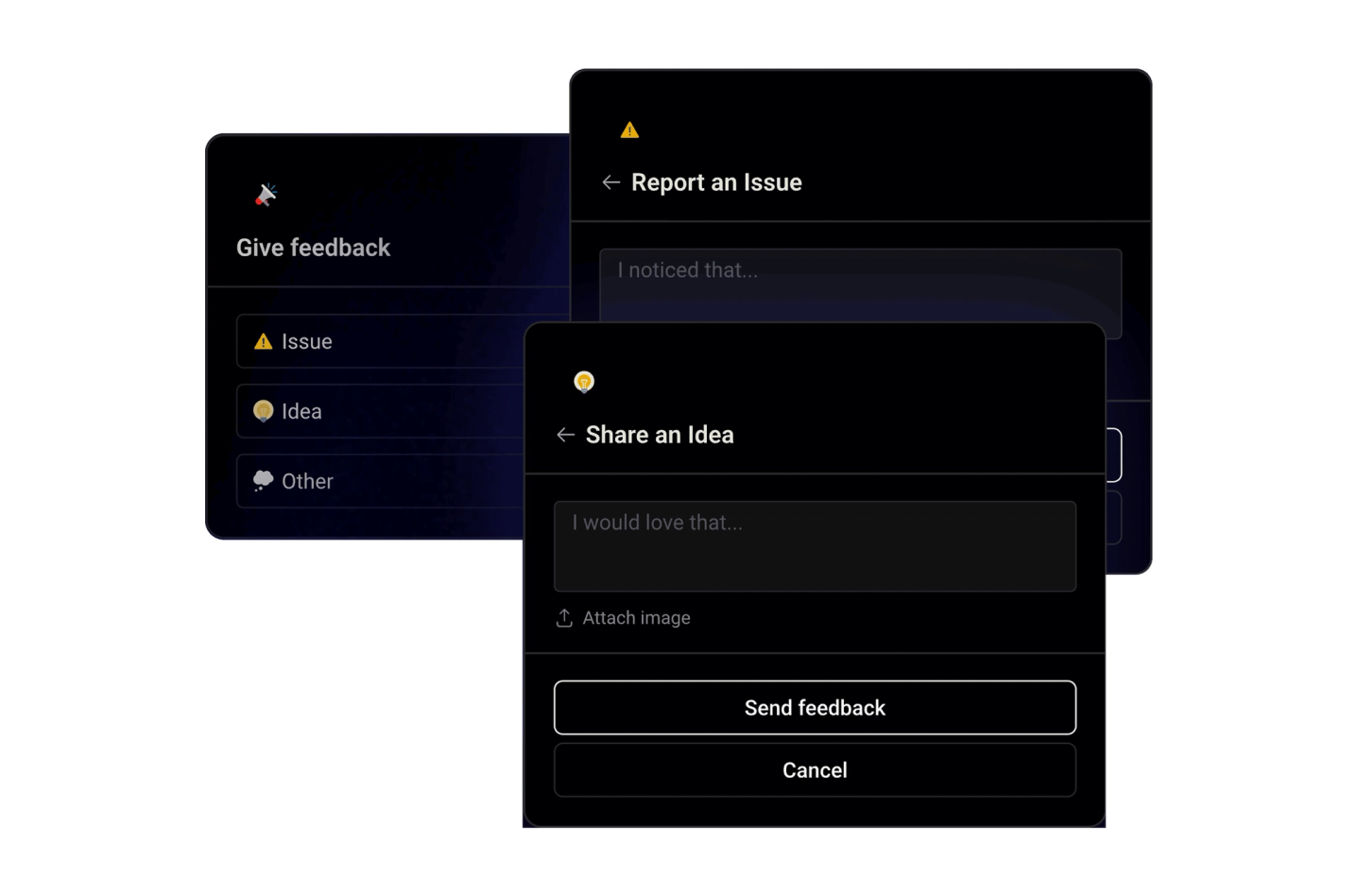
Shape the future of your trading journaling experience by sharing your ideas, suggestions, or critiques directly within the app. Your feedback drives our continuous improvement efforts.
