Published on · Updated on · 3 min read
Say goodbye to spreadsheets
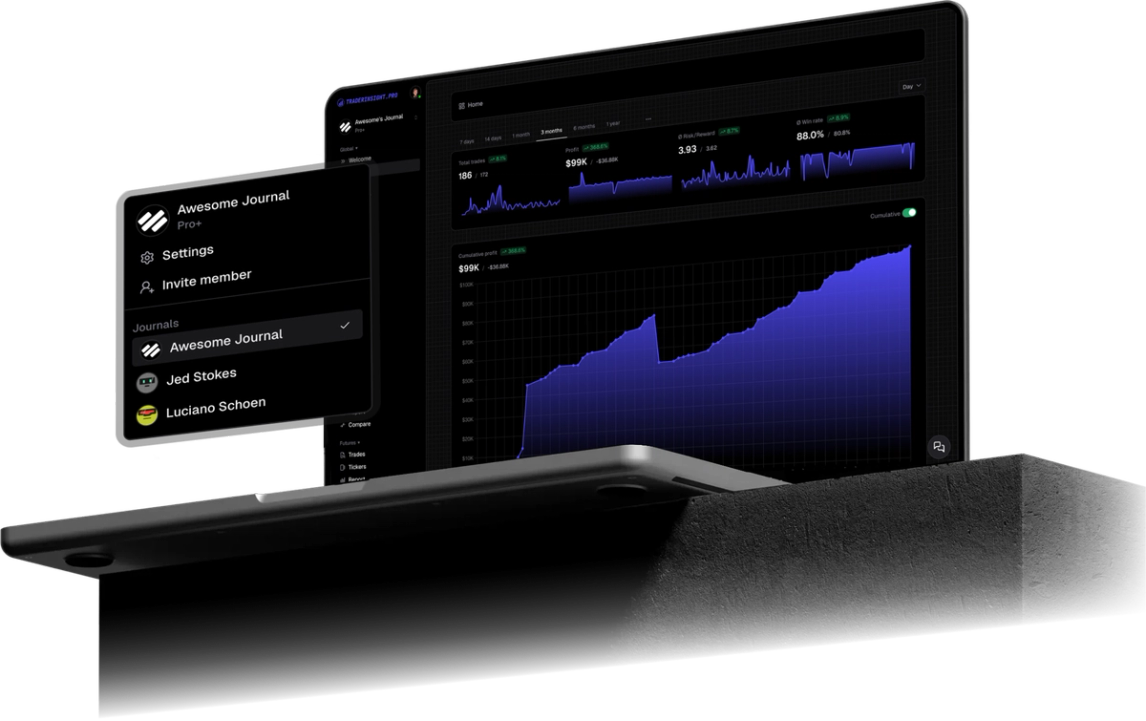
GTCFX trading journal for MT5: sync forex, stocks, crypto, and futures CFD fills, then review each market with reports, tags, filters, and AI analysis.
TraderInsight.pro works with GTC Global Trade Capital (GTCFX) through MetaTrader 5, syncing every filled trade to your journal in seconds. Whether you trade forex, stocks, crypto, futures CFDs, or more from the same terminal, each market gets its own reports and tags instead of one blended result.
GTCFX puts forex, stocks, crypto, and futures CFDs in one terminal, and TraderInsight.pro gives each market its own numbers. Open the reports to see which market pays you the most for the risk you take.
Then act on it. Put more of your risk where your results are strongest and less where they are weakest. That one decision, repeated week after week, does more for your account than any new indicator.
Not sure where to look? Ask AI and get the answer from your own trades, like which session suits your crypto trades or how your futures CFDs compare with forex.
Four markets are a lot to keep in your head. Your journal keeps them for you, so you can spend your energy on trading.
Every filled GTC Global Trade Capital order on your MT5 account syncs, including forex pairs, stock CFDs, crypto CFDs, futures CFDs where offered, and more. Cash events such as deposits, withdrawals, fees, and dividends sync too where your server reports them, and cash reporting keeps those costs next to your trade P&L.
Install the TraderInsight.pro connector service in the MetaTrader 5 terminal you use for GTC Global Trade Capital, paste your API key, and fills sync in seconds with no file export. People search for this broker as GTC, GTCFX, and GTC Global Trade Capital. Use the MT5 server and login you received and the journal works the same under any of those names.
Screenshots and the macOS Wine shortcut are in the full MT5 import guide.
Tag the market type, then open the comparison report. Filter on the symbol root so contract codes do not shatter one instrument into many small samples.
Label London, New York, and Asia, then check reports and the calendar. You will see the window to protect and the one to skip.
Ask AI analysis which market carried P&L, then keep notes on the futures CFD holds that decided the month.
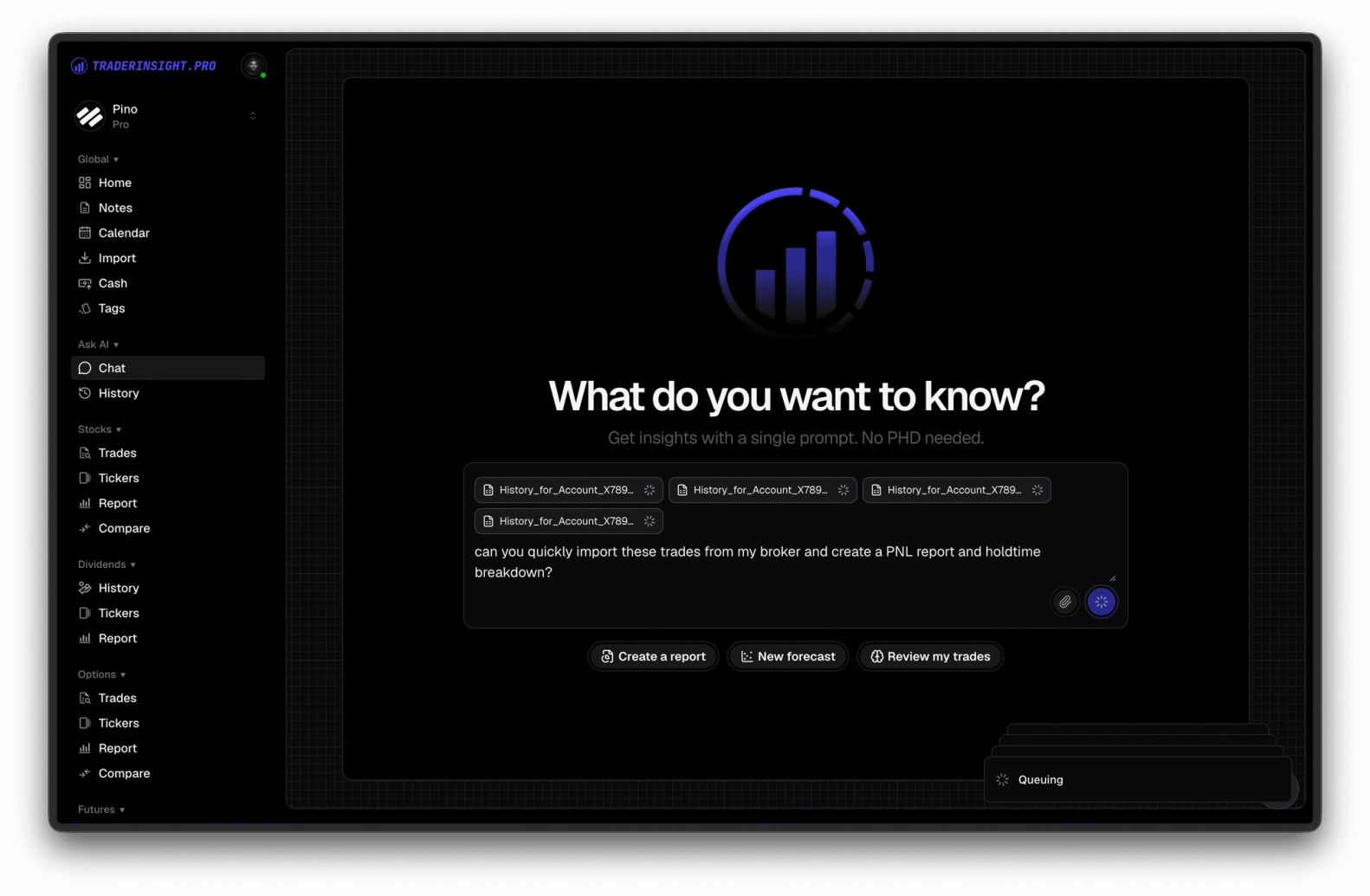
You can ask plain English questions and get answers drawn from your own GTC Global Trade Capital history. AI analysis handles prompts like "Which GTCFX market made me the most money last month?", "What is my average R:R on futures CFDs versus forex?", "Which session is my worst for crypto CFDs?".
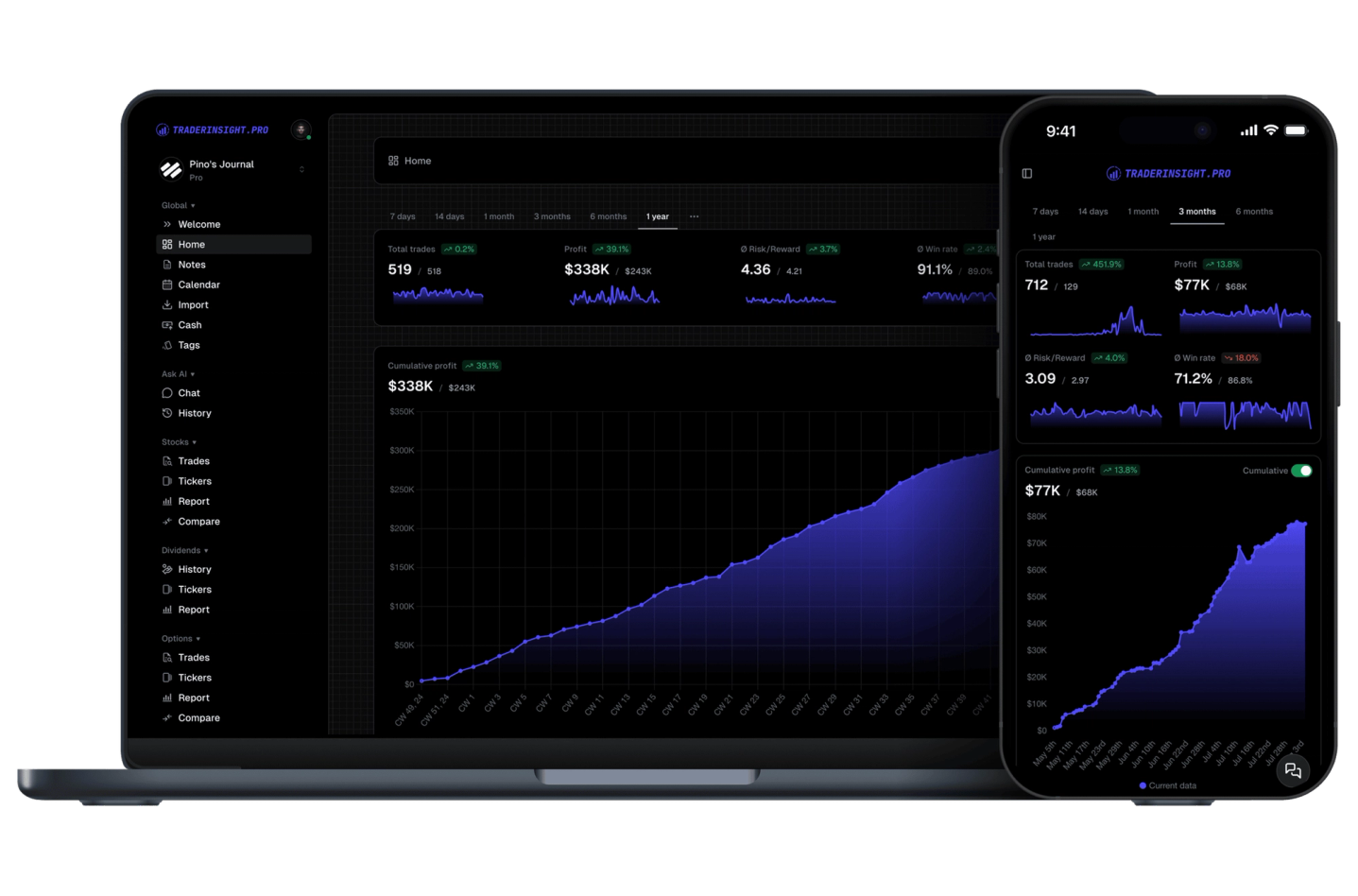
Yes. Carry the full GTCFX journal in the mobile app: reports, filters, notes, and AI. Check your open futures CFD risk before the open without a desktop terminal.
Tell us and we will look at adding it. Request a broker or email team@traderinsight.pro, and we add formats ASAP.
Get your trading journal, connect MT5 once, and your GTC Global Trade Capital history builds itself while you trade.
TraderInsight.pro is built for GTC Global Trade Capital MT5 traders who want reviewing forex, stock, crypto, and futures CFDs separately. It syncs forex pairs, stock CFDs, crypto CFDs, futures CFDs where offered, and more, automatically, then adds reports, tags, and AI analysis that the MT5 history tab does not have.
Yes, through MetaTrader 5. Run the connector in the MT5 terminal where you trade GTC Global Trade Capital and filled trades sync to your journal in seconds. Setup is in the MT5 import guide.
You do not export or edit any file. Download the connector from Settings, Data Sources, allow WebRequest for https://app.traderinsight.pro in MT5, place the file in the MQL5 Services folder, and paste your API key. Past trades and events then sync in the background. Full steps are in the MT5 import guide.
Both names point to GTC Global Trade Capital. Connect the MT5 server you actually log into and the journal does not care which name you search for.
Yes. They sync from MT5 like any other instrument. Tag the market and use the futures journal tools on that sample.
Tag each market, then run a comparison report to see win rate, R:R, and P&L for forex, stocks, crypto, and futures side by side.
Yes. The mobile app is the full journal on iOS and Android: every report, note, tag, calendar view, and AI answer from desktop.
Yes. Demo and live MT5 logins both sync, so paper traders get the same reports, calendar, and AI tools.