Published on · Updated on · 3 min read
Say goodbye to spreadsheets
Moneta Markets trading journal for MT5: sync forex, stock, and crypto fills, rank symbols by real results, and judge Expert Advisors with reports and tags.

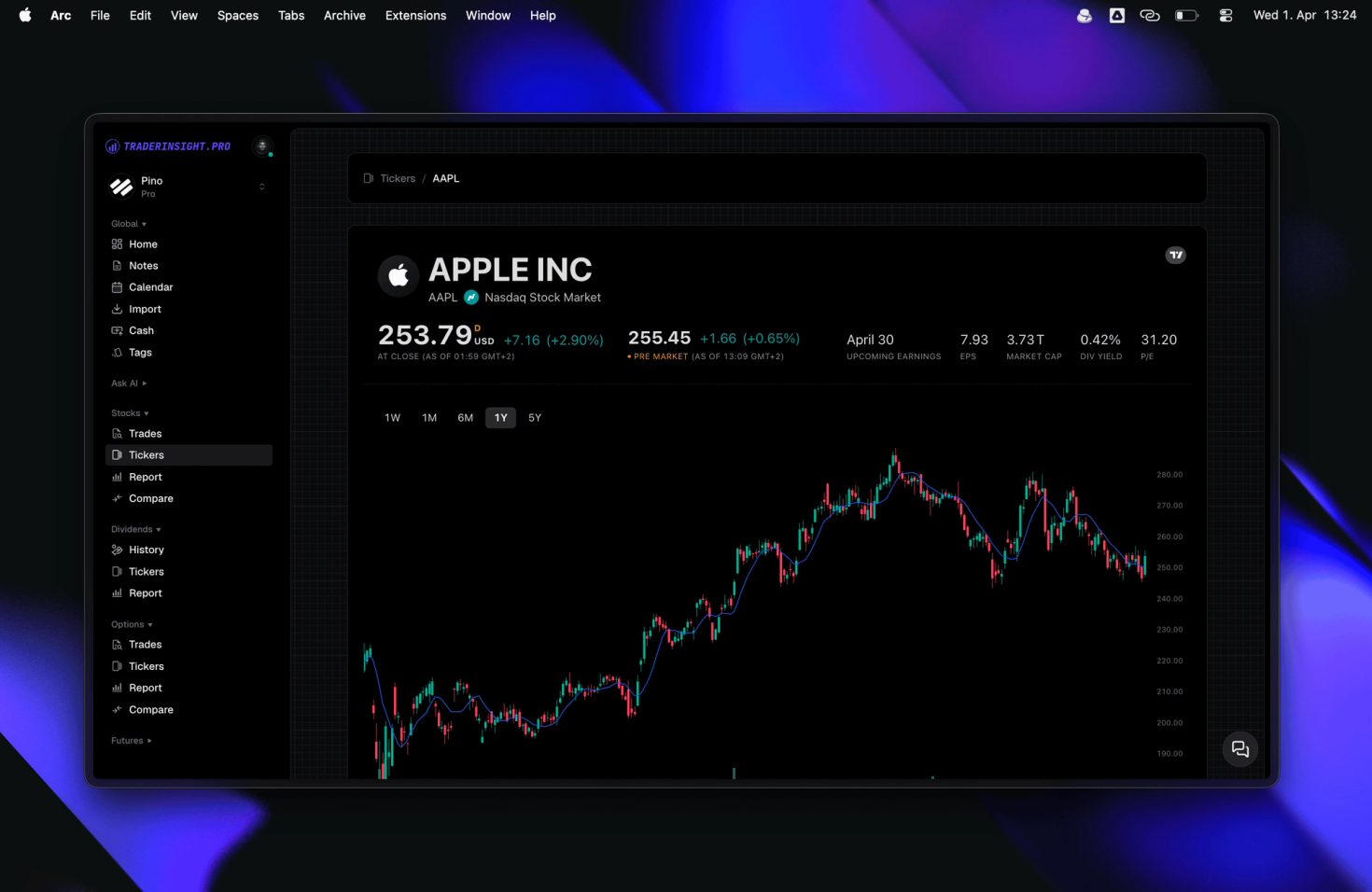
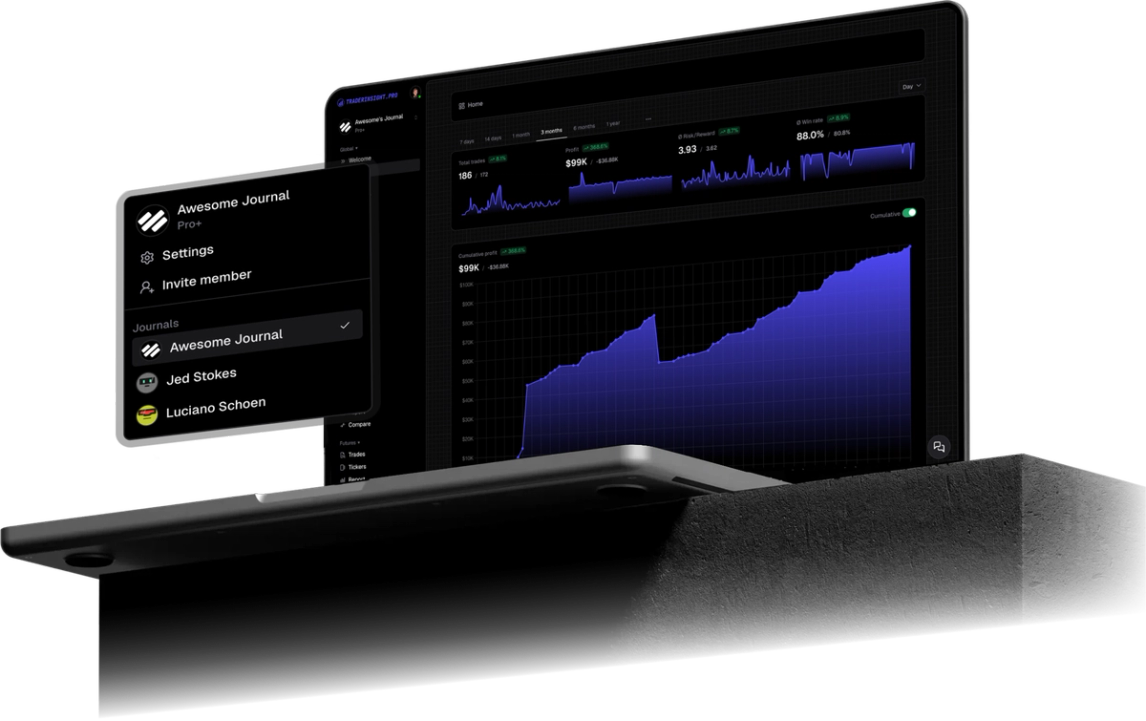
A Moneta Markets MT5 account syncs to TraderInsight.pro automatically: connect once and every fill lands in your journal in seconds, across forex, stocks, crypto, and more. A wide instrument list is a research problem, not a strategy, so the journal ranks your symbols and Expert Advisors by what they actually paid.
Moneta Markets gives you a lot to trade, and TraderInsight.pro tells you which symbols are actually good for you. Tag your symbol groups, open the reports, and your winners and losers are right there.
This is how a long list becomes a short, strong one. Trade fewer symbols, know them better, and put your attention where your own results already prove it works.
Running an Expert Advisor too? Tag it and compare its live results with your own trades. A robot you can trust is worth a lot, and one you cannot is costing you every day.
Instead of guessing which symbol to trade next, you look it up.
Every filled Moneta Markets order on your MT5 account syncs, including forex pairs, stock CFDs, crypto CFDs, other instruments your Moneta server exposes, and more. Cash events such as deposits, withdrawals, fees, and dividends sync too where your server reports them, and cash reporting keeps those costs next to your trade P&L.
Install the TraderInsight.pro connector service in the MetaTrader 5 terminal you use for Moneta Markets, paste your API key, and fills sync in seconds with no file export. Use the MT5 login and server from your Moneta Markets account. If you run several logins, connect the terminal for each one.
Screenshots and the macOS Wine shortcut are in the full MT5 import guide.
Tag majors, crosses, indices, and crypto, then run reports by tag. Stop trading the groups whose R:R stays below zero over a meaningful sample.
Tag EA versus manual and open the comparison report. It shows which path actually makes money after fills, not in a backtest.
Ask AI analysis to rank symbols from your imported trades, then confirm on the calendar that the winners paid across several weeks.
You can ask plain English questions and get answers drawn from your own Moneta Markets history. AI analysis handles prompts like "Which five Moneta symbols have the best R:R over the last 90 days?", "Which symbols have I traded more than ten times and lost on?", "Does my EA beat my manual trades?".
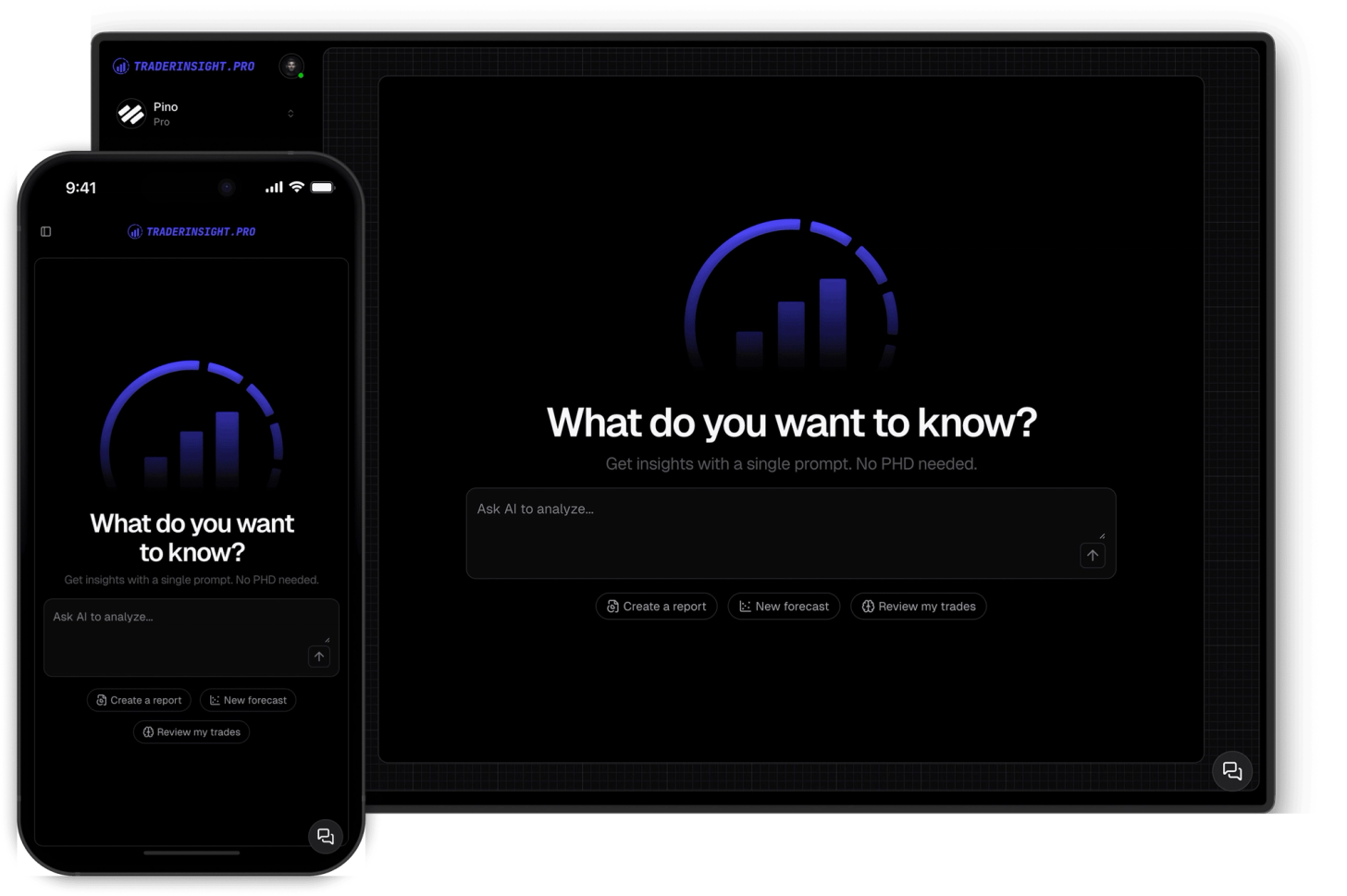
Yes. The mobile app has every report, EA comparison, note, and tag, so you can rank symbols between sessions instead of waiting for your desk.

Tell us and we will look at adding it. Request a broker or email team@traderinsight.pro, and we add formats ASAP.
Get your trading journal, connect MT5 once, and your Moneta Markets history builds itself while you trade.
TraderInsight.pro is built for Moneta Markets MT5 traders who want ranking symbols and Expert Advisors by live results. It syncs forex pairs, stock CFDs, crypto CFDs, other instruments your Moneta server exposes, and more, automatically, then adds reports, tags, and AI analysis that the MT5 history tab does not have.
Yes, through MetaTrader 5. Run the connector in the MT5 terminal where you trade Moneta Markets and filled trades sync to your journal in seconds. Setup is in the MT5 import guide.
You do not export or edit any file. Download the connector from Settings, Data Sources, allow WebRequest for https://app.traderinsight.pro in MT5, place the file in the MQL5 Services folder, and paste your API key. Past trades and events then sync in the background. Full steps are in the MT5 import guide.
Import your trades, tag symbol groups, and run reports by tag. AI analysis can also rank symbols by R:R or win rate in one question.
Yes. Tag each EA and compare it with manual trades in the comparison report.
MT5 provides trade history, not grouped performance analytics. TraderInsight.pro adds win rate, R:R, and P&L by symbol, session, and setup on the same fills.
Yes. The mobile app is the full journal on iOS and Android: every report, note, tag, calendar view, and AI answer from desktop.
Yes. Demo and live MT5 logins both sync, so paper traders get the same reports, calendar, and AI tools.