
Table of Contents
TraderInsight.pro syncs Vantage MetaTrader 5 trades and costs automatically: fills across forex, stocks, crypto, and more arrive in seconds, along with the fees your server reports. That lets you answer a question the MT5 history tab cannot: after commissions, is your Raw account beating your Standard account?
Which Vantage account makes you more money?
TraderInsight.pro can tell you. Connect your Raw and Standard logins and compare them side by side, with commissions and fees included through cash reporting.
That matters because costs hit every trade. Knowing which account keeps more of your profit puts money back in your account without changing how you trade.
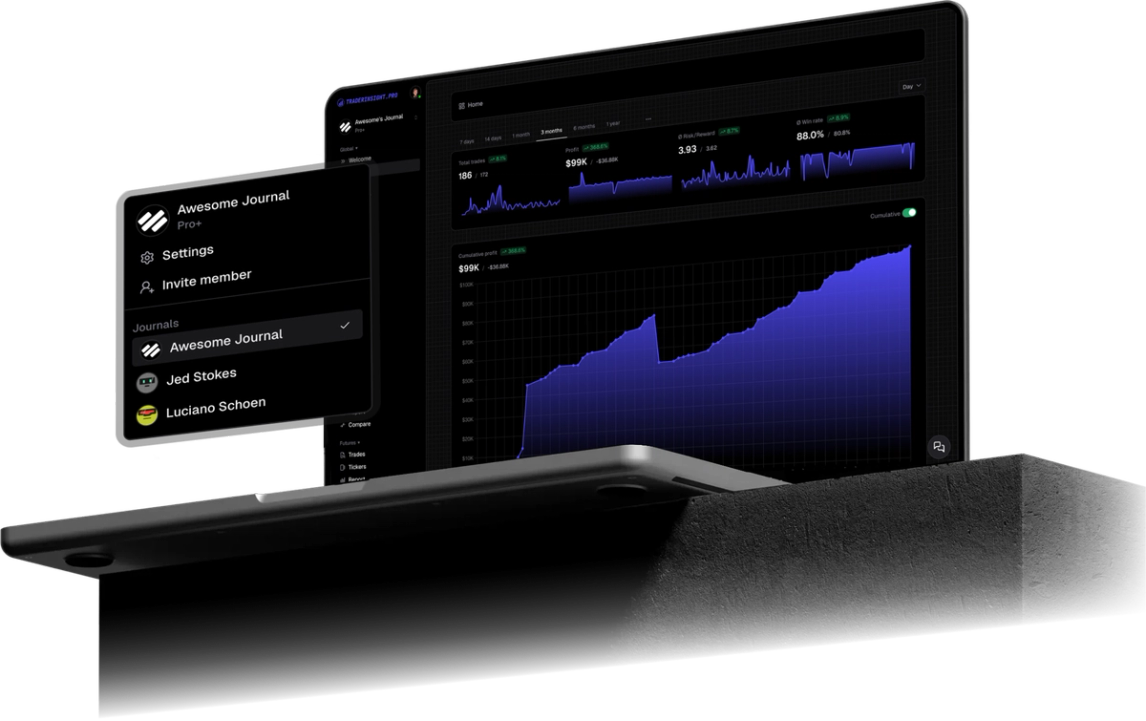
On top of that you get the full journal on every Vantage trade: tags, reports, the calendar, and AI. Find your best session, your best market, and the habits to drop.
What you measure you can improve, and with fees in the picture you are measuring what you actually keep.
Which Vantage trades and events does TraderInsight.pro sync?
Every filled Vantage order on your MT5 account syncs, including forex pairs, stock CFDs, crypto CFDs, other instruments your Vantage server exposes, and more. Cash events such as deposits, withdrawals, fees, and dividends sync too where your server reports them, and cash reporting keeps those costs next to your trade P&L.
How do I connect Vantage MT5 to TraderInsight.pro?
Install the TraderInsight.pro connector service in the MetaTrader 5 terminal you use for Vantage, paste your API key, and fills sync in seconds with no file export. Use the MT5 login and server from your Vantage account. If you run both a Raw and a Standard login, connect each one so you can compare them.
- Download the connector. In your journal, open Settings, then Data Sources, and download the TraderInsight.pro MT5 connector.
- Allow WebRequest in MT5. In MetaTrader 5 open Tools, Options, Expert Advisors, and under "Allow WebRequest for listed URLs" add https://app.traderinsight.pro.
- Install the connector file. In MT5 choose File, Open Data Folder, then MQL5, Services, and paste the downloaded file there.
- Enter your API key. Refresh the Navigator panel, open the connector service, go to Inputs, and paste the key (format mt5_XXX) from Settings, Data Sources. Click OK.
- Verify the connection. Test it from the Data Sources page. Your Vantage trades and events, including past ones, then sync in the background with no further action.
Screenshots and the macOS Wine shortcut are in the full MT5 import guide.
How to use your Vantage data to improve your trading
How to compare Vantage Raw and Standard accounts after costs
Connect both logins and filter reports by account. Cash reporting keeps commissions and fees next to trade P&L, so you compare what you actually kept.
How to find the Vantage session that pays
Tag London, New York, and the overlap. Reports and the calendar show the window that earns and the one that only costs you spread.
How to compare Vantage forex with stock CFD swings
Use the comparison report on market type so a stock CFD winner does not credit a quiet forex week.
What can you ask AI about your Vantage trades?
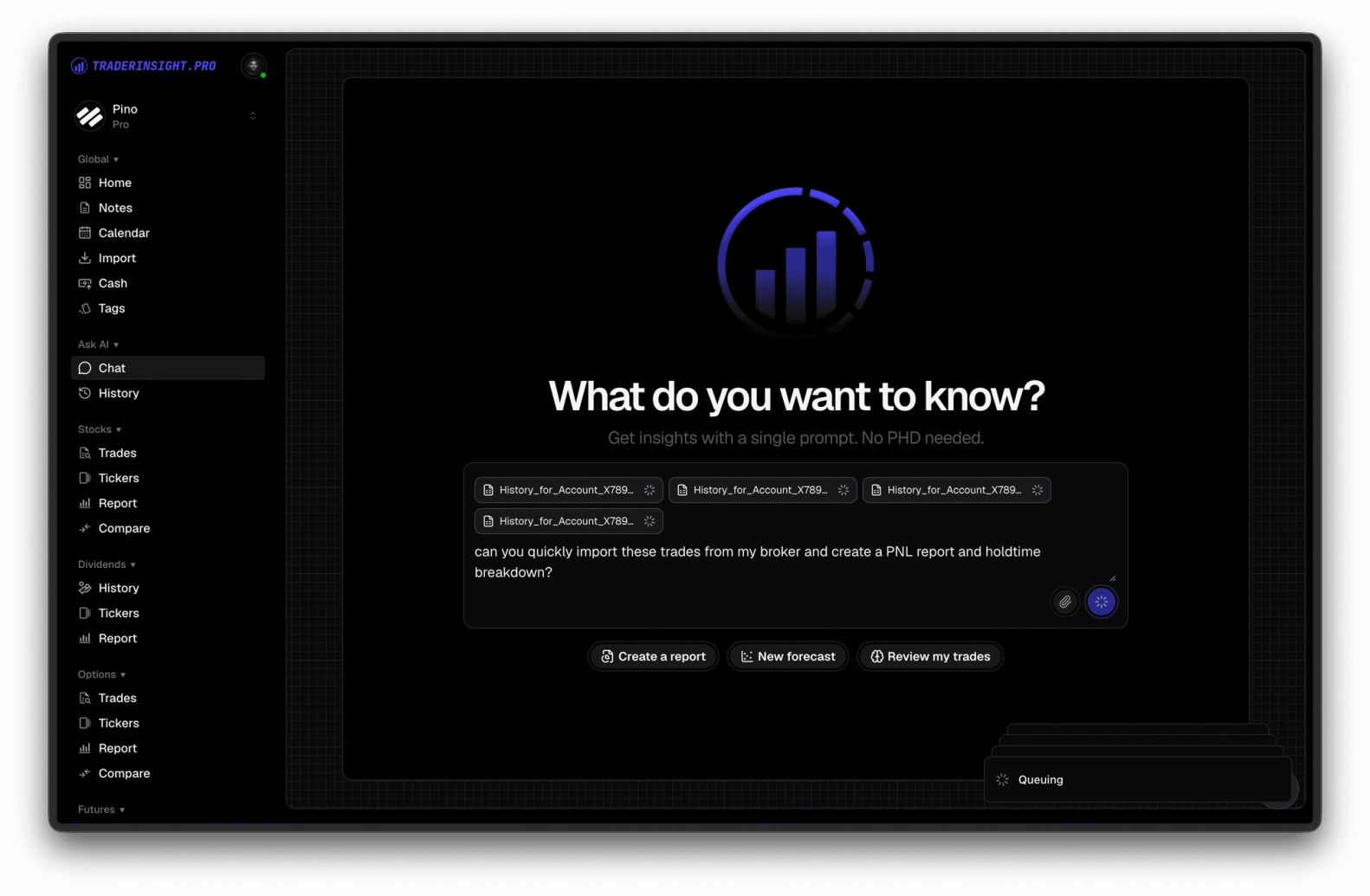
You can ask plain English questions and get answers drawn from your own Vantage history. AI analysis handles prompts like "What is my net P&L after fees on my Vantage Raw account versus Standard?", "Which session has my best R:R?", "How much of my gross profit goes to commissions?".
Can I review my Vantage journal on mobile?
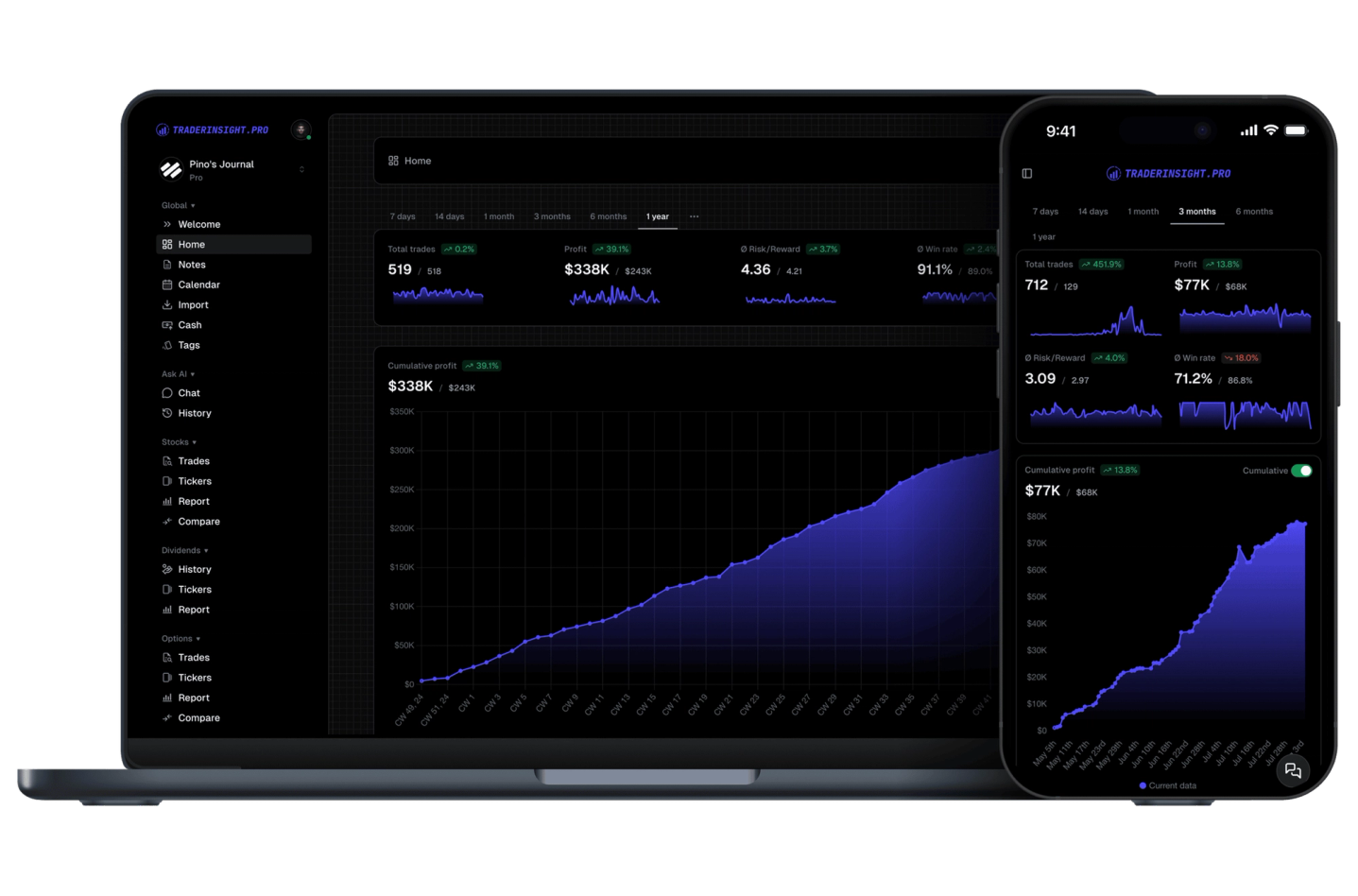
Yes. Open the mobile app for your full Vantage journal, including cash reporting, reports, and AI. Review session tags before the next London open without booting a desktop.
What if my Vantage setup uses a different platform or format?
Tell us and we will look at adding it. Request a broker or email team@traderinsight.pro, and we add formats ASAP.
How do I start journaling my Vantage trades?
Get your trading journal, connect MT5 once, and your Vantage history builds itself while you trade.
Frequently asked questions
What is the best trading journal for Vantage?
TraderInsight.pro is built for Vantage MT5 traders who want comparing account types on net results after costs. It syncs forex pairs, stock CFDs, crypto CFDs, other instruments your Vantage server exposes, and more, automatically, then adds reports, tags, and AI analysis that the MT5 history tab does not have.
Does TraderInsight.pro support Vantage?
Yes, through MetaTrader 5. Run the connector in the MT5 terminal where you trade Vantage and filled trades sync to your journal in seconds. Setup is in the MT5 import guide.
How do I import my Vantage trades?
You do not export or edit any file. Download the connector from Settings, Data Sources, allow WebRequest for https://app.traderinsight.pro in MT5, place the file in the MQL5 Services folder, and paste your API key. Past trades and events then sync in the background. Full steps are in the MT5 import guide.
Is a Vantage Raw account better than Standard for my trading?
Your own data decides. Connect both, then compare net results after commissions in reports and cash reporting.
Do Vantage commissions show up in my journal?
Yes, where your MT5 server reports them. The connector syncs fees alongside trades, and cash reporting shows what you keep after costs.
Can swing traders use this with Vantage?
Yes. Swing traders can tag hold time and compare overnight index and stock CFDs with intraday forex.
Can I connect more than one Vantage account?
Is there a mobile app for my Vantage journal?
Yes. The mobile app is the full journal on iOS and Android: every report, note, tag, calendar view, and AI answer from desktop.
Can I journal Vantage demo trades?
Yes. Demo and live MT5 logins both sync, so paper traders get the same reports, calendar, and AI tools.