
Table of Contents
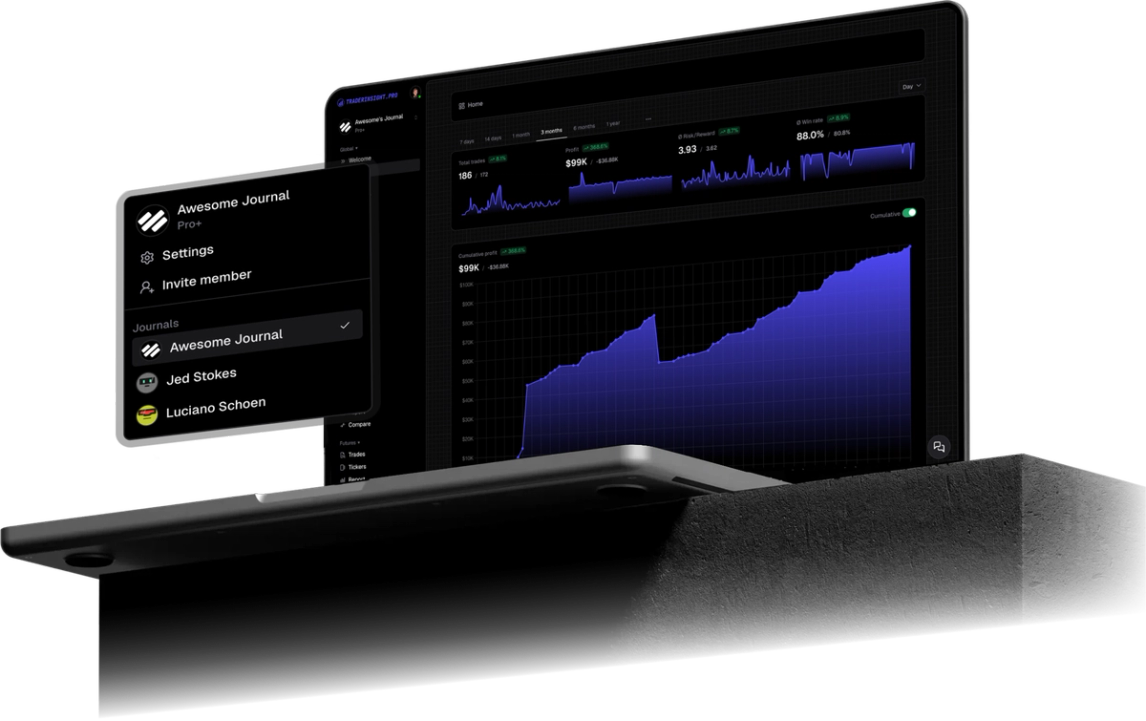
TraderInsight.pro syncs JustMarkets MetaTrader 5 trades automatically, so fills across forex, gold, stocks, crypto, and more arrive in your journal in seconds. Movement is not expectancy, and the journal ranks every pair you trade by R:R so you can stop feeding the ones that do not pay.
How do you find your best markets on Just Markets?
Let your own trades answer it. TraderInsight.pro ranks your pairs, gold, and crypto by how much they actually pay you, so you can stop spending time on the ones that do not.
A shorter list means sharper focus. Once you know your top few markets, you can learn them deeply: how they move, when they pay, and when to sit out.
Notice a bad habit after losses? Ask AI what you do right after a losing trade and get the answer from your history. Spotting one pattern, like trading again too fast, can save you more than any strategy change.
Which Just Markets trades and events does TraderInsight.pro sync?
Every filled Just Markets order on your MT5 account syncs, including forex pairs, gold and other metals, stock CFDs, crypto CFDs, and more. Cash events such as deposits, withdrawals, fees, and dividends sync too where your server reports them, and cash reporting keeps those costs next to your trade P&L.
How do I connect Just Markets MT5 to TraderInsight.pro?
Install the TraderInsight.pro connector service in the MetaTrader 5 terminal you use for Just Markets, paste your API key, and fills sync in seconds with no file export. Use the MT5 login and server from your JustMarkets account. Keep the terminal online so the connector keeps shipping fills.
- Download the connector. In your journal, open Settings, then Data Sources, and download the TraderInsight.pro MT5 connector.
- Allow WebRequest in MT5. In MetaTrader 5 open Tools, Options, Expert Advisors, and under "Allow WebRequest for listed URLs" add https://app.traderinsight.pro.
- Install the connector file. In MT5 choose File, Open Data Folder, then MQL5, Services, and paste the downloaded file there.
- Enter your API key. Refresh the Navigator panel, open the connector service, go to Inputs, and paste the key (format mt5_XXX) from Settings, Data Sources. Click OK.
- Verify the connection. Test it from the Data Sources page. Your Just Markets trades and events, including past ones, then sync in the background with no further action.
Screenshots and the macOS Wine shortcut are in the full MT5 import guide.
How to use your Just Markets data to improve your trading
How to rank your Just Markets pairs and drop the losers
Run reports by pair group, then compare the worst third with the best third. Stop trading what keeps losing across a real sample.
How to separate gold and crypto trades from forex
Tag metals and crypto so those days stay out of your forex sample, and let filters do the rest.
How to catch revenge trades on Just Markets
Ask AI analysis what repeats after a loss, then put a mistake note on the first tilt trade.
What can you ask AI about your Just Markets trades?
You can ask plain English questions and get answers drawn from your own Just Markets history. AI analysis handles prompts like "Which pairs on Just Markets have lost me money over the last 90 days?", "Is gold better or worse for me than forex?", "What do I do right after a losing trade?".
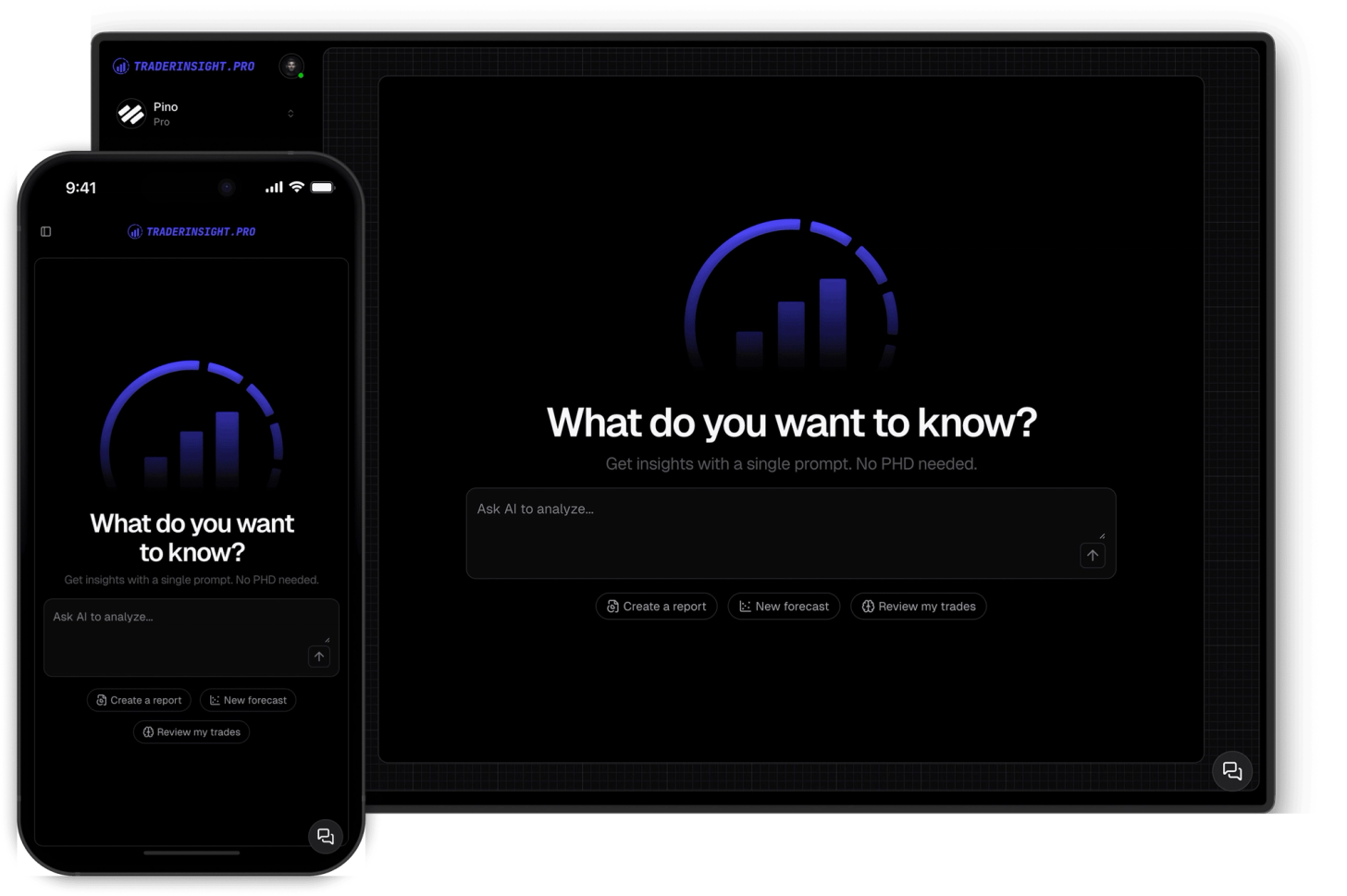
Can I review my Just Markets journal on mobile?
Yes. The mobile app keeps full parity: reports, AI, notes, tags, and calendar. Rank pairs from the couch instead of waiting for another terminal session.

What if my Just Markets setup uses a different platform or format?
Tell us and we will look at adding it. Request a broker or email team@traderinsight.pro, and we add formats ASAP.
How do I start journaling my Just Markets trades?
Get your trading journal, connect MT5 once, and your Just Markets history builds itself while you trade.
Frequently asked questions
What is the best trading journal for Just Markets?
Does TraderInsight.pro support Just Markets?
Yes, through MetaTrader 5. Run the connector in the MT5 terminal where you trade Just Markets and filled trades sync to your journal in seconds. Setup is in the MT5 import guide.
How do I import my Just Markets trades?
You do not export or edit any file. Download the connector from Settings, Data Sources, allow WebRequest for https://app.traderinsight.pro in MT5, place the file in the MQL5 Services folder, and paste your API key. Past trades and events then sync in the background. Full steps are in the MT5 import guide.
How do I find my best pairs on Just Markets?
Run reports by symbol or tag group and sort by R:R. AI analysis can also rank them with one plain English question.
Can I separate gold trades from forex on Just Markets?
Yes. Tag metals, then use filters and the comparison report to see each market on its own.
Does Just Markets have a built in trading journal?
MT5 provides history, not grouped analytics. TraderInsight.pro adds win rate, R:R, and P&L by pair, session, and setup on the same fills.
Can I connect more than one Just Markets account?
Is there a mobile app for my Just Markets journal?
Yes. The mobile app is the full journal on iOS and Android: every report, note, tag, calendar view, and AI answer from desktop.
Can I journal Just Markets demo trades?
Yes. Demo and live MT5 logins both sync, so paper traders get the same reports, calendar, and AI tools.