
Table of Contents
TraderInsight.pro handles high volume IC Markets MT5 accounts: every scalp and Expert Advisor fill syncs to your journal in seconds across forex, stocks, crypto, and more. Hundreds of tickets a week do not fit in the MT5 history tab, but they fit in reports by hour, trade number, and robot.
What does TraderInsight.pro do for a busy IC Markets account?
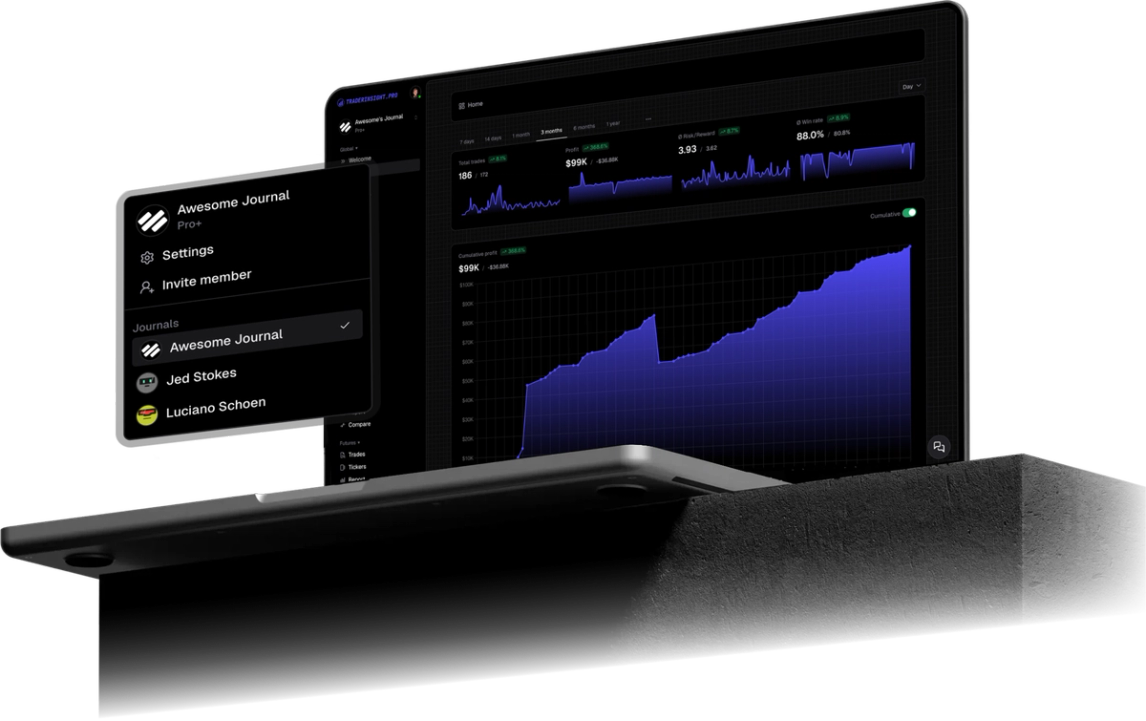
It makes sense of the volume. Hundreds of scalps and EA fills turn into clear reports by hour, by trade number, and by robot, so you can see which hours are worth your time, how many trades is the right number, and which EA earns its keep. Filters narrow it down, and AI answers whatever is left.
On a high volume account, small fixes are big fixes. Skip a few weak trades per session or one weak hour and the gain repeats every day you trade. Volume multiplies whatever you improve, which is why journaling pays off fast here.
Keep it simple: look once a week, change one thing, and check next week whether it worked.
Which IC Markets trades and events does TraderInsight.pro sync?
Every filled IC Markets order on your MT5 account syncs, including forex pairs, stock CFDs, crypto CFDs, other instruments your IC Markets server exposes, and more. Cash events such as deposits, withdrawals, fees, and dividends sync too where your server reports them, and cash reporting keeps those costs next to your trade P&L.
How do I connect IC Markets MT5 to TraderInsight.pro?
Install the TraderInsight.pro connector service in the MetaTrader 5 terminal you use for IC Markets, paste your API key, and fills sync in seconds with no file export. Use the MT5 login and server from your IC Markets account. Leave the connector service active so scalps and EA fills keep streaming while you trade.
- Download the connector. In your journal, open Settings, then Data Sources, and download the TraderInsight.pro MT5 connector.
- Allow WebRequest in MT5. In MetaTrader 5 open Tools, Options, Expert Advisors, and under "Allow WebRequest for listed URLs" add https://app.traderinsight.pro.
- Install the connector file. In MT5 choose File, Open Data Folder, then MQL5, Services, and paste the downloaded file there.
- Enter your API key. Refresh the Navigator panel, open the connector service, go to Inputs, and paste the key (format mt5_XXX) from Settings, Data Sources. Click OK.
- Verify the connection. Test it from the Data Sources page. Your IC Markets trades and events, including past ones, then sync in the background with no further action.
Screenshots and the macOS Wine shortcut are in the full MT5 import guide.
How to use your IC Markets data to improve your trading
How to see whether an IC Markets EA is helping or hurting
Tag the EA name and compare it with manual trades. Stop anything that only looked good in the Strategy Tester.
How to read IC Markets scalps by time of day
Filter reports by hour to see whether London pays and New York does not. Filters keep the sample clean when you also trade other instruments.
How to catch overtrading on IC Markets
Ask AI analysis for P&L by trade number within each session, then put a note on the first revenge trade so you can recognize it next time.
What can you ask AI about your IC Markets trades?
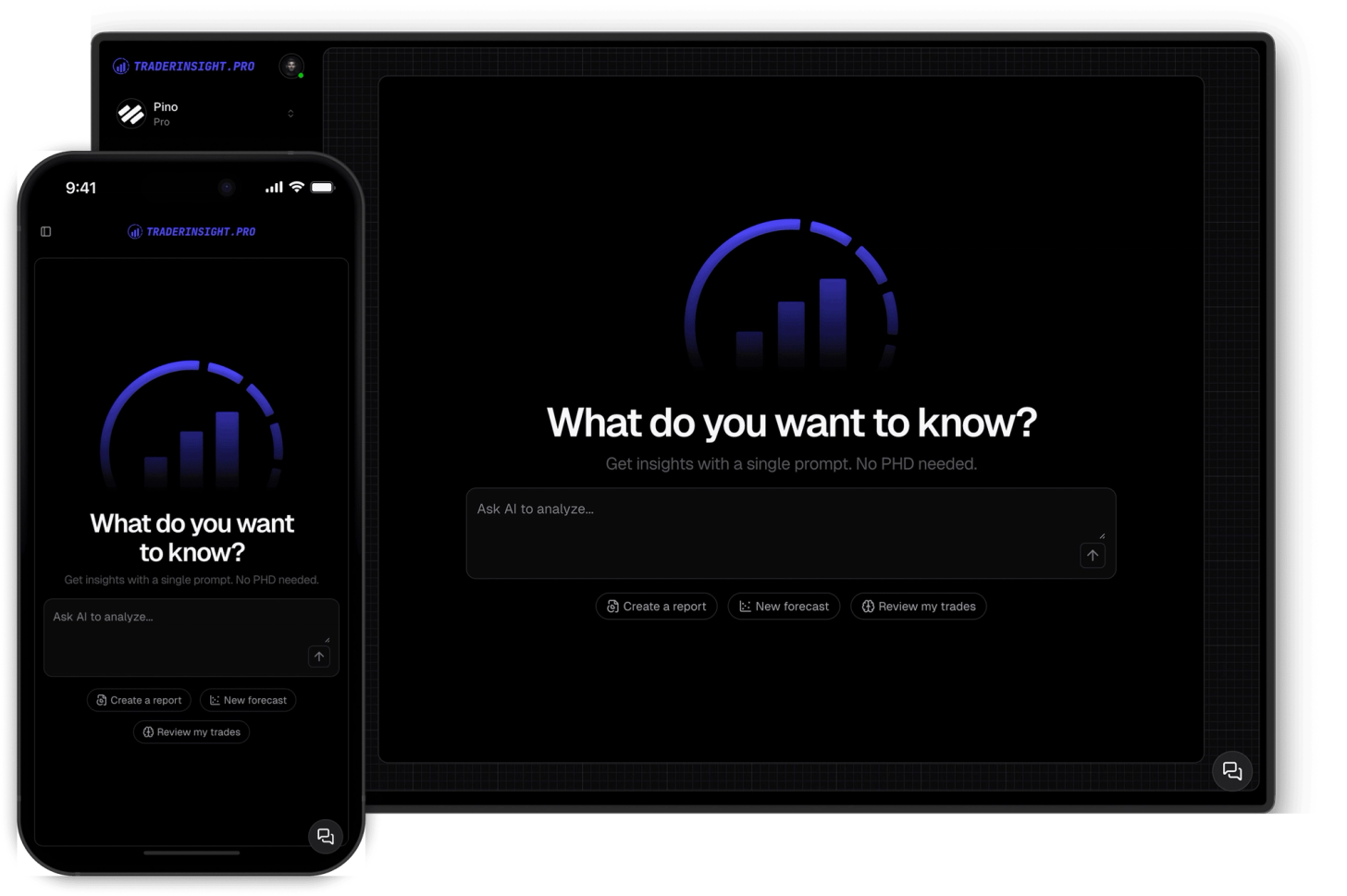
You can ask plain English questions and get answers drawn from your own IC Markets history. AI analysis handles prompts like "What is my average P&L on trade number one versus trade number ten in a session?", "Which hour of the day is my best for scalps?", "Which EA has the worst drawdown on IC Markets?".
Can I review my IC Markets journal on mobile?
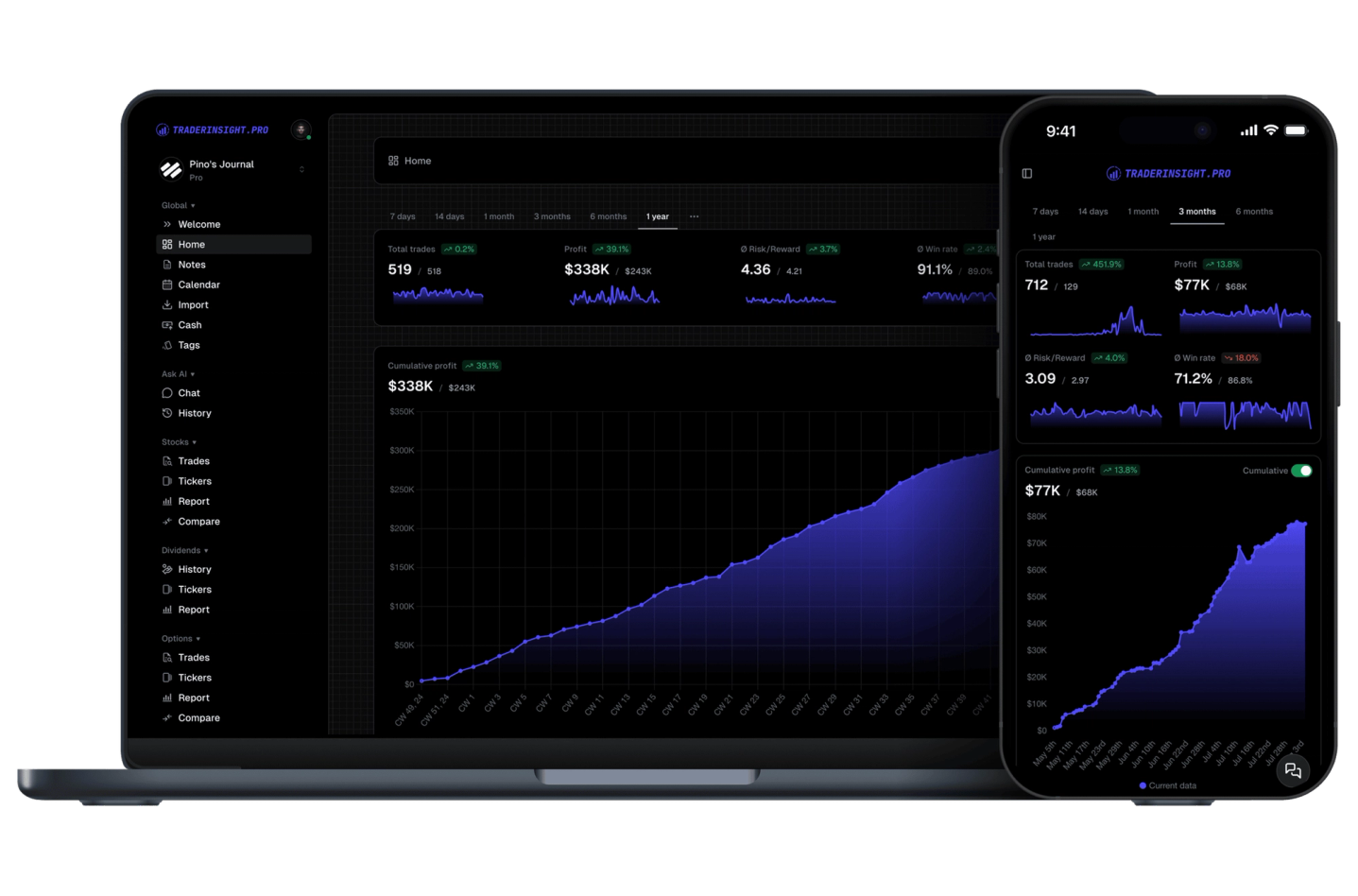
Yes. Between bursts, the mobile app still has every desktop tool: reports, AI, notes, and the calendar. Spot the overtrading pattern before the next cluster starts.
What if my IC Markets setup uses a different platform or format?
Tell us and we will look at adding it. Request a broker or email team@traderinsight.pro, and we add formats ASAP.
How do I start journaling my IC Markets trades?
Get your trading journal, connect MT5 once, and your IC Markets history builds itself while you trade.
Frequently asked questions
What is the best trading journal for IC Markets?
TraderInsight.pro is built for IC Markets MT5 traders who want high volume scalpers and EA users. It syncs forex pairs, stock CFDs, crypto CFDs, other instruments your IC Markets server exposes, and more, automatically, then adds reports, tags, and AI analysis that the MT5 history tab does not have.
Does TraderInsight.pro support IC Markets?
Yes, through MetaTrader 5. Run the connector in the MT5 terminal where you trade IC Markets and filled trades sync to your journal in seconds. Setup is in the MT5 import guide.
How do I import my IC Markets trades?
You do not export or edit any file. Download the connector from Settings, Data Sources, allow WebRequest for https://app.traderinsight.pro in MT5, place the file in the MQL5 Services folder, and paste your API key. Past trades and events then sync in the background. Full steps are in the MT5 import guide.
Does TraderInsight.pro work with IC Markets Raw Spread and Standard accounts?
Yes. Each MT5 login is its own account in your journal, so you can filter reports by account or view them together.
How do I analyze scalping trades in a trading journal?
Can I review IC Markets Expert Advisor performance?
Yes. Tag each EA and compare them in the comparison report, including against your manual trades.
Can I connect more than one IC Markets account?
Is there a mobile app for my IC Markets journal?
Yes. The mobile app is the full journal on iOS and Android: every report, note, tag, calendar view, and AI answer from desktop.
Can I journal IC Markets demo trades?
Yes. Demo and live MT5 logins both sync, so paper traders get the same reports, calendar, and AI tools.