Table of Contents
Sharing trades is one of the most underrated ways to level up. Feedback from mentors, quick discussions with peers, or even showcasing a clean win - TraderInsight.pro makes it secure, effortless, and fully under your control.
Here’s exactly how sharing works today.
How to share trades publicly
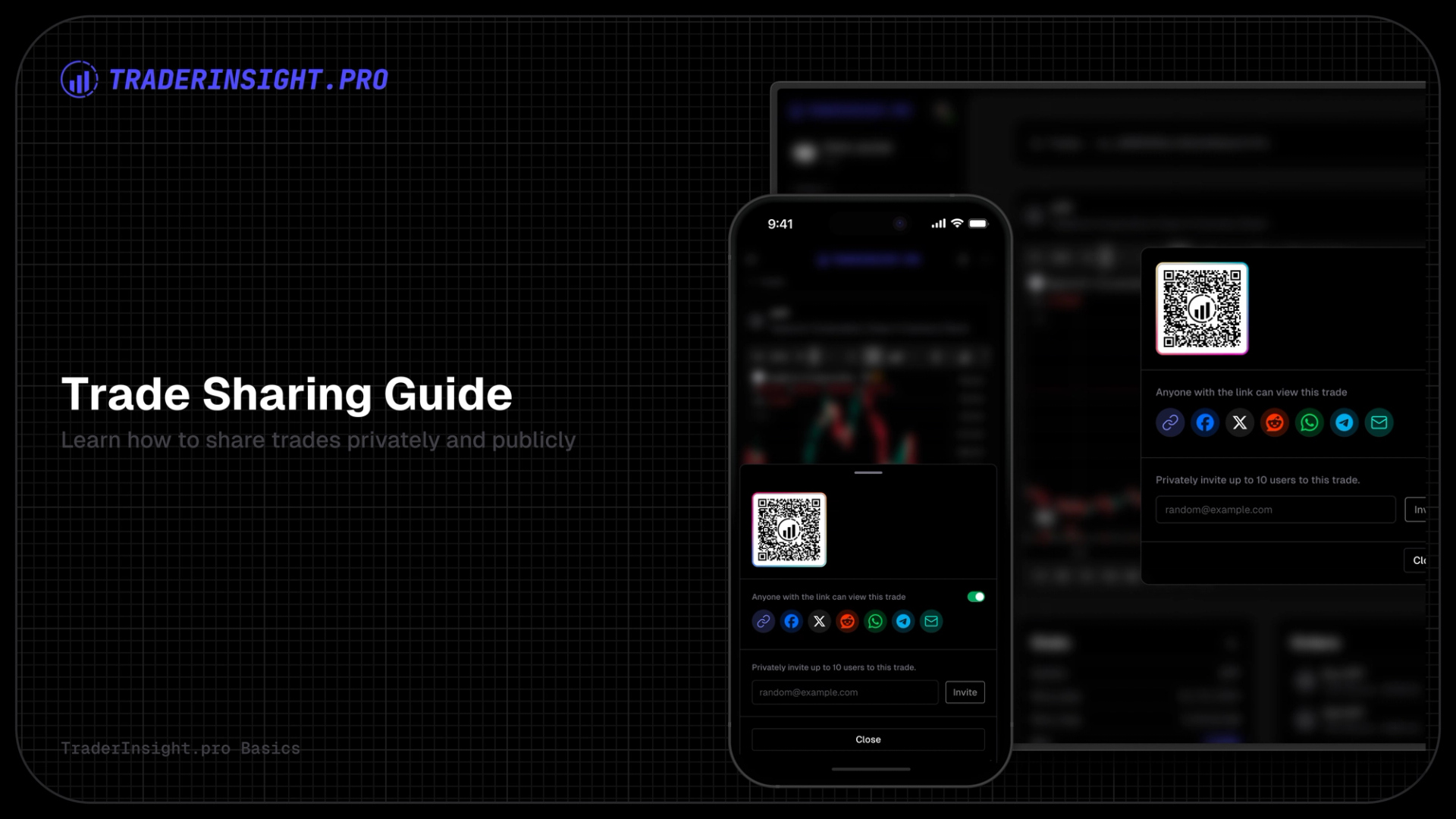
A public trade generates a clean, shareable URL. Anyone who gets the link can view the trade details - no login, no account required. They see stats, orders, notes (whatever you choose to expose), and charts in a polished, read-only format. No one (besides you) can edit your notes, orders or trade in any way.
Steps to make a trade public:
- Go to
/tradesand open the trade you want to share - Click the share menu (top right).
- Toggle “Make Public”.
- Copy the generated link.
The result looks professional and distraction-free.
To manage public trades later:
- Go to the Trades tab.
- Switch to the “Shared by me” tab.
- Find the trade, click the 3-dot menu → “Make Private” to instantly revoke access (the link stops working right away).
How to share trades privately
For feedback from mentors, accountability partners, or coaching clients, use private invites. You grant view-only access to a single trade by inviting another TraderInsight.pro user via email. They get a direct link - read-only, no editing for them possible.
How to invite:
- Open the trade detail.
- Click the share menu.
- Choose “Invite User” (or “Private Share”).
- Enter the recipient’s TraderInsight.pro email.
- Send - they can now open all the trades you shared with him/her through the journal selector within the sidebar.
When they open it (via email or sidebar), they see the shared trade.
How Shared Trades Stay Organized
For anyone who receives shared trades from you:
- The sender’s journal profile automatically appears in their sidebar.
- Once they switch into your journal, they will see the full list of trades you’ve shared with them. Everything stays in one place - no email hunting.
Bonus: Share Your Entire Journal
Want someone to see your full history, reports, tags, calendars - the complete picture? Share your entire journal on a strict view/read-only basis. Ideal for long-term mentoring, peer reviews, or teaching setups.
Full setup instructions are here: https://traderinsight.pro/blog/members
Why This Matters
Whether you’re dropping a public link to flex a perfect setup, getting honest feedback from a mentor, or giving a mentee visibility into your real process - TraderInsight.pro handles sharing with the same precision you expect from everything else on the platform.
Secure. Instant. Performant.
Open your journal and start sharing - your trades deserve to be seen.