Table of Contents
Interactive Brokers gives you access to nearly every market in the world, but its statements were never built to answer the question that actually matters: which parts of your trading are working. TraderInsight.pro connects directly to your IBKR account and turns that raw execution data into a real journal, covering stocks, options, futures, forex, crypto, dividends, and more, across every currency you trade in.
Why IBKR traders use TraderInsight.pro
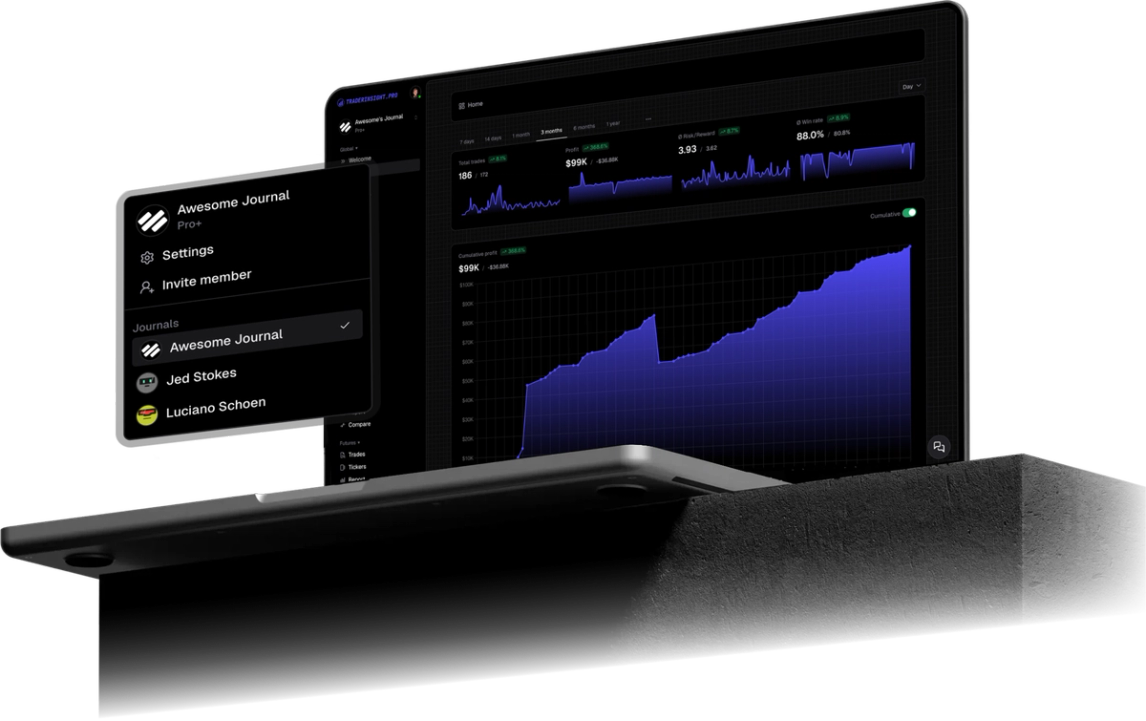
Interactive Brokers reporting is built for compliance and tax purposes, not for improving as a trader. The Activity Statement gives you a wall of numbers but no way to see your win rate by strategy, your performance by session, or how one asset class is dragging down another. TraderInsight.pro takes the same data IBKR already has and turns it into performance reports, tags, and notes built specifically to answer "what should I change."
Because IBKR traders often run several asset classes and several currencies inside a single account, generic journals fall apart quickly. A spreadsheet that works for a stock-only trader breaks the moment futures margin, options assignments, or a EUR-denominated forex position enters the picture. TraderInsight.pro is built to hold all of it in one place without you reformatting anything.
What does TraderInsight.pro support from Interactive Brokers?
TraderInsight.pro supports the full range of IBKR activity: stocks, options, futures, forex, dividends, corporate actions, assignments, expirations, rollovers, cash transactions, fees, and more. Every event type IBKR reports is recognized and categorized automatically, so nothing needs to be manually reclassified after import.
Supported IBKR export formats include the Activity Statement CSV, the Trade Confirmation report, and Flex Query XML, in addition to the direct API connection described below.
How does the IBKR direct integration work?
The direct integration connects through IBKR's official Flex Web Service, the same API IBKR exposes for its own approved third-party tools, so your data comes from IBKR itself rather than a scraped or reformatted file. Once connected, TraderInsight.pro pulls your account activity automatically on a nightly schedule, meaning your journal reflects the previous session's trades before you sit down to review them.
This is what makes the integration fast in practice: there is no export step, no file to find, and no upload to remember. You set the connection up once and every asset class, currency, and event type keeps arriving on its own. For traders who prefer full control, you can also trigger a manual sync for a custom date range at any time, so a specific day or week can be pulled on demand.
How to connect your Interactive Brokers account
- In IBKR Client Portal, go to Performance & Reports → Flex Queries → Flex Web Service Configuration and generate a token, setting the expiry to the longest available window
- Copy your token and your Flex Query ID
- In TraderInsight.pro, go to Settings → Data Sources and click Connect next to Interactive Brokers
- Paste both values and confirm - TraderInsight.pro validates the connection immediately and starts backfilling your history
If you would rather import a file the first time, drag and drop your IBKR Activity Statement or Flex Query export into the import page. There is no broker selection step required - the format is recognized automatically, and the direct connection can be layered on top afterward for ongoing updates.
What reports should IBKR traders build first?
The reports that matter most for IBKR accounts are the ones that cut across the things IBKR statements bury: strategy, asset class, currency, and time. A few performance reports worth setting up immediately:
- Win rate and expectancy by tag - tag each trade by strategy or setup so you can see which ones are actually profitable, not just which ones you trade most
- Performance by asset class - a side by side view of how your stocks, options, and futures results compare, since one asset class can quietly be subsidizing the others
- Session and time of day breakdown - using the trading calendar to spot the hours or days where your IBKR results consistently improve or fall apart
- Cost and commission reporting - cash reporting that tracks every fee, dividend, deposit, and withdrawal so your real net return is never a guess
- Ticker level analysis - reviewing every symbol you trade in one place to see which names deserve more size and which should be dropped
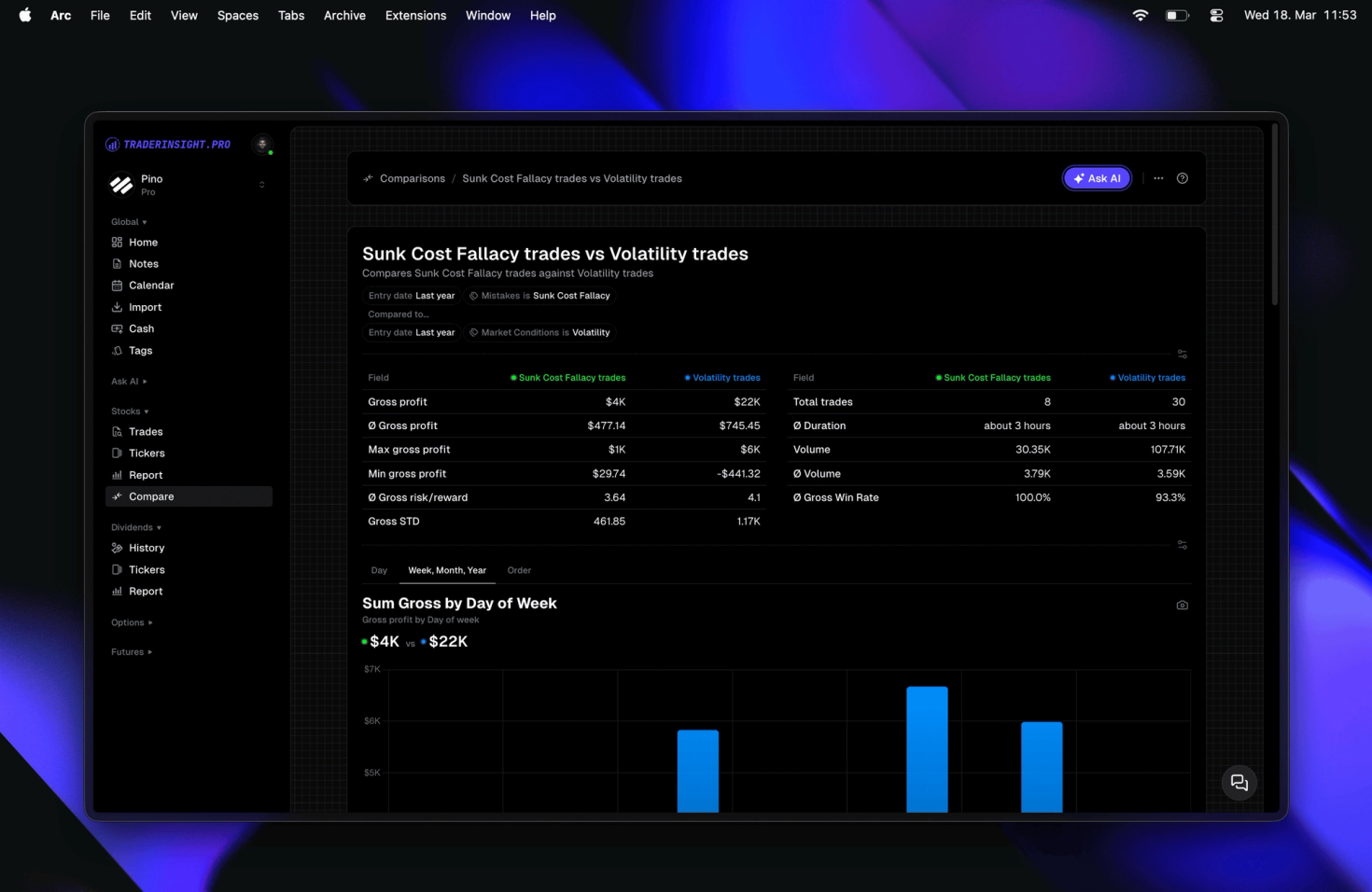
For direct comparisons, comparison reports let you set two strategies, two accounts, or two date ranges side by side, which is especially useful once IBKR data starts spanning multiple asset classes and currencies.
How to analyze multi asset IBKR portfolios
TraderInsight.pro keeps every IBKR asset class in one unified journal instead of splitting them into separate tools, so a multi asset portfolio can be filtered, tagged, and reported on as a single dataset. A trader running stocks for core positions, options for income, and futures for short term moves can see all three broken out individually or blended into one overall performance view.
This matters because asset classes on IBKR behave differently and need different context: an options assignment should be linked to the stock position it created, a futures rollover should not be counted as a closed loss, and dividend income should be tracked separately from trading P&L. TraderInsight.pro recognizes these event types automatically so the reporting stays accurate without manual cleanup.
How to handle multi currency IBKR accounts correctly
Multi currency IBKR accounts are converted and reported in your journal's base currency automatically, so P&L across a USD stock position and a EUR forex position can be compared on the same report without manual conversion. This is one of the most common gaps in spreadsheet based journals, where currency mismatches silently distort win rate and average return figures.
Every trade retains its original currency alongside the converted figure, so you can review performance in either view - native currency for execution quality, base currency for overall portfolio results. Order cost breakdowns also reflect currency specific fees and spreads, so commission analysis stays accurate for accounts trading across multiple regions.
Can I journal IBKR trades from my phone?
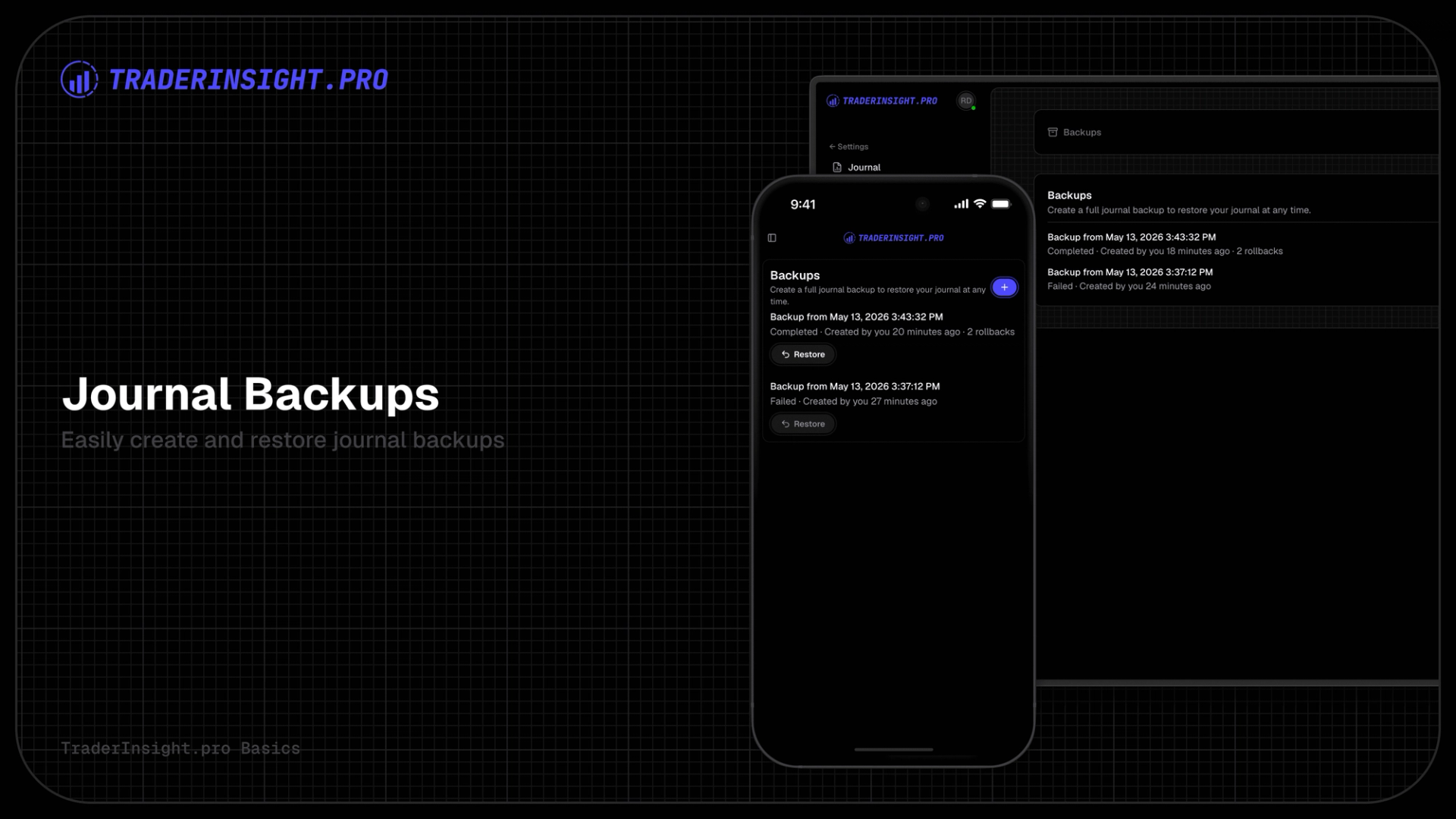
Yes. The TraderInsight.pro mobile app has full feature parity with the web version, so IBKR trades that synced overnight can be reviewed, tagged, and noted from your phone or tablet with nothing missing. This is useful for adding context to a trade - why you took it, what you saw - while it is still fresh, rather than waiting until you are back at a desk.
Get your Interactive Brokers trading journal
If you trade on Interactive Brokers across stocks, options, futures, forex, crypto, dividends, and more, TraderInsight.pro turns that activity into a journal that actually tells you what to change. Connect once and every trade, every currency, and every asset class keeps arriving on its own.
Don't see a broker or format you need? Request a broker or request a feature and the team will follow up.
FAQ
What is the best trading journal for Interactive Brokers?
Does TraderInsight.pro support Interactive Brokers?
Yes. Connect directly through IBKR's Flex Web Service for automatic nightly imports, or drag and drop an Activity Statement or Flex Query export into the import page - no broker selection step required.
How do I import my IBKR trades?
Set up a Flex Query in IBKR Client Portal, generate a Flex Web Service token, and connect it under Settings → Data Sources in TraderInsight.pro. Alternatively, export a CSV or XML statement and drop it directly into the import page.
Can I import multiple IBKR accounts into one journal?
Yes. Multiple IBKR accounts can be connected or imported into the same journal, with account identifiers preserved so you can filter reports by account at any time.
Does TraderInsight.pro support IBKR options trading?
Yes, including assignments, expirations, and multi leg strategies. See the options page for full details.
Does TraderInsight.pro support IBKR futures, including rollovers?
Yes. Futures rollovers are recognized automatically and not counted as closed losses, keeping futures reporting accurate.
How does TraderInsight.pro handle multiple currencies on IBKR?
Trades are shown in both their original currency and your journal's base currency, so multi currency performance can be compared on one report without manual conversion.
Can I journal IBKR trades on mobile?
Yes, the mobile app has full feature parity with the web app, so trades synced from IBKR can be reviewed and tagged from any device.
How current is my IBKR data in TraderInsight.pro?
With the direct integration, your account syncs automatically every night, so the previous session's activity is already in your journal by the time you sit down to review it.
Does TraderInsight.pro track IBKR fees and dividends?
Yes. Cash reporting tracks every fee, commission, dividend, deposit, and withdrawal alongside your trading P&L for an accurate net return.