Published on · Updated on · 2 min read
Say goodbye to spreadsheets
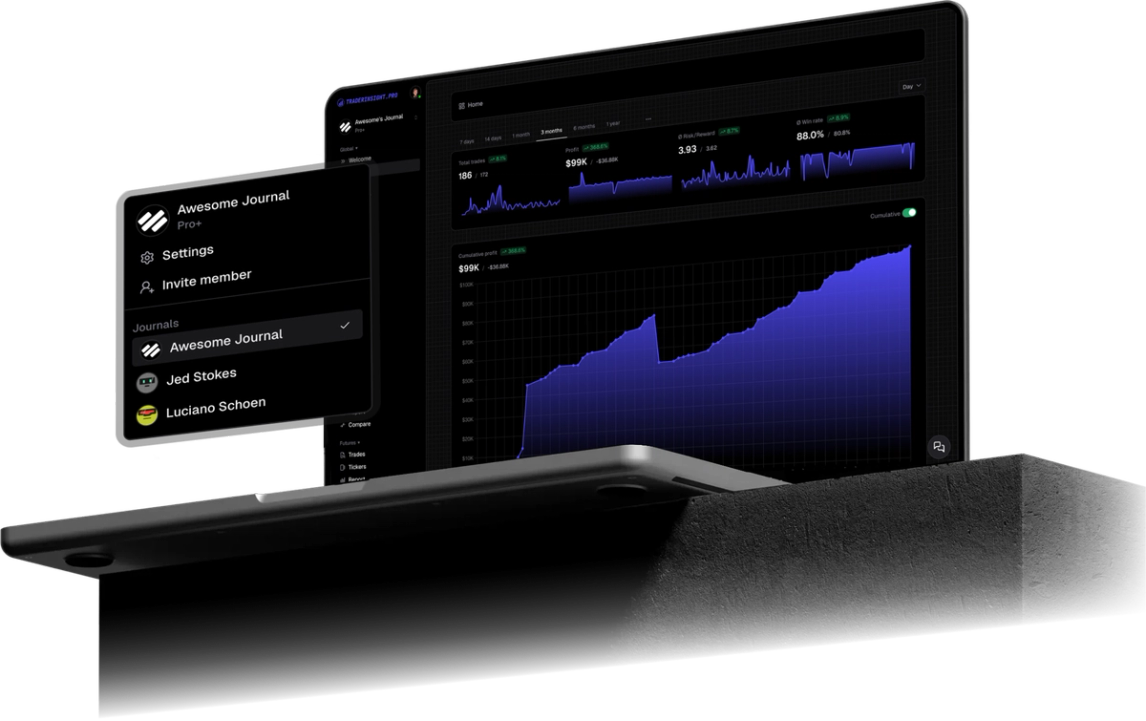
Import TradeZero Portfolio Trades CSV into TraderInsight.pro. Journal stocks and options with reports, tags, AI analysis, and more in this step-by-step guide.

TradeZero gives you fast US equity and options execution. What it does not give you is a deep review layer. Import your Portfolio Trades export into TraderInsight.pro and turn that history into stocks and options analytics with performance reports, tags, and AI analysis.
TradeZero is built for routing, fills, and PDT-aware day trading. The Portfolio Trades view shows what happened. It does not tell you which setups print, which sessions bleed, or whether your average winner is carrying a pile of scratch trades.
That gap matters for day traders: you can be flat on the day and still be running a losing process. A journal that tags setups, tracks session P&L, and answers plain-English questions about your own fills closes that loop.
TraderInsight.pro imports the TradeZero web portal Trades CSV (the download from the Excel export control). Supported today:
Use the web customer portal export, not a desktop-terminal dump. Other journals and tax tools document the same Portfolio → Trades path.
Use the trading calendar to spot days and weeks that carry the account versus days that only create activity. For active TradeZero traders, that view often matters more than a single win rate number.
Tag fills by setup with strategy tags, then open a comparison report. Stack your labeled A+ trades against everything else and see whether size and frequency match what actually works for you.
Filter performance reports by asset class so short-dated options behavior does not hide (or inflate) your stock scalp results.
With AI analysis, ask questions like which symbols lose after a green open, or how P&L changes when you take more than a set number of trades before 10:00 ET.
The TraderInsight.pro mobile app has full feature parity on iOS and Android.
If an export fails to parse, email the file to support. Missing a broker or format? Use request a broker.
Yes. Import the CSV from Portfolio → Trades in the TradeZero web portal.
TraderInsight.pro. Import Portfolio Trades, then use reports, tags, calendar, AI, and more on your stocks and options history.
In the TradeZero web portal go to Portfolio → Trades, set the date range, click Excel to download the CSV, then drop it on the Import page at https://app.traderinsight.pro/import.
Use the web portal Portfolio → Trades export. That is the path other importers document for the fee and timestamp columns this format needs.
Yes. Options symbols in the Trades CSV are parsed as options orders.
Yes. Account IDs from the file are preserved for filtering in reports.
Yes. Full feature parity on the TraderInsight.pro mobile app.
Yes. AI analysis answers questions about the trades in your journal.