Table of Contents
Collaborative journaling on TraderInsight.pro just got significantly more powerful. Three updates - a new permission role built for mentors and coaches, author-based note filtering, and deep links across notes, dividends, and cash transactions - make it easier than ever to share structured feedback and precise context with anyone inside your journal.
What is the new journal member role?
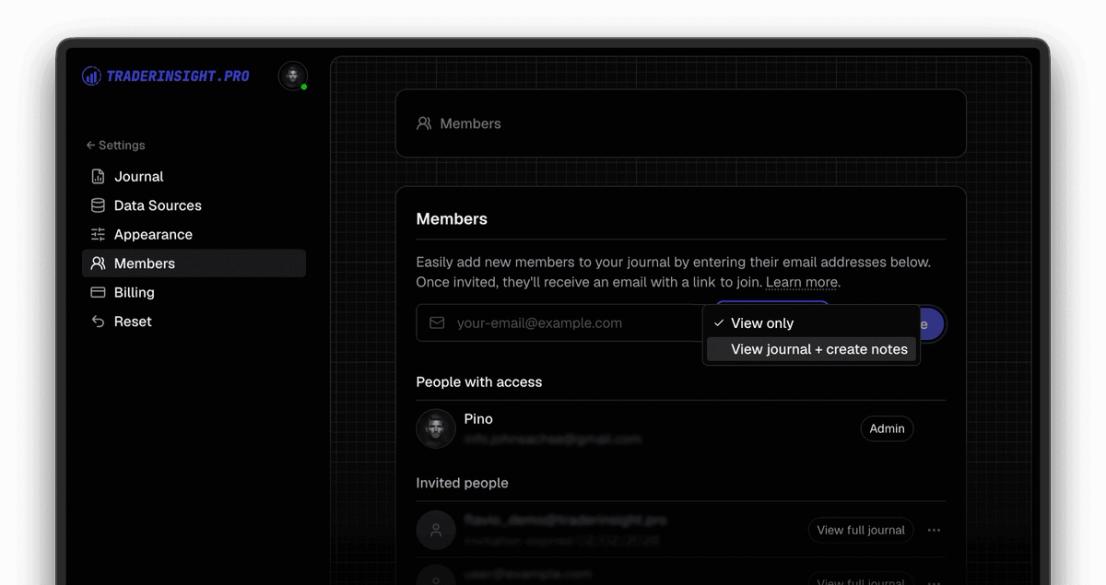
The new View + Notes role sits between read-only and full-write access inside journal members. A member with this role can:
- View the full journal - all trades, reports, calendar, AI analysis, etc.
- Create, edit, and delete their own notes and note templates
This is the role that mentors, trading coaches, and accountability partners have needed. Invite a coach into your journal, and they can leave structured feedback on your trades, build review templates for your weekly process, and read your full performance reports.
How does the new role work for coaches and mentors?
A mentor assigned the View + Notes role has full read access to the journal and full write access to their own notes. They can create note templates that a student or mentee can use as a repeatable review structure - for example, a post-session checklist or a pre-trade plan format.
They can annotate individual trades with detailed feedback. All of that stays scoped to their own notes: they cannot modify the trader's own notes, tags, or imported data, but they have view-access to everything.
This is part of several collaboration improvements that we are shipping starting today, followed by even more near to mid term. The goal is to make shared journals a go-to for structured mentorship, group accountability, and prop firm review workflows.
How to filter notes by author
When multiple members are active in a journal, the note list can now be filtered by author. Select any member from the filter and the view narrows instantly to only their notes. Note previews and modals now display the author name clearly, so the source of every piece of feedback is always visible.
Author filtering makes collaboration practical at scale. A trader reviewing feedback from three different mentors can focus on one voice at a time. A mentor reviewing their own annotation history can pull it up in seconds without scrolling through the full note feed.
What are deep links for notes, dividends, and cash transactions?
Every note, dividend entry, and cash transaction now has a deep link - a URL that encodes the exact modal state. Open any of them, copy the URL from the address bar, and send it to another journal member. When they open the link, the modal opens immediately with the same record loaded.
This removes a significant friction point in collaborative review. Instead of writing "check the note on the AAPL trade from Tuesday" in a message and hoping the recipient finds it, you paste a direct link and they land on exactly that record. The modal state is also preserved on refresh, so context is never lost when a page reloads.
Deep links work across notes, dividends, cash transactions, every report, etc. For any journal member with appropriate access, the link resolves correctly regardless of device or session.
Additional improvements in this release
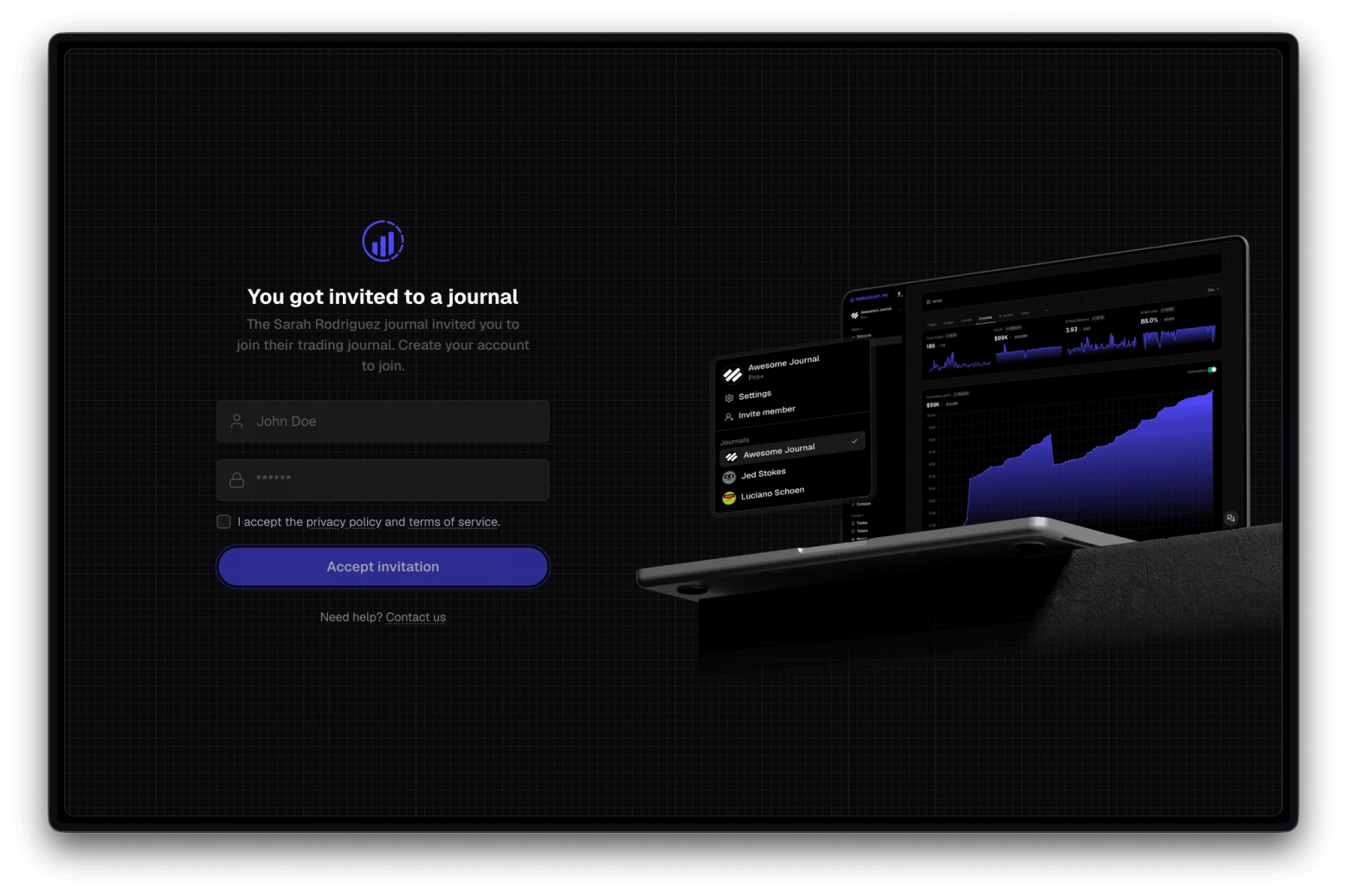
- Invite copy and the join flow have been updated to better match what a new member actually needs to do on first login, including collecting a preferred name up front
- Expired invite messaging now displays clearly so there is no ambiguity when an invite link no longer works
- Role labels in journal settings are updated to reflect the new permission tiers accurately
- Note empty states and template fallback messaging have been refreshed for clarity
Ready to bring a coach, mentor, or accountability partner into your journal? Start your trading journal and invite them with the new View + Notes role.