Table of Contents
Binary and digital options trading on Pocket Option comes down to a simple question: over enough trades, does your win rate beat the payout threshold? That number - your real win rate, across the signals and setups and time-of-day patterns you actually trade - is either the foundation of a profitable strategy or the reason one doesn't exist.
The problem is that Pocket Option's built-in history doesn't make it easy to calculate that number in a meaningful way. You can see a list of trades. What you can't easily see is your win rate by asset, by session, by signal type, or by how many trades you placed in a row when you were trying to recover a loss.
TraderInsight.pro gives you all of that. Import your Pocket Option history and get performance reports that filter and aggregate your data the way a serious trader needs to review it - broken down by whatever dimensions matter to your strategy.
The Accountability Gap in Short-Term Options Trading
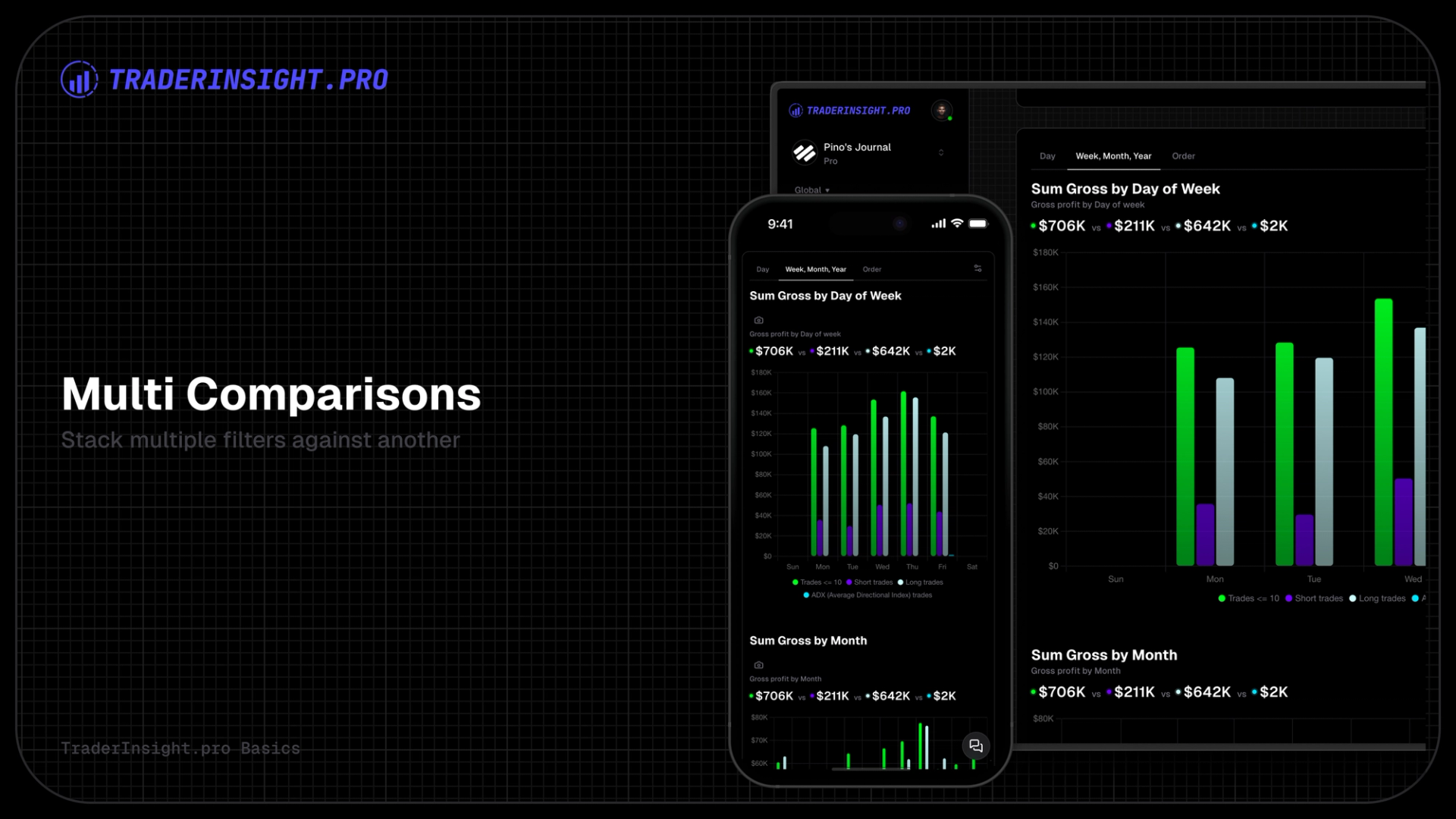
High-frequency trading across many small positions makes it easy to lose track of the real performance picture. It's easy to remember the winning streaks and underweight the losing ones. A proper journal - with a P&L calendar that shows the actual daily results in cold numbers and AI analysis that can surface patterns in your trading behavior - removes that cognitive bias from the equation.
For traders serious about developing a real edge in options trading, systematic review is the difference between testing a strategy and guessing at one. The tagging system in TraderInsight.pro lets you annotate every trade with the signal or condition that prompted it - creating the data needed to actually evaluate whether that signal is worth trading.
How to Export Your Trade History from Pocket Option
Step 1: Log into Pocket Option
Go to pocketoption.com and sign into your account.
Step 2: Navigate to Trade History
From your account dashboard, locate the Trades History or Deals History section - accessible from the main menu or your account profile area.
Step 3: Filter your period
Set the date range you want to export using the available filters. For large histories, exporting month by month produces cleaner, smaller files.
Step 4: Export as CSV
Click the Export or Download button at the top or bottom of the trade history table and save the CSV to your device.
Importing into TraderInsight.pro
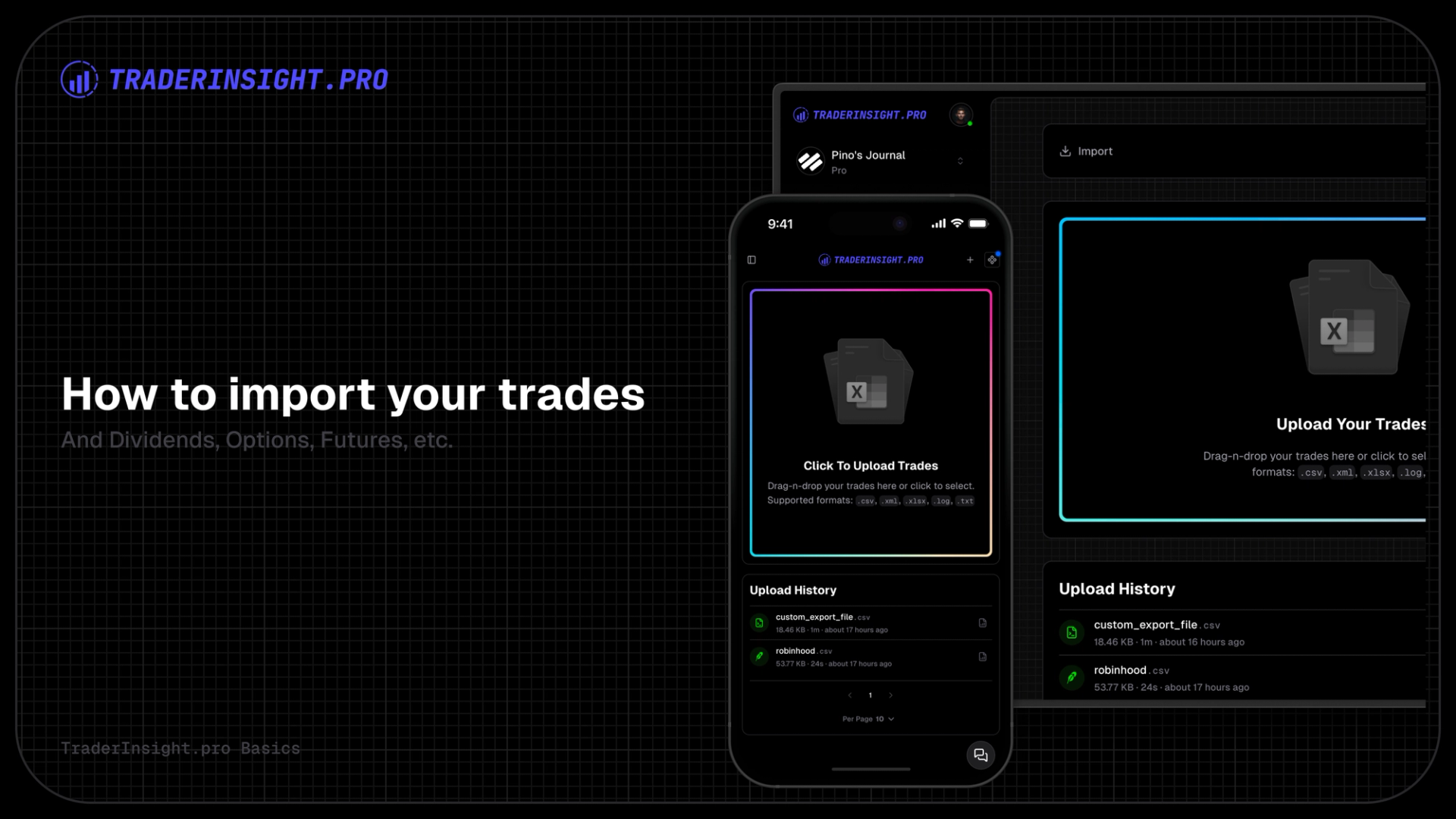
- Open the Import page.
- Drag and drop your CSV.
- Done.
For multi-month exports, import each file sequentially - all records will be merged into a single unified history.
Building a Real Review System
After import, the most impactful thing to do is build a tag structure that maps to the signals or setups you actually use. If you trade based on candlestick patterns, moving average crossovers, or specific indicator readings - create tags for each. Over 50–100 tagged trades, the win rate by tag starts to show you what's actually working.
The Calendar view is useful for identifying session-level patterns - whether your morning trades outperform your evening trades, or whether weekday performance differs from the weekend.
Use trade notes to document the reasoning behind individual trades. Over time, the notes tell a story about your decision-making that numbers alone can't capture.