Table of Contents
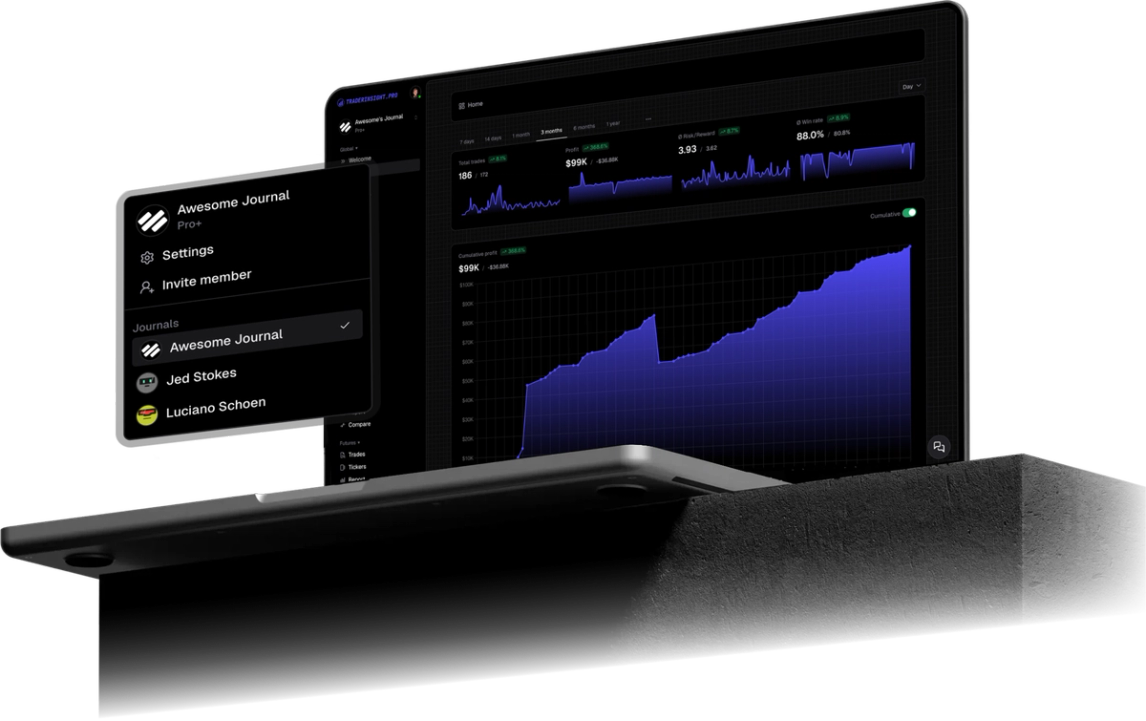
DX Trade XT is a multi-asset Web Trader used by brokers for equities-style books, including options. The Account Transactions widget shows deposits, trades, and adjustments in one grid. Import that CSV into TraderInsight.pro to journal options fills (and deposit cash rows) with reports, tags, and AI analysis.
Why DX Trade XT traders use TraderInsight.pro
DX Trade XT is an execution and account-activity platform. Account Transactions is excellent for auditing cash and fills. It is not built to answer whether your SPY put debit spreads work only in the first hour, or whether your win rate collapses after a large deposit day.
If you trade options through a DX Trade XT white-label, you need a journal that turns those transaction rows into tagged, comparable, coachable history for day traders and swing traders.
What does TraderInsight.pro support from DX Trade XT?
From the Account Transactions CSV export (Web Trader):
- Options trade rows (parsed from the transaction description)
- Deposit cash transactions
- Account id, commission, fee, quantity, and order id where present
- And more as coverage grows
CSV history on that widget is capped at 365 days per DXtrade product notes. Export in chunks if you need a longer backfill.
How to export from DX Trade XT
- Open your broker’s DX Trade XT Web Trader URL (each broker hosts their own login; get the link from your broker).
- Log in with your trading credentials.
- Open the Account Transactions widget. If it is not on the workspace, add it from the widget menu (the
...control, or drag widgets onto the canvas per the DXtrade Web Trader manual). - Select the account and date range you need (up to 365 days of history on this export).
- Use the widget’s CSV export control and save the file.
- Do not edit the file before import.
Do not use Account Statement PDF or HTML for this import path. TraderInsight.pro expects the Account Transactions CSV.
How to import into TraderInsight.pro
- Go to the Import page.
- Drag and drop the CSV.
- Done. Recognition and import happens automatically.
How to use your DX Trade XT data to improve
How to review options by underlying and expiry
After import, use performance reports filtered to options so SPY weeklies do not mix with longer-dated hedges in one opaque number.
How to track deposits against trading behavior
Imported deposits land in cash reporting. Pair that with the calendar to see whether size and frequency change after funding days.
How to tag defined-risk vs discretionary trades
Use tags for structure type, then compare those cohorts. DX Trade XT will not do that split for you.
How to ask AI about your options book
AI analysis can answer questions like which underlyings lose after morning entries, or how P&L changes when you hold through the close.
Mobile access
Same journal on the mobile app.
Support
Need another DX Trade export type? Request it here.
Frequently Asked Questions
Does TraderInsight.pro support DX Trade XT?
Yes. Import the Account Transactions CSV from Web Trader.
How do I export Account Transactions from DX Trade XT?
In Web Trader open the Account Transactions widget, set account and date range, then export CSV (up to 365 days).
What imports today from DX Trade XT?
Options trade rows and deposit cash transactions from Account Transactions. And more over time.
Can I use Account Statement PDF instead?
No for this guide. Use the Account Transactions CSV export.
Where do I log in?
Your broker’s DX Trade XT Web Trader URL. DXtrade does not use one shared retail login for every white-label.
Is there a mobile app?
Yes. The TraderInsight.pro mobile app has full feature parity.
Can I share my journal with a mentor?
Yes. Use sharing and journal members on TraderInsight.pro.