Table of Contents
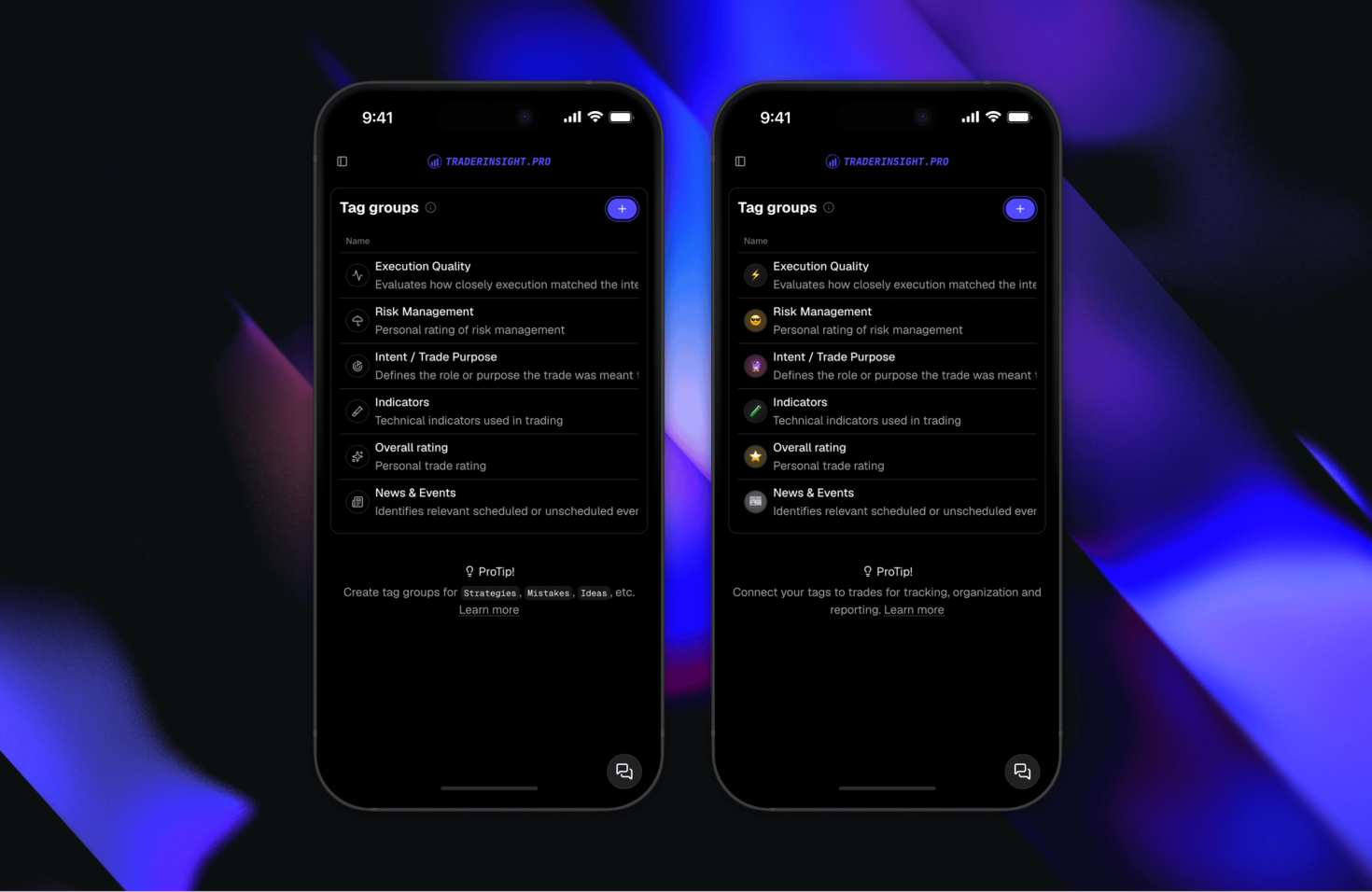
Your trading journal just got a lot more personal. Every tag group, tag, filter, performance report, and comparison report in TraderInsight.pro now supports custom emojis and icons - giving you full control over how your journal looks, feels, and flows.
What changed
Previously, labels did the heavy lifting. Now every organizational element in your journal can carry a visual identifier - an emoji, a custom icon, whatever makes it instantly recognizable to you.
That means:
- Tag groups - color-code your whole taxonomy visually
- Individual tags - distinguish your setups, sessions, mistakes, and habits at a glance
- Filters - spot the right saved filter without reading every label
- Performance reports - identify your strategy breakdowns, account views, and time-range slices instantly
- Comparison reports - navigate between multiple views faster when each one has its own visual identity
How does this improve your workflow
The impact is simple: less reading, faster navigation. Traders who run multiple strategies, use multiple accounts, or track a wide range of setups across stocks, options, futures, forex, crypto, and more can now build a visual language for their journal - not just a list of text labels.
A scalping tag looks different from a swing tag. A morning session filter is distinct from an afternoon one. A drawdown report and a best-month report don't need to look identical. Now they don't have to.
Who gets access
Custom emojis and icons are available on all plans, starting today. No upgrade required - open any tag, filter, or report and the option is right there in the create or update modal.
How to add an emoji or icon
Adding one takes seconds. Open the create or update modal for any tag, tag group, filter, performance report, or comparison report, tap the icon field, and choose from the emoji picker or upload a custom icon. Save. Done.