Published on · Updated on · 2 min read
Say goodbye to spreadsheets
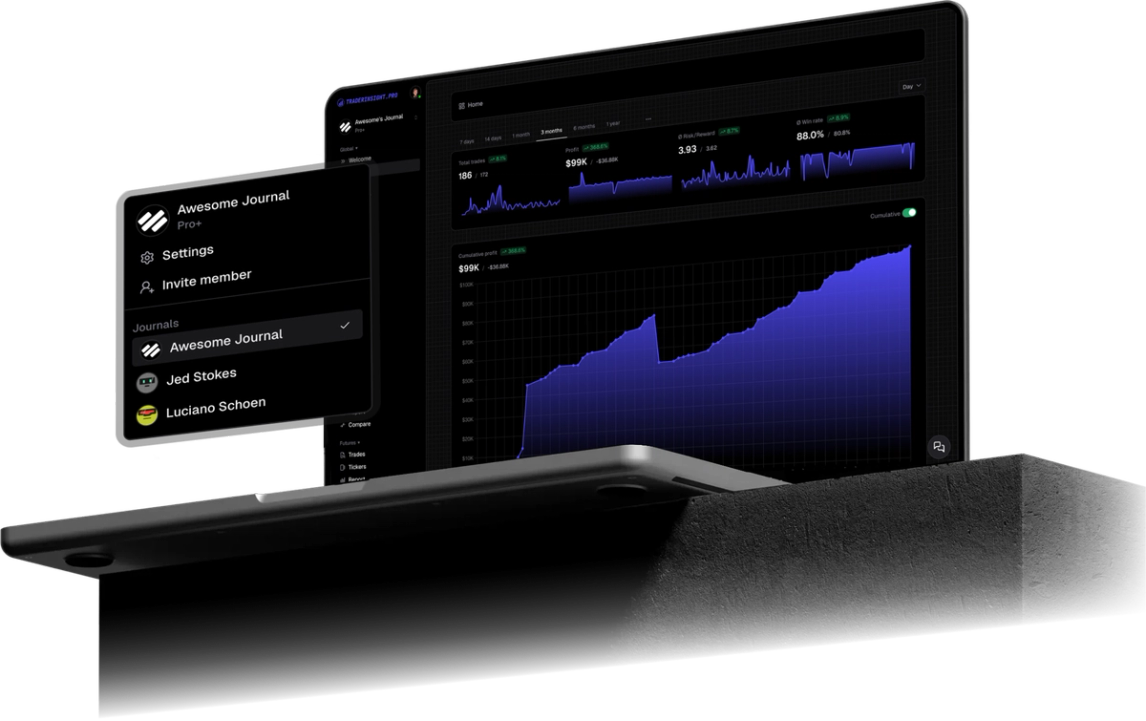
Import Trader Evolution Filled orders CSV into TraderInsight.pro. Journal equity fills with reports, tags, AI analysis, and more. Currently in beta.

Trader Evolution (TraderEvolution) is a multi-asset terminal used by brokers and prop-style desks. Your fill tape lives in Filled orders. Export that panel to CSV, import it into TraderInsight.pro, and journal stocks with reports, tags, and AI analysis. This connector is listed as beta.
Filled orders is an execution blotter: trade id, symbol, side, qty, price, fees. It answers “what filled?” It does not answer “which process is making money?”
If you scalp equities through a Trader Evolution white-label, you still need tags, session review, and coachable notes outside the terminal. That matters for day traders and prop firms alike.
From the official Filled orders CSV export:
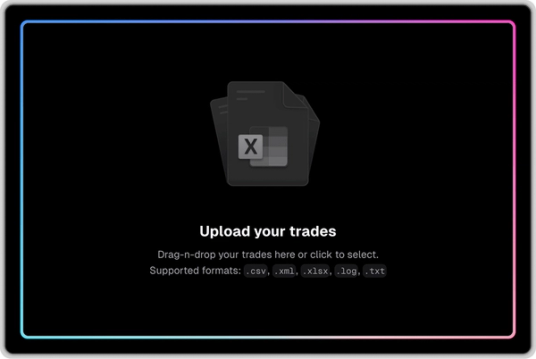
Export CSV with columns included (use Check all in the export dialog so required fields are present).
Performance reports by symbol make hobby tickers obvious next to the ones that pay the bills.
Use tags for planned vs reactive entries, then compare. The blotter alone will not show that split.
The calendar turns a dense fill tape into day-level accountability.
Add notes on sessions that broke rules, then share the journal via sharing or members.
Mobile app with full parity.
Yes, import the Filled orders CSV from Terminal → Filled orders → Export.
Terminal → Filled orders → set time filter → right-click → Export → CSV → Check all → Export.
Use CSV for this import.
Equity (stocks) fills from Filled orders. Other symbol types may need a sample file for support to confirm.
Yes. Use sharing and journal members on TraderInsight.pro.
Yes. The TraderInsight.pro mobile app has full feature parity.
Yes. AI analysis works after import on the trades in your journal.