Table of Contents
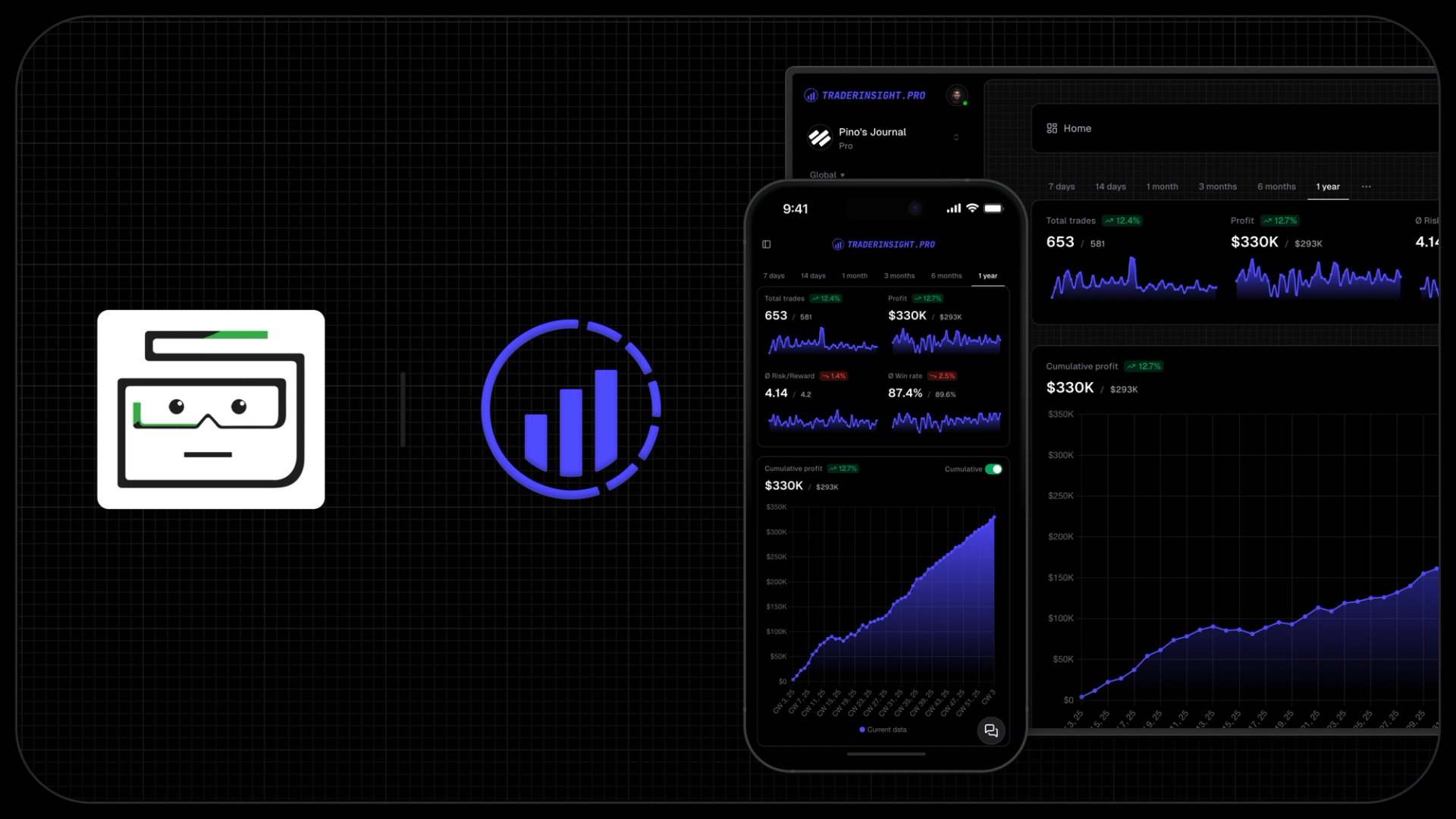
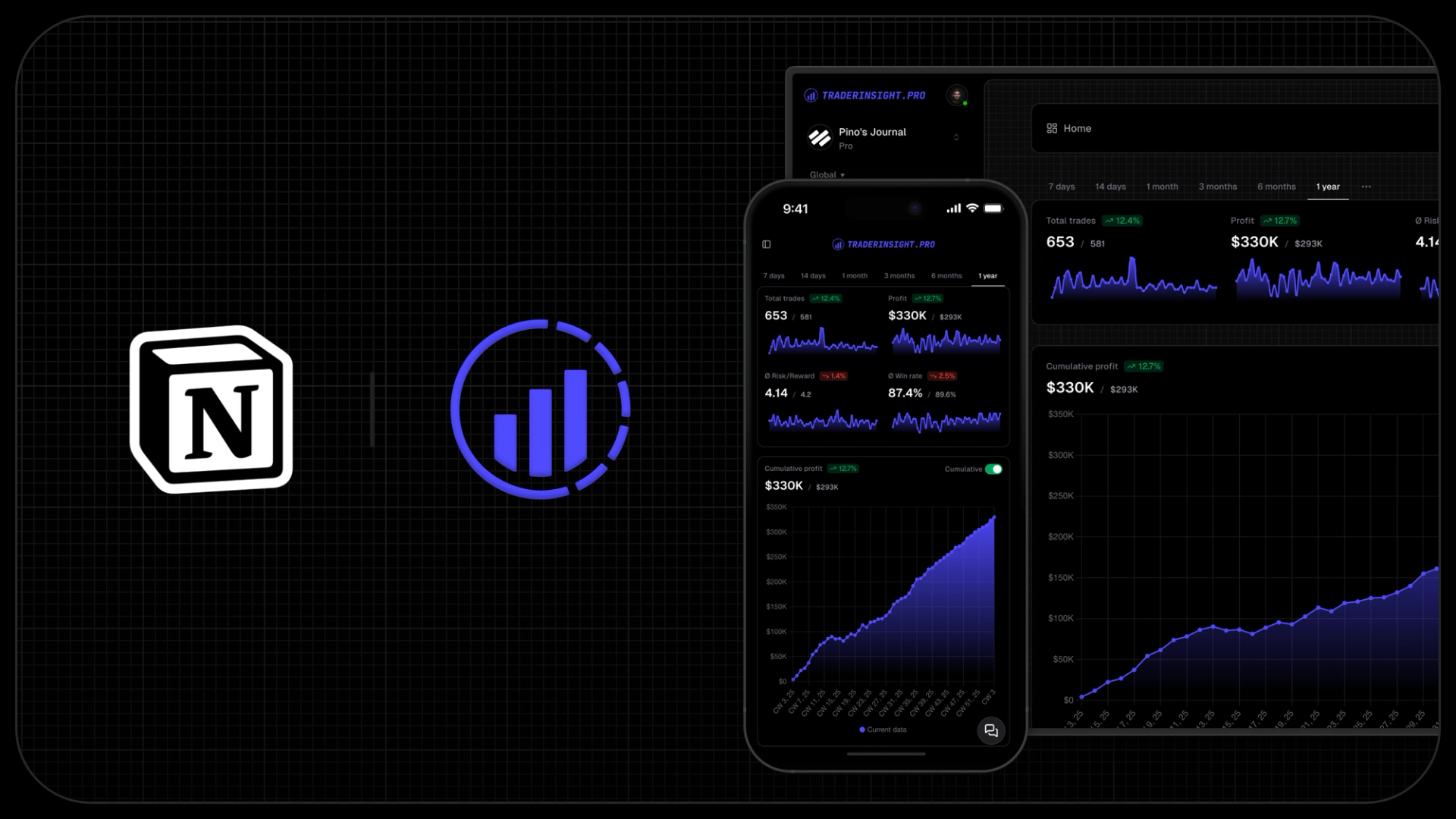
TL;DR: A Notion, Excel or Google Sheets journal is not free, it is just billed in your time. You type every trade by hand, your formulas break when you change anything, and the analysis stops at whatever you had the patience to build. TraderInsight.pro imports your broker file in seconds, tags trades any way you want, puts a live TradingView chart on every trade, answers questions about your own history in plain English, and runs on your phone - from ~$15/mo or ~$150/yr, with a free trial first. Notion Plus costs ~$10/mo per user and still cannot import a single trade.
Notion is a genuinely great tool. It is why we modeled our own note editor on it - formatting, tables, images, videos, markdown shortcuts, templates, all of it is in TraderInsight.pro too. Excel and Google Sheets are great tools as well. None of the three were built to journal trades, and it shows the moment you have more than a handful.
Here is the part nobody puts on the template page: ten minutes of manual entry a day across a trading year is over forty hours. A full working week, spent retyping numbers your broker already exported, in exchange for charts you then have to build yourself. TraderInsight.pro takes that entire job off your desk across stocks, options, futures, forex, crypto, dividends, cash transactions, and more.
Quick Comparison: TraderInsight.pro vs Notion, Excel and Google Sheets
Feature | TraderInsight.pro | Notion | Excel / Google Sheets |
|---|---|---|---|
Built For | Journaling and analyzing trades, by active traders | A general-purpose wiki | General-purpose calculation |
Trade Imports | Drop the broker file and it is recognized automatically; auto-sync and API imports too | None. Every trade typed by hand | Manual, or a CSV you clean up and remap yourself every time |
Setup Time | Minutes. Import and start reviewing | Hours building databases, properties and formulas | Hours, and longer if you want real charts |
Breaks When You Change It | Never. Reports are generated, not hand-wired | Formulas and rollups break on schema changes | Formulas break on inserted rows and columns |
Custom Tagging | Unlimited custom tag groups + nested tags + reports built from any tag combo | Multi-select properties, no analysis layer on top | A text column you have to keep spelling consistently |
Analytics & Reports | 100% customizable reports, win rate, R:R, expectancy, drawdown - all generated automatically | Basic chart widgets, shallow without heavy manual setup | Whatever you build, maintain and debug yourself |
AI Insights | Ask anything in plain English and get instant answers from your real trade history | AI writing help, but it cannot query your trades | None |
Charts | Live TradingView chart inside every trade - indicators, drawings, timeframe switching | Pasted screenshots | Pasted screenshots |
Mobile Experience | Installable app with 100% feature parity | Usable for notes, painful for table editing | Spreadsheet editing on a phone is not a workflow |
Multi-Broker Aggregation | Every account in one journal, automatically reconciled | Manual consolidation | Manual consolidation |
Cash Reporting | Withdrawals, deposits, fees, interest - full cash tracking | Only if you build it | Only if you build it |
Sharing & Mentors | Public trade links, private mentor access, journal members, no invite limits | Strong general permissions, nothing trading-specific | Share a file and hope nobody edits it |
Calendar View | P&L, win rate, trade count by date, built in | A calendar view with no trading maths behind it | Build it yourself |
Real Cost | ~$15/mo or ~$150/yr, free trial first | Free tier, ~$10/mo per user on Plus - plus your time | Free, or ~$10/mo with Microsoft 365 - plus your time |
Is TraderInsight.pro Worth It Over a Notion or Excel Journal?
For anyone trading seriously, it is not close. Here is exactly why traders stop doing this by hand:
You get your week back. Your broker already produced the data. TraderInsight.pro takes that file, recognizes the format automatically with no broker selection step, and your full history is in and analyzed in seconds. A spreadsheet asks you to retype it, every day, forever. Over forty hours a year of typing is not a journaling habit, it is admin.
Nothing breaks when you change your mind. Add a column in Excel and your formulas shift. Restructure a Notion database and your rollups stop calculating. In TraderInsight.pro every report is generated from your trades, so you can reorganize how you think about your trading as often as you like and nothing needs repairing.
Your tagging becomes analysis, not labels. A multi-select property in Notion tells you a trade was tagged FOMO. TraderInsight.pro's tag groups are unlimited and nested, and every report, dashboard and KPI can be built from any combination - "FOMO mistakes on low-volume days", "breakouts in the first hour". That is the difference between recording your trading and understanding it.
You ask, it answers. TraderInsight.pro's AI reads your entire history and replies in plain English: "what were my most profitable hours last month?", "which setups have the best win rate?", "what mistakes do I keep making?" In a spreadsheet, each of those is a pivot table you have to design first, which means the questions you never think to build are questions you never get answered.
Real charts instead of pasted screenshots. Every trade opens with a live TradingView chart - indicators, drawing tools, timeframe switching - so you can re-examine the actual price action around your entry and exit. Notion and Excel hold an image you saved in a hurry.
It works on your phone. The app installs like native with 100% feature parity, so you tag the trade while the session is fresh. Nobody maintains a spreadsheet from their phone, which is precisely why manual journals get abandoned in week three.
Free is the most expensive option on the list. A Notion Plus seat is ~$10/mo and cannot import a trade. For roughly five dollars more you get automated imports, unlimited tagging, generated analytics, AI, live charts, mobile and cash reporting. The spreadsheet was never free, you were just paying in hours and missed patterns.
What Notion still does better: long-form thinking. Its editor is excellent for trading plans, strategy documents and weekly reflections, and its permission controls are more granular than anything a journal needs. That is a real strength, and it is exactly why the two work well side by side.
Manual Entry vs Automated Imports
This is the whole argument, so it is worth being concrete. In Notion or Excel a single trade means typing symbol, side, size, entry, exit, time, fees and notes, then keeping it consistent with the last three hundred rows so your formulas still work. Miss a day and you are reconstructing from memory, which is the exact moment a journal stops being trustworthy.
TraderInsight.pro handles auto-sync, API imports, drag-and-drop bulk imports and manual entry for trades, orders, dividends and cash transactions. There is no broker selection step: drop the file and the format is recognized. Multiple brokers land in one journal and reconcile against each other. Missing source? It is often live within 24-48 hours of a request. The import guide covers every path.
Already Exporting Your Broker Data to a Spreadsheet?
If you are searching for how to get Webull, Robinhood or any other broker export into Excel, you are already doing the hard half of the work. You found the export. The part that follows - cleaning columns, matching fills into round-trip trades, fixing date formats, rebuilding your pivot tables - is the part you can stop doing.
Take that same export file and drop it into TraderInsight.pro instead. Fills are grouped into trades for you, fees and commissions are accounted for, and every report is live immediately. Same file, same two minutes, and you never touch a formula again.
Analytics, Reports and Custom Dashboards
A spreadsheet gives you exactly the analysis you were willing to build. That sounds like freedom until you realize it also caps you at the questions you thought of in advance, and every new question is another afternoon of formula work.
TraderInsight.pro generates win rate, R:R, expectancy, drawdown, hold duration and time-of-day breakdowns from the moment your trades land, then lets you build any report, dashboard or widget from any tag, filter or data dimension. Comparison reports put two versions of your trading side by side, and the calendar view shows P&L, win rate and trade count by date so your best and worst sessions are obvious at a glance.
Notes, Sharing and Mentors
TraderInsight.pro's notes are deliberately Notion-like - rich formatting, tables, images, videos, markdown shortcuts, templates - except they are attached to the trade they describe rather than sitting in a separate workspace you have to cross-reference.
Sharing is built for traders rather than teams: public links to a single trade you can drop straight into Discord or X, clean embeds for a blog or newsletter, private journal access for a mentor, and journal members with controlled permissions. Every tier, no invite limits.
Can Notion and TraderInsight.pro Work Together?
Yes, and for a lot of traders that is the ideal setup. Keep TraderInsight.pro for the job it is built for - imports, tagging, analytics, reports - and keep Notion for trading plans, longer reflections and everything else in your life.
The two link cleanly in both directions. Paste a TraderInsight.pro trade link into a Notion page, or attach a Notion page to a trade. You are not being asked to abandon Notion, only to stop using it as a database for numbers your broker already calculated.
Pricing Comparison
Google Sheets is free. Excel comes with Microsoft 365 at roughly $10/mo. Notion has a free tier and Plus at around $10/mo per user, and there are 173+ trading journal templates out there, many of them free. On paper that wins on price.
TraderInsight.pro is ~$15/mo or ~$150/yr with a free trial first, and the entry plan already includes automated imports, unlimited custom tags, generated analytics, AI reports and chat, live TradingView charts, the mobile app, cash reporting and sharing. Against a ~$10/mo Notion seat that imports nothing, the gap is about five dollars a month and roughly forty hours a year. See pricing for the full breakdown.
Choose TraderInsight.pro if you are a...
Day trader placing enough trades that manual entry is already a chore, who needs time-of-day and session analysis without building it by hand.
Swing trader refining strategies seriously - unlimited tag groups and custom reports across hold duration, setup type and market condition in any combination.
Trader running more than one broker or asset class, who is tired of consolidating accounts in a spreadsheet that never quite reconciles.
Paper trader building the habit before going live - simulated trades get the same analytics, tagging, AI and reports as live ones, so you learn the real workflow from day one.
Trader who has abandoned a manual journal before and wants the version that does not depend on daily willpower to survive.
Choose Notion or a spreadsheet if you...
Place a handful of trades a month, enjoy building the system as much as using it, and genuinely do not mind typing every entry.
Mainly want a place for trading plans and written reflection rather than performance analysis - in which case keep Notion for exactly that and let something else handle the numbers.
Switching from Notion or a Spreadsheet to TraderInsight.pro
What transfers: export your Notion database or spreadsheet as CSV and drag it in. Symbols, dates, P&L and notes come across, and most traders have their full history imported and analyzed within minutes. The import guide has the details.
Even better: skip the spreadsheet entirely and import straight from your broker. Your original export is more complete than anything you retyped, so you usually end up with better data than the journal you are leaving.
What to rebuild: text tags become proper tag groups with nesting. Map your mistake categories first, since those drive the behavioral reports that make the switch worth it. Broker not supported yet? Submit a request and it is commonly live within hours. Need something specific? Request the feature.
Frequently Asked Questions
Can Notion work as a trading journal?
It can hold trades, yes. Build a database, add properties for entry, exit, P&L and tags, and pick one of the 173+ templates available. But it is entirely manual: no broker imports, formulas and rollups that break when you restructure, and no trading analytics beyond what you construct yourself. It is a nicer-looking spreadsheet, not a trade analysis tool.
Is Excel or Google Sheets good enough for a trading journal?
For a handful of trades a month, it works. Past that, the maintenance overtakes the value: retyping every fill, fixing formulas after inserting rows, consolidating multiple brokers by hand, and rebuilding pivot tables for every new question. TraderInsight.pro generates all of that automatically from the broker file you already have.
What is the best alternative to a Notion trading journal?
TraderInsight.pro. You get automated broker imports instead of manual entry, unlimited nested tag groups instead of multi-select properties, generated analytics instead of hand-built formulas, AI that answers questions about your own trades, live TradingView charts on every trade, and a real mobile app - from ~$15/mo or ~$150/yr, against ~$10/mo for a Notion Plus seat that imports nothing.
How do I turn my Webull or Robinhood export into a trading journal?
Skip the spreadsheet step. Take the same CSV you were going to open in Excel and drop it into TraderInsight.pro instead. The format is recognized automatically, fills are grouped into round-trip trades, fees and commissions are accounted for, and every report is live immediately. No column cleanup, no date reformatting, no pivot tables.
Can I migrate my Notion trading journal to TraderInsight.pro?
Yes. Export the Notion database as CSV and drag it into the import tool. Strategies, P&L and notes map across. If you still have your original broker exports, import those instead - they are more complete than anything typed by hand, so you end up with better data than you had in Notion.
Is a free trading journal template worth using?
As a way to learn what to track, yes. As a long-term system, it is the most common reason traders quit journaling. The template does not solve the actual problem, which is that every trade still has to be entered by hand and every new question still has to be built by hand.
How much time does a manual trading journal actually cost?
Ten minutes a day across a trading year is over forty hours, a full working week, spent retyping data your broker already exported. TraderInsight.pro removes that entirely: drop the file and your history is imported and analyzed in seconds.
Can I use Notion and TraderInsight.pro together?
Absolutely, and many traders do. Use TraderInsight.pro for imports, tagging, analytics and reports, and keep Notion for trading plans and long-form reflection. Paste trade links into Notion pages, or attach Notion pages to trades. Our note editor is modeled on Notion, so the writing experience feels familiar either way.
Notion has charts now. Are they enough for trading analytics?
They cover totals and counts. They do not cover strategy breakdowns, time-of-day analysis, R:R distributions, expectancy or mistake patterns, and setting them up means maintaining formulas that break when the database changes. TraderInsight.pro generates all of that automatically and lets you build any custom report on top.
Is TraderInsight.pro more expensive than Notion?
By about five dollars a month against a Notion Plus seat, and less than nothing once you count your time. ~$15/mo or ~$150/yr includes automated imports, unlimited tagging, AI, live charts, the mobile app and cash reporting, with a free trial before you pay.
Does TraderInsight.pro support paper traders?
Fully, with no feature gating. Paper trades get the same analytics, tagging, AI and reports as live trades, which makes it the right place to build the habit before real money is involved.
Which brokers and assets are supported?
Stocks, options, futures, forex, crypto, dividends, cash transactions, and more, across a long and growing list of brokers. There is no broker selection step on import - drop the file and the format is recognized. Missing brokers are commonly added within 24 to 48 hours of a request.
The Bottom Line
Notion, Excel and Google Sheets are excellent tools that were never designed to journal trades. The free template feels like a smart start, and for the first few weeks it is. Then the manual entry piles up, the formulas break, the analysis stays shallow, and the journal quietly dies - usually right when it was about to start paying off.
TraderInsight.pro is what the job actually requires: drop your broker file and the whole history imports in seconds, tag it however you think, get win rate, R:R, expectancy and time-of-day analysis generated for you, review every trade on a live TradingView chart, ask the AI anything about your own data, and do all of it from your phone. From ~$15/mo or ~$150/yr with a free trial first. Keep Notion for your trading plan - just stop asking it to be your database. Want to see how we compare to the dedicated journals too? Start at the comparison hub.