Published on · Updated on · 2 min read
Say goodbye to spreadsheets
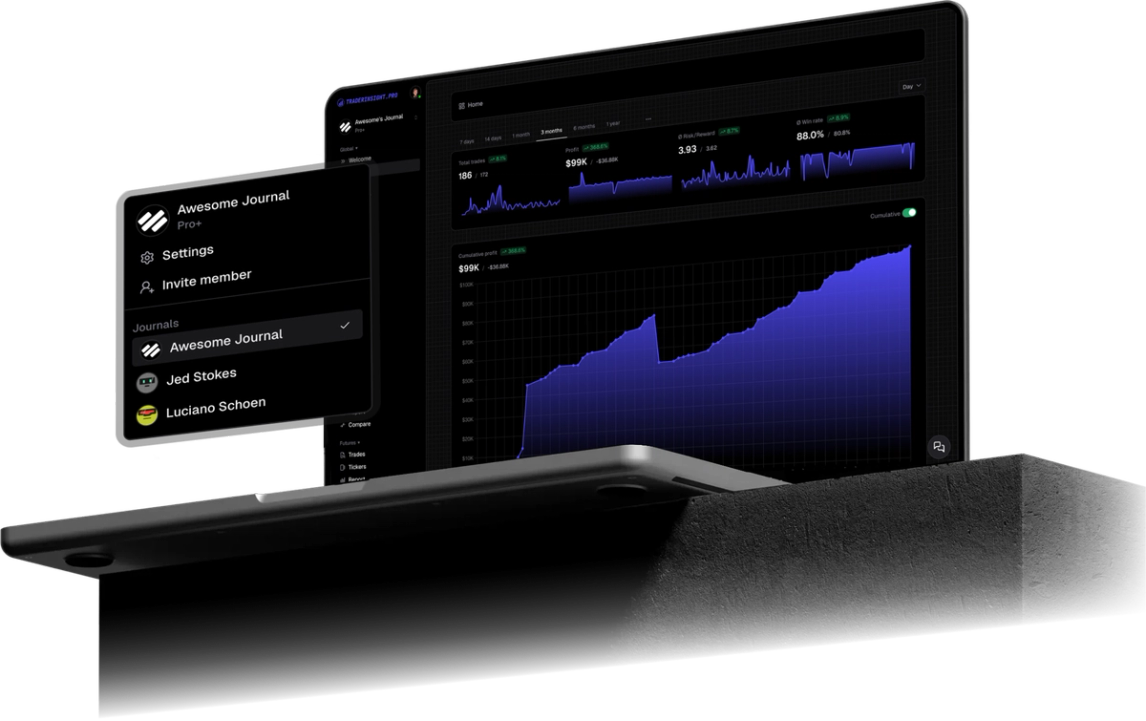
Import MEXC futures Position History and Order History into TraderInsight.pro. Journal crypto futures with reports, tags, AI analysis, and more.

MEXC futures traders get deep liquidity and fast execution. The exchange also lets you export Position History and Order History. Drop those Excel files into TraderInsight.pro and journal futures with performance reports, tags, calendar, and AI analysis.
MEXC’s futures UI shows open risk, funding, and recent fills. It does not tell you whether your longs only work in Asia hours, whether high-leverage sessions destroy expectancy, or which pairs are hobbies rather than a book.
Crypto futures move fast enough that memory fails. A journal that tags setups and compares cohorts is how you stop reliving the same liquidation pattern.
Two official MEXC futures exports (Excel or CSV; not PDF):
Use the website. Position History export is documented by MEXC as web-only (not in the App).
For bulk or older futures data, MEXC also documents Help Center → Self-Services → Account Data Export: pick Futures, select Position History and/or Order History, choose Excel, export, then download from Export History (links expire after 7 days). Monthly download limits apply on MEXC’s side.
Performance reports by symbol surface pairs that only create volume versus pairs that create expectancy.
Tag leverage buckets with tags, then compare. MEXC will not run that experiment for you.
The calendar makes green and red clustering obvious across weeks of futures churn.
AI analysis can answer whether your losing streaks cluster after consecutive longs, or after trading outside your usual hours.
Review on the mobile app with full parity.
Need spot or another MEXC report? Request a broker.
Yes. Futures Position History and Futures Order History (Excel or CSV) from MEXC web exports.
Orders → Futures Orders → Position History → Export Position History → Excel. Web only per MEXC’s docs.
Orders → Futures Orders → Order & Trade History → Export Order History → Excel.
TraderInsight.pro imports the Excel and CSV futures history formats, not the PDF statement export.
No. Either works alone. Use both if you want closed-position trades and order-level fills.
This guide covers the verified futures exports above. Request other types via the request a broker form.
Yes. The TraderInsight.pro mobile app has full feature parity.