Table of Contents
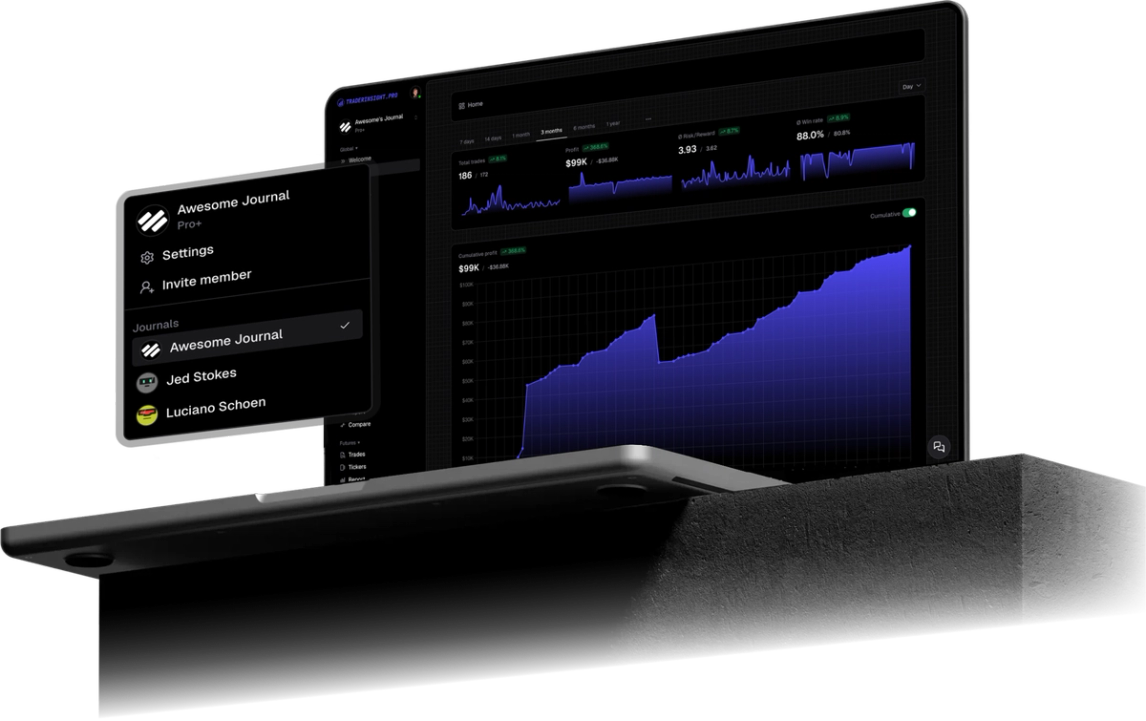
BTCC is a crypto derivatives venue where futures P&L moves quickly. Export your Futures Transaction Report from the website, drop it into TraderInsight.pro, and journal those futures fills with reports, tags, and AI analysis.
Why BTCC traders use TraderInsight.pro
BTCC’s Transaction Report is for records: what filled, at what price, with what fees. It is not a behavior lab. It will not tell you whether your shorts only work on funding flips, or whether your average loser grows every time you double size after a win.
If you trade BTCC futures seriously, you need that second layer outside the exchange UI.
What does TraderInsight.pro support from BTCC?
TraderInsight.pro imports the Futures Transaction Report download (Derivatives Transaction History from BTCC’s web export). Supported today:
- Futures and derivatives fills (contract, side, qty, price, fees, leverage, margin, open/close fill type, and more)
- And more as formats expand
Use Transaction Report, not Fund history. Fund history is for balance movements; this import needs trade fills.
How to export from BTCC
Self-service download is website only (not the App), per BTCC Support.
- Log in on the BTCC website.
- Click your profile icon in the upper-right.
- Open Transaction Report.
- Select Futures as the trading type.
- Open Trade History (completed trades). Set products, direction, type, position type, and date range as needed.
- Click Download in the upper-right and follow the on-screen export steps.
- Save the file without editing columns.
Download limits and available formats follow what BTCC shows on that screen.
How to import into TraderInsight.pro
- Go to the Import page.
- Drag and drop the downloaded file.
- Done. Automatic recognition and import.
How to use your BTCC data to improve
How to see which contracts carry the book
Performance reports by symbol separate noise pairs from the contracts that actually move the equity curve.
How to compare open vs close aggression
Tag entries and management style with tags, then compare those groups over a few weeks of fills.
How to spot revenge days on the calendar
The calendar makes clustered red days obvious before they become a month you would rather delete.
How to ask AI about leverage and timing
AI analysis can answer how results change above a leverage threshold, or outside your usual hours.
Mobile access
Full parity on the mobile app.
Support
Need Spot or TradFi report support? Request it here.
Frequently Asked Questions
Does TraderInsight.pro support BTCC?
Yes. Futures Transaction Report and Derivatives Transaction History exports from the BTCC website.
How do I export BTCC trades?
Profile → Transaction Report → Futures → Trade History → Download (web only).
Why can’t I download in the BTCC App?
BTCC documents self-service Fund history and Transaction Report downloads as website-only. Use the web app.
Should I use Fund history instead?
No for this import. Fund history is cash movement. Use Transaction Report Trade History for fills.
What asset class imports?
Futures and derivatives fills into your futures journal.
Is there a mobile app for review?
Yes. The TraderInsight.pro mobile app has full feature parity.
Can I use AI on BTCC history?
Yes. AI analysis works after import on the trades in your journal.